Lost or Stolen Device? Here’s What to Do Next
Immediate actions
Lock your device
You should lock your device remotely as soon as you notice it’s missing, even if you know its location, to reduce the risk of unauthorised payments or personal data being stolen. If you’re an Apple user, log in to iCloud on another device and activate Lost Mode to lock your device. If you’re an Android user, log in to your Google account and use the Remote Lock feature in Find Hub to lock your device.
 Secure your cards and accountsEven if you've locked the device, it is important to secure any payment methods and sensitive accounts that can be accessed through it. You should contact your bank to freeze any payment cards kept on the device. If the device is signed in to email, social media, or other sensitive accounts, you should remove the device's access to the account.
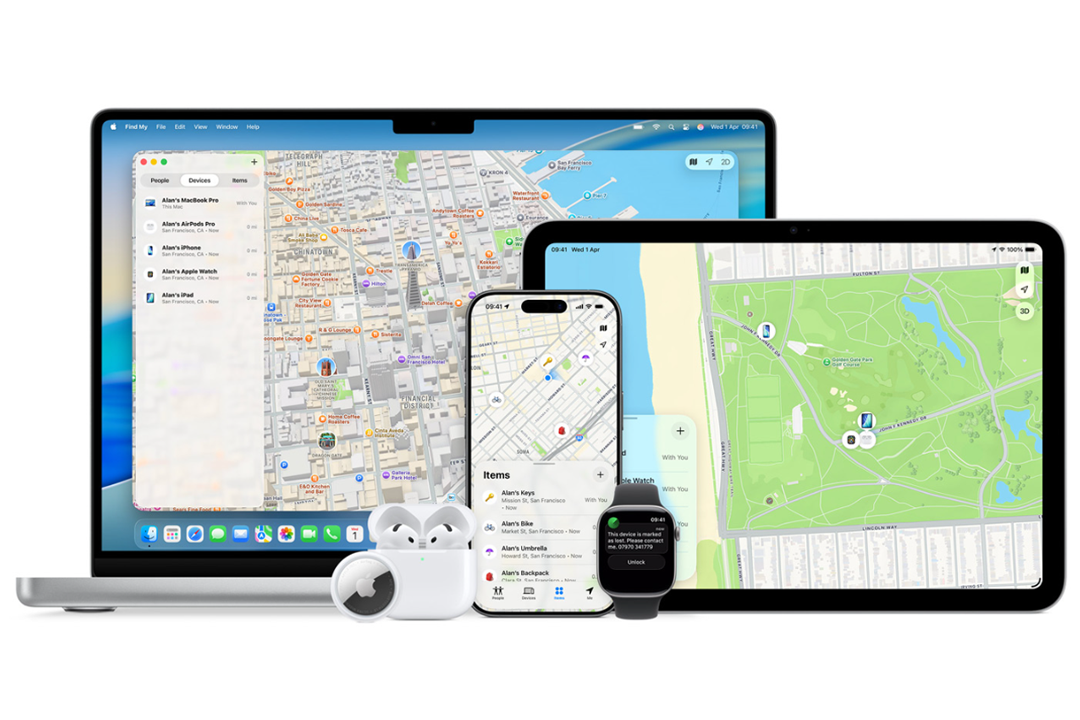
 Track your device
If you don’t know where your device is, you can use another device to try to locate it. If you’re an Apple user, log in to iCloud and use the Find Devices platform. If you’re an Android user, log in to your Google account and access Find Hub.
These services should display the last recorded location of your device and include options to play a sound to help you find it. The available tracking options will depend on whether the relevant tracking, location, and offline-finding settings were enabled before the device went missing.
If you don’t have access to another device, consider whether any loved ones you share your location with can help you track down your device.
If the device appears to be at an unfamiliar address or you believe it has been stolen, do not attempt to retrieve it yourself. Record the location and contact the relevant authorities.
Image courtesy of apple.com
Next steps
Restore your data
Even if you've lost your device, that doesn’t necessarily mean all your previous data is lost. On a replacement device, sign in to your Apple or Google account and check whether a recent cloud backup is available. Depending on your previous backup settings, you may be able to restore photos, contacts, apps and device settings.
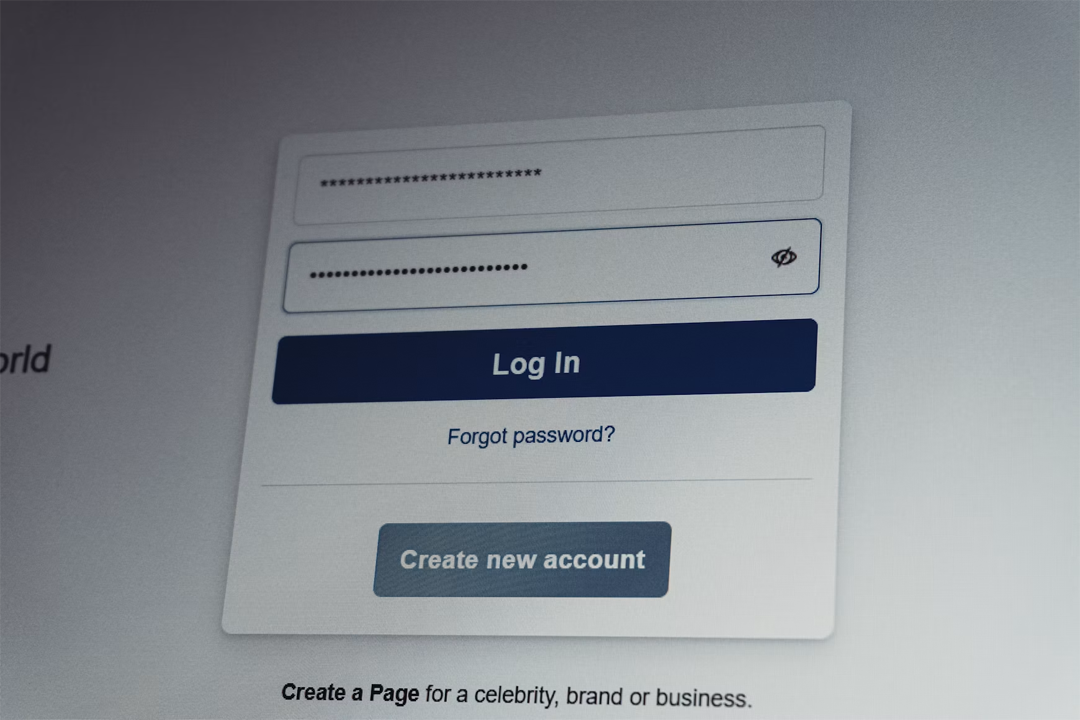 Update your passwordsIf you believe someone may have accessed your device, you should update the passwords for important accounts and review recent account sessions you do not recognise. Make sure to prioritise your most personal accounts, such as email and social media, as well as any accounts linked to your payment information, like bank or shopping accounts.
Future protection
Having a device stolen is a stressful and overwhelming situation. While some factors are beyond your control, you can still take specific steps to help protect your device for the future.
Turn tracking on
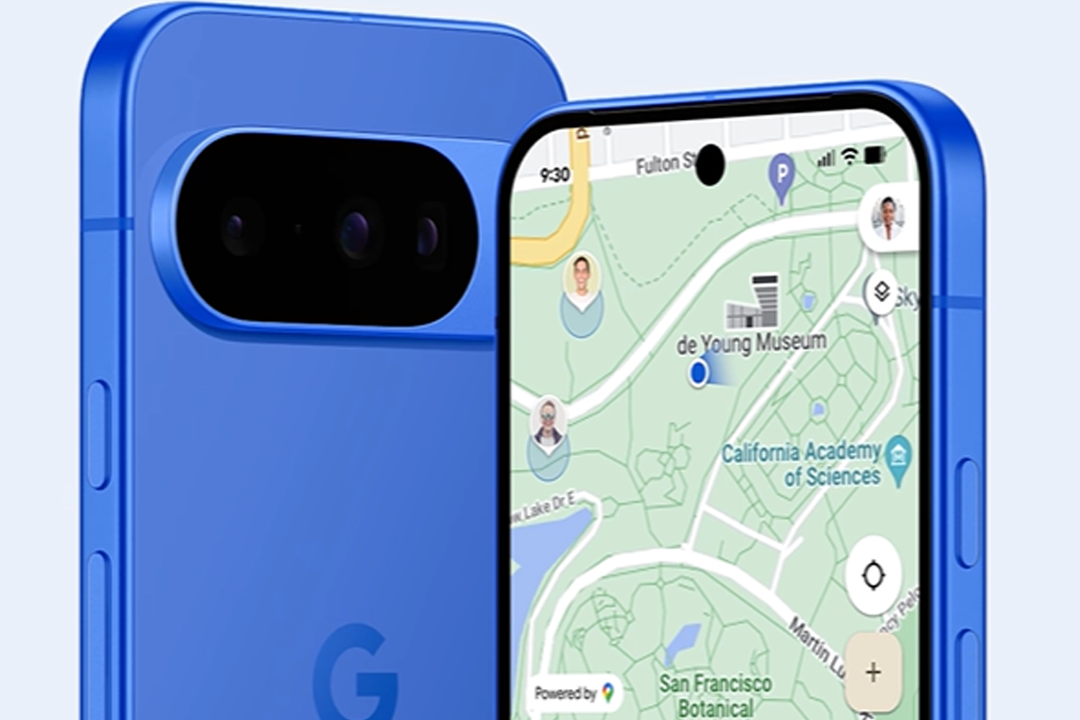
If you haven’t already, you should activate the built-in tracking function on your device so it’s ready to track. You could also enable location sharing with loved ones if you’re comfortable doing so. This will generally need to be set up before your device goes missing.
Image courtesy of
android.com
 Back up your data
To limit potential data loss, regularly back up your photos, contacts and documents to the cloud. If you struggle to remember to back up, you can enable automatic backups so your latest data is protected without relying on manual backups.
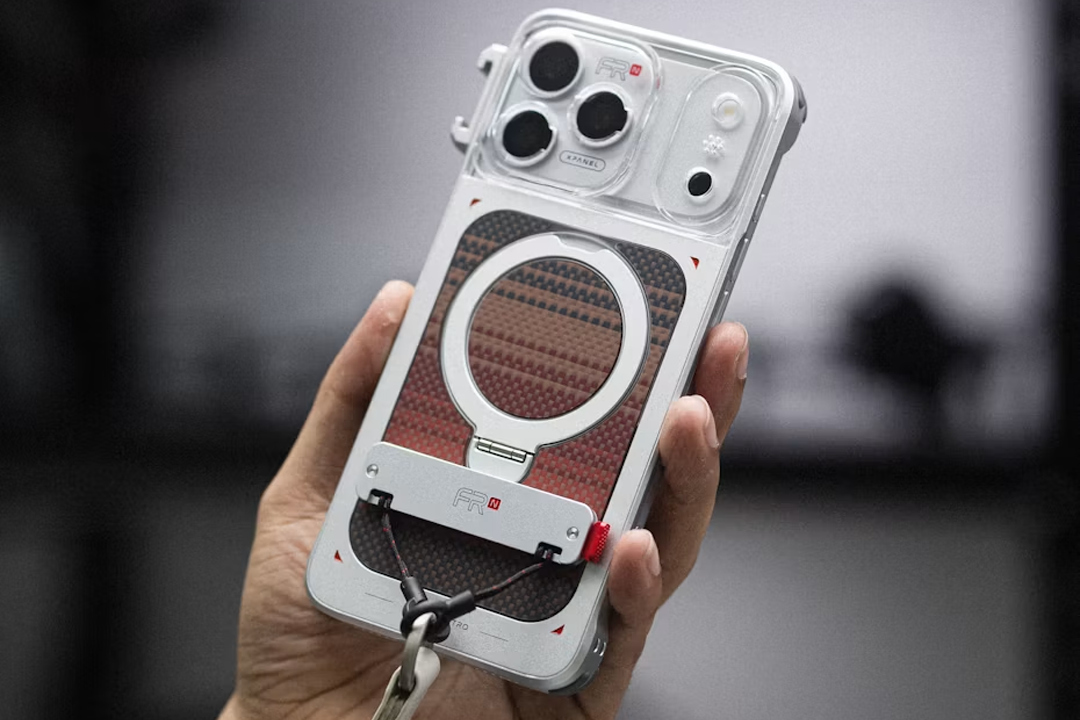
Accessorise
If you frequently misplace your device or want extra protection in busy city environments, anti-theft accessories could be a useful option. These include straps that connect to your device and can be worn around your wrist or neck for added security.
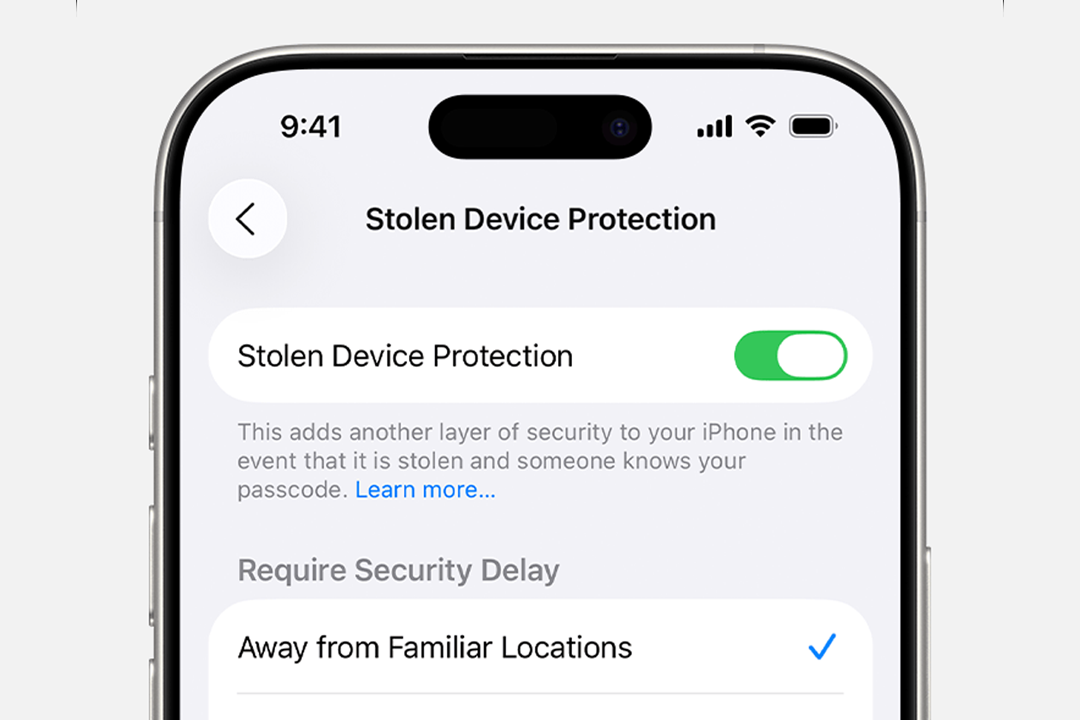 Turn on Stolen Device Protection
iPhone users should consider enabling Stolen Device Protection, which is available from iOS 17.3. This function adds extra security requirements for certain actions when your iPhone is away from familiar locations, such as your home or workplace.
When Stolen Device Protection is activated, users must authenticate with Face ID or Touch ID to access stored passwords and payment cards. Additionally, the Security Delay function requires a 1-hour wait before certain security changes can be completed, followed by Face ID or Touch ID authentication.
These features are designed so that you’ll have more time to mark your device as lost and secure your Apple Account in the event of theft, whilst delaying critical security changes that could give a thief greater control of the device.
Image courtesy of apple.com
 Turn on Advanced Protection
For Android users, Advanced Protection comprises a set of security options that can be enabled on compatible Android devices. For example, the Theft Detection Lock uses AI and motion sensors to detect if someone unexpectedly takes your phone and automatically locks it, preventing your personal data from being accessed.
Inactivity can also trigger Advanced Protection measures, including an automatic reboot if your phone is locked for 72 hours, which renders your user data unreadable until a fresh unlock occurs. Additionally, if your device loses its internet connection whilst unlocked, the Offline Device Lock activates and automatically locks your device.
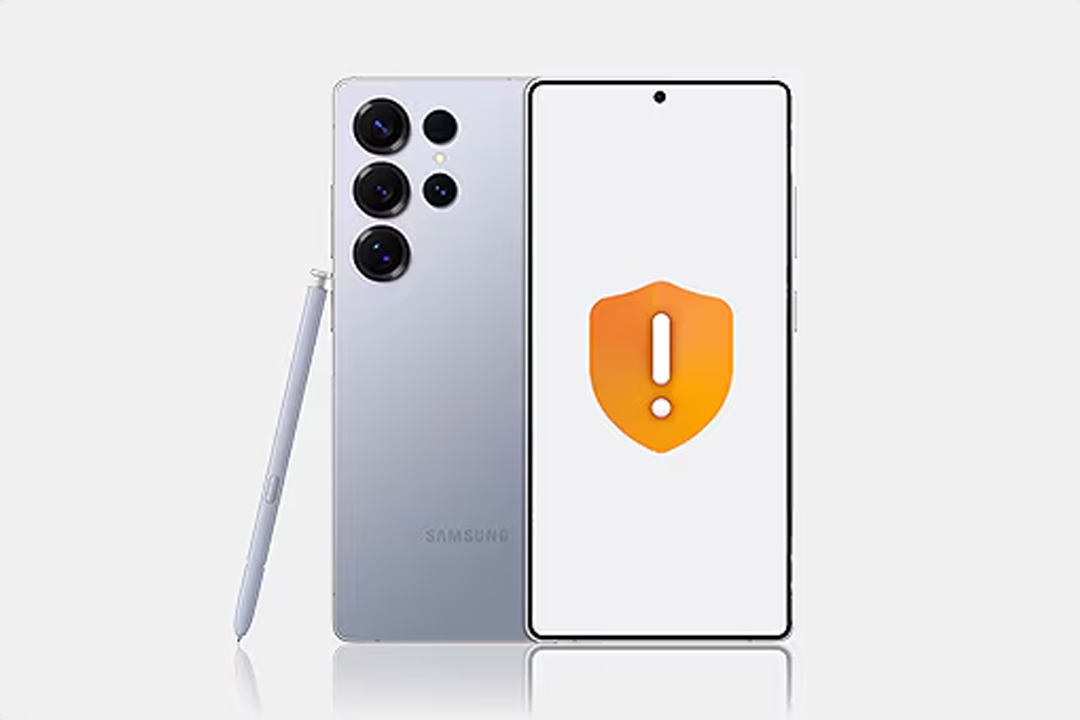
Samsung users can enable Android’s Advanced Protection features, as well as additional Anti-Robbery features available on select Galaxy smartphones and tablets, starting with One UI 7. Samsung's Identity Check feature requires biometric authentication before security settings can be changed when the device is outside a designated Safe Place, adding an extra layer of protection if your PIN has been discovered. The Security Delay function means that if a thief tries to reset biometric data, a 1-hour delay is automatically activated, giving you time to lock the phone from another connected device before unauthorised access can occur.
Image courtesy of samsung.com
Final thoughts
Losing a device can feel overwhelming, but taking swift and informed action can make all the difference in protecting your data. In a world where our devices hold so much of our lives, a little preparation goes a long way toward keeping your digital world secure.