The Ultimate Guide to iOS 27
Read on to learn more about iOS 27 and what makes it special.
Siri AI
Siri AI is arguably one of the most significant improvements introduced by iOS 27. It transforms the beloved Siri voice assistant into a conversational AI assistant powered by Apple Intelligence. Siri AI combines real-world knowledge with personal context to offer you more natural conversations and individualised assistance across a range of everyday tasks. Siri AI can be activated in the same ways as the traditional Siri, by using your voice with a ‘Hey Siri’ or ‘Siri’, or by pressing and holding the side or home button. iOS 27 also offers a dedicated Siri app, which lets you revisit your previous conversations with Siri AI from across your compatible Apple devices and pick them up as needed.
Siri AI uses its understanding of personal context to offer convenient assistance, seamlessly integrating into your life to make daily tasks easier, even on the go. At your request, it can retrieve information like booking numbers buried in your inbox, find a photo from the depths of your camera roll, or provide a refresher of the plans you made in a group chat.
Improved Apple Intelligence
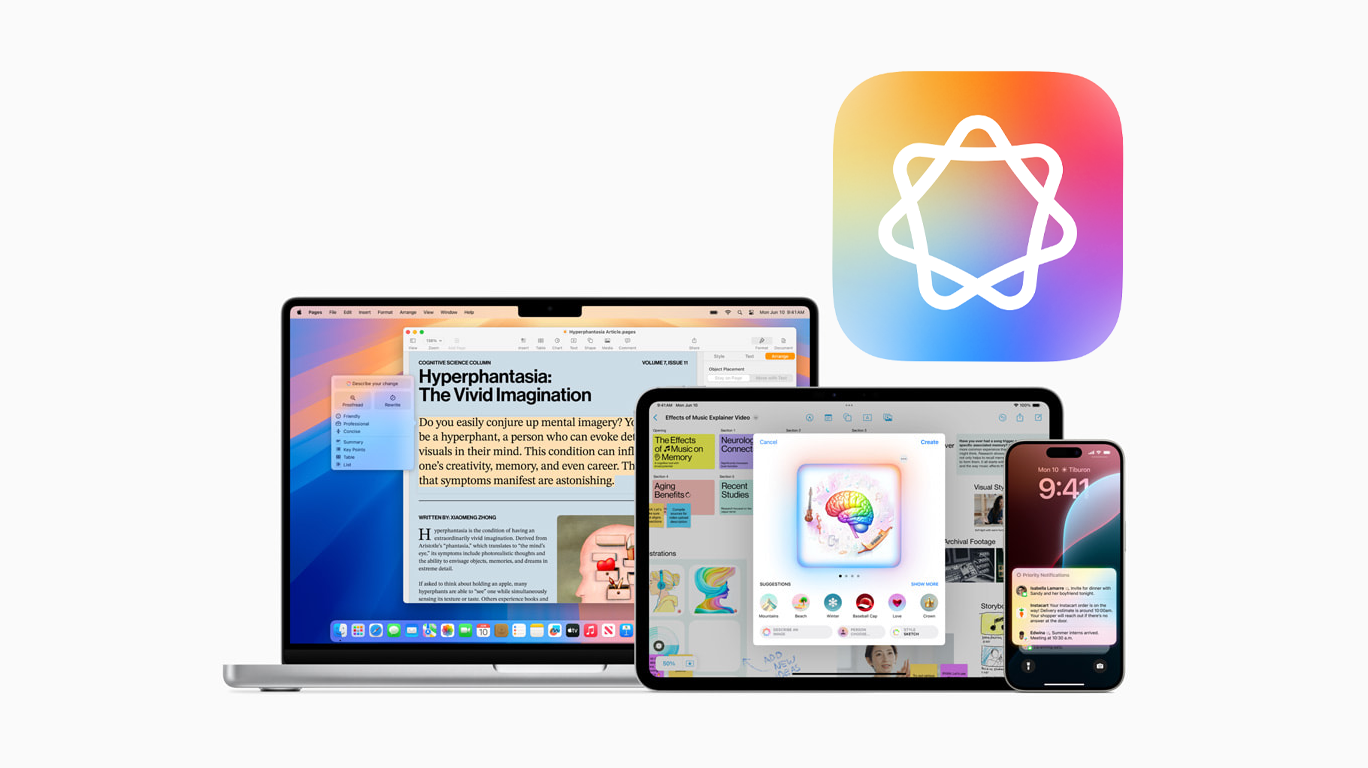
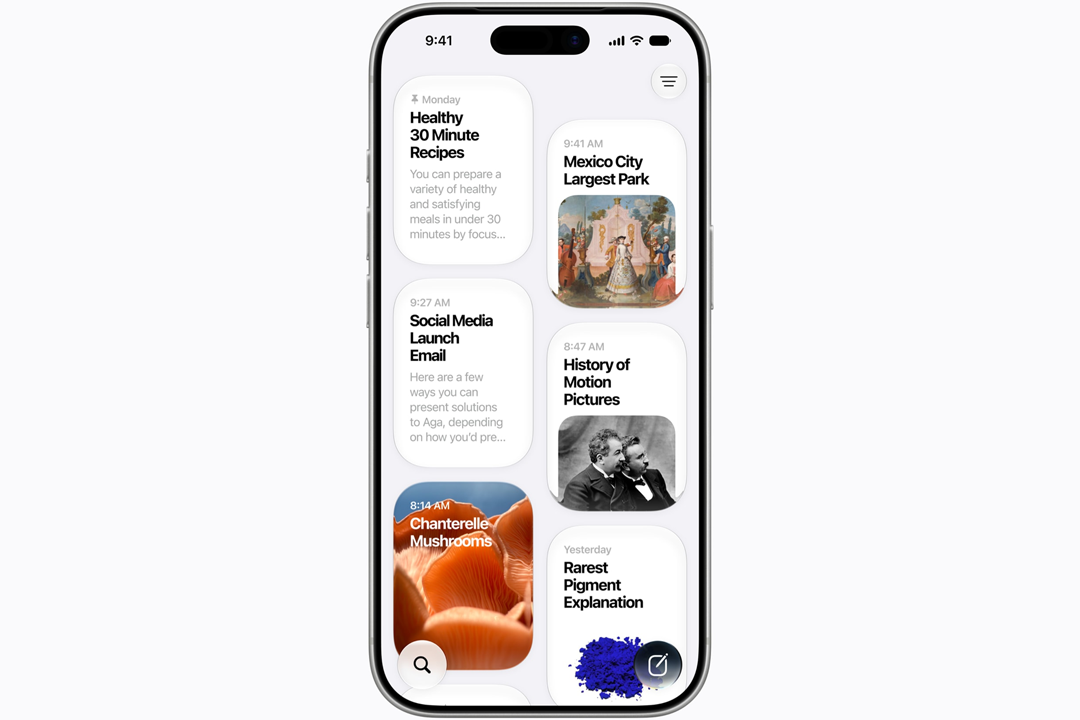
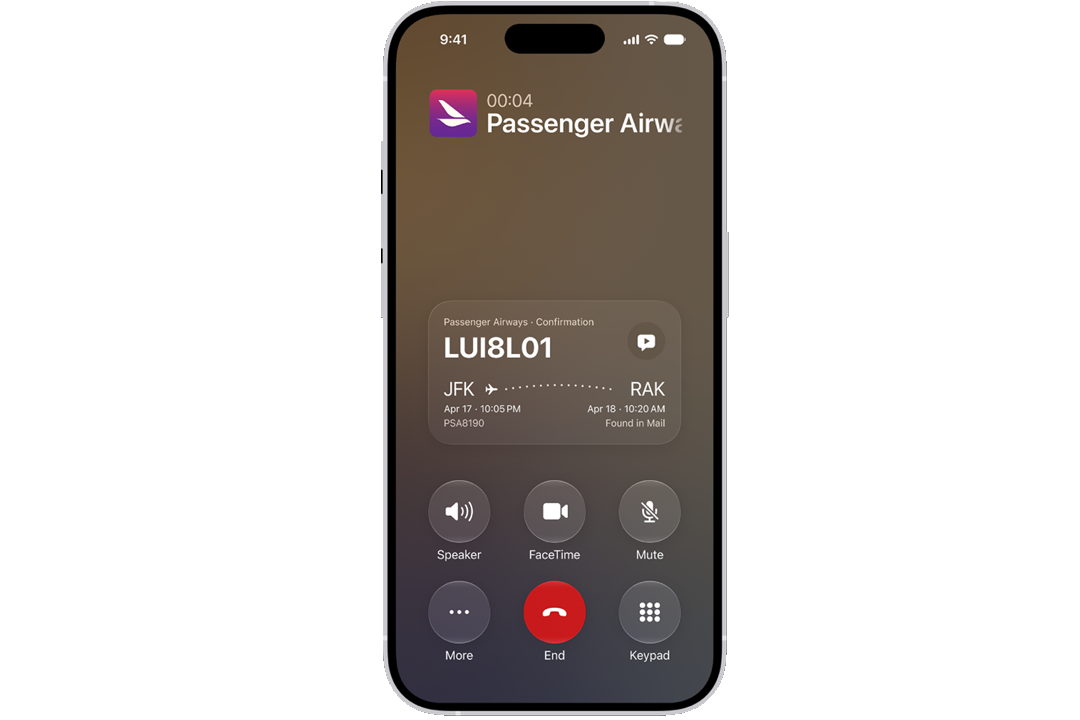
With iOS 27, Apple Intelligence brings practical improvements across your apps. When you’re on a call with certain businesses, Call Context can show relevant information from your Mail—such as ticket or booking numbers—in an on-screen overlay. Apple Intelligence can also automatically organise tabs into Tab Groups of related topics for added convenience.
Apple Intelligence on iOS 27 also expands the iPhone’s creative capabilities. In Photos, Spatial Reframing adjusts an image’s composition, Extend fills in missing areas when changing framing, and the upgraded Clean Up tool removes unwanted distractions. Image Playground has also been improved, with more styles for creating unique images. Additionally, Genmoji can suggest images based on phrases you frequently type or photos in your library.
Child safety tools
iOS 27 provides enhanced parental controls and child safety features. A Child Account is mandatory for all children under 13 years old, and remains available until age 18, with specialised parental controls tailored to each age group. This allows parents to manage their child’s screen time, app access, and contacts, with options to swiftly adjust permissions to suit different situations and their child’s development. Apple also provides expert-informed, age-appropriate advice, including recommended screen-time limits for different age groups.
If enabled, the Ask to Buy function requires parental approval for children to download an app from the App Store, whether it’s free, an in-app purchase, or paid. Similarly, the Ask to Browse feature requires children to request permission before visiting a new website on Safari, across iPhones, iPads, or Macs.
If you’re a parent, these tools will offer you more peace of mind when managing your child’s online access, while giving you enough autonomy to adapt these controls as necessary. In practice, this includes the option to adjust permissions on the go, such as granting your child permission to add a trusted friend as a contact.

FaceTime improvements
FaceTime is a longstanding Apple staple, and iOS 27 enhances it to deliver a more dynamic experience.
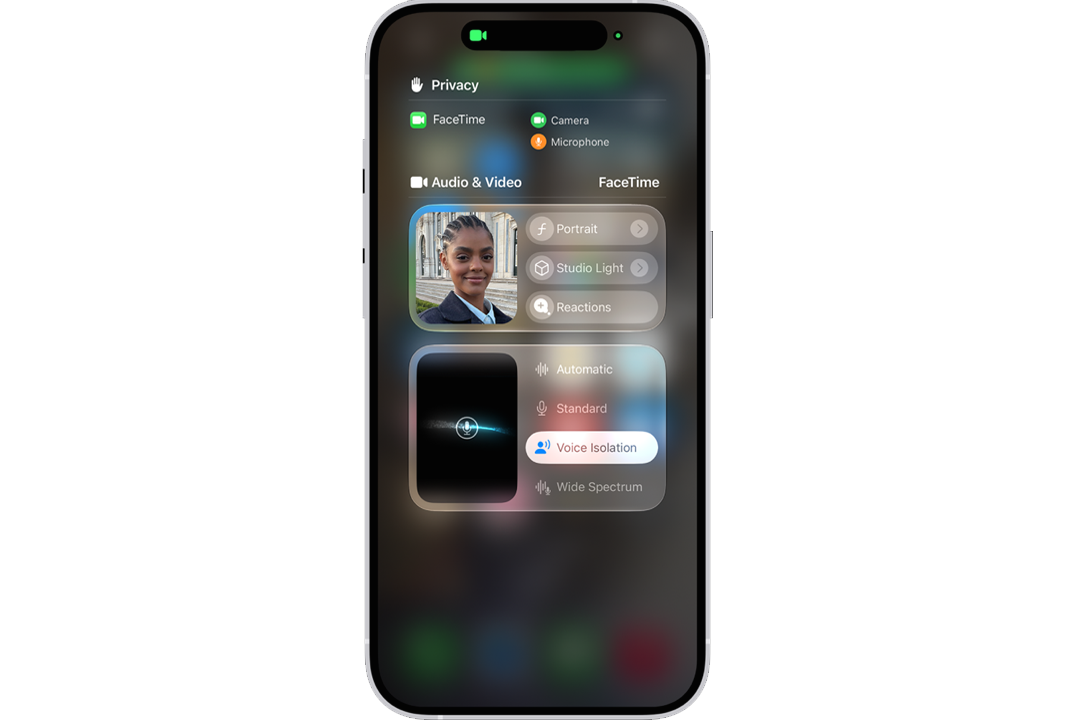
The Dual Capture feature allows you to share both the front and back cameras simultaneously during a FaceTime call. For example, while travelling, you could remain visible to loved ones while simultaneously sharing the view around you. It’s worth noting that using the Dual Capture feature requires an iPhone 17 or later, and all participents must be using iOS 27, iPadOS 27, macOS 27, or later.
iOS 27 also brings Live Translation to FaceTime. Powered by Apple Intelligence, this function provides translated Live Captions during a FaceTime call with someone speaking another language. To use Live Translation, you must download the input and output languages before the call and enable Live Captions in the FaceTime app. It’s worth noting that Live Translation is only available for one-on-one FaceTime calls in specific languages. Learn more about the languages supported for FaceTime Live Translation here.
Customisation
iOS 27 builds on the Liquid Glass design introduced in iOS 26, while adding further ways to personalise its appearance. For example, the Liquid Glass slider allows you to adjust the effect from ultra-clear to fully tinted.
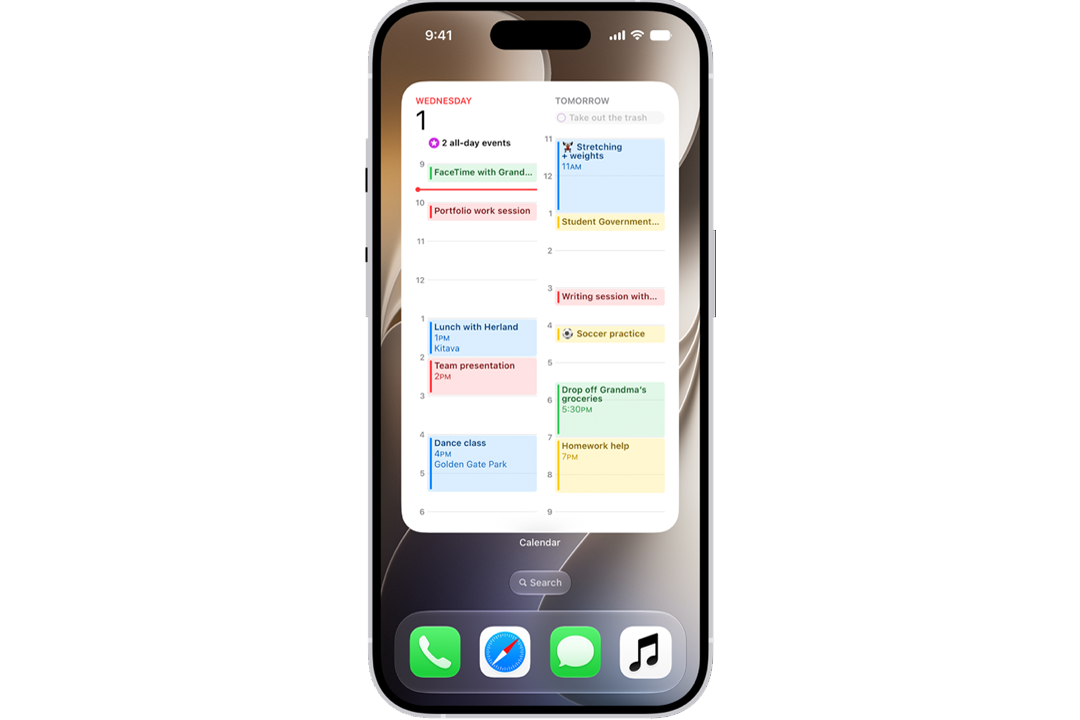
There are also more options for customising your apps and widgets in iOS 27. It’s possible to change app icon sizes, apply a colour tint to them, and switch between light, dark, and clear appearances. For widgets, iOS 27 also offers sizes up to extra-large. This offers practical opportunities, such as an extra-large calendar widget that provides daily insights at a glance.
Accessibility
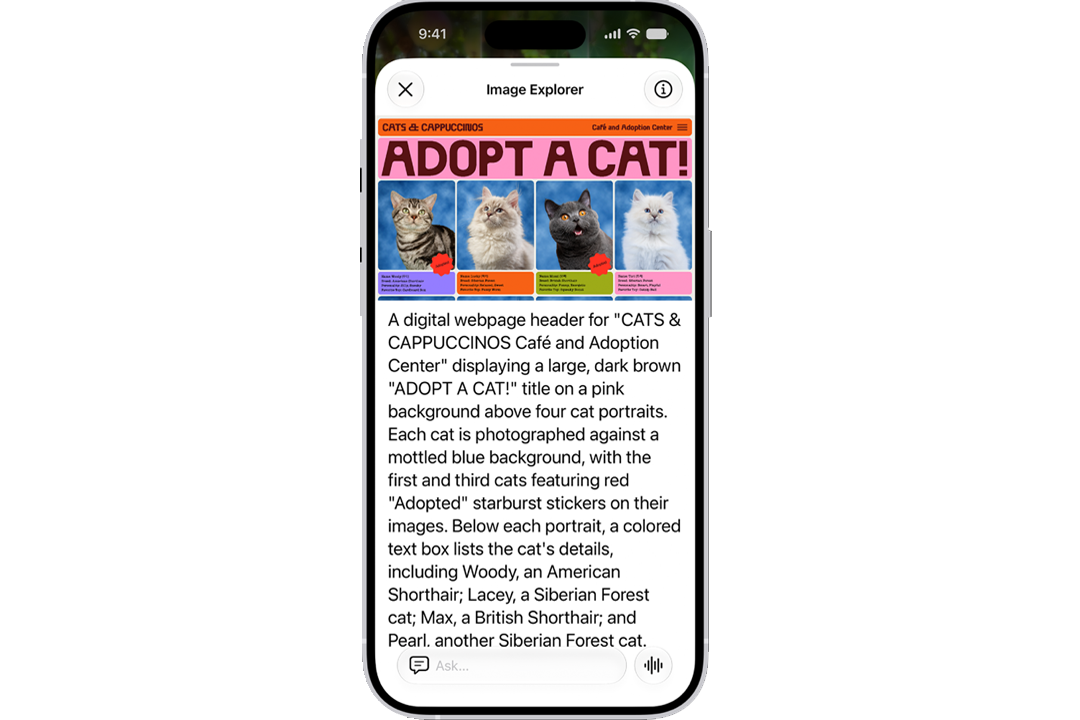
iOS 27 expands the accessibility tools available on iPhone by utilising Apple Intelligence. If a video lacks subtitles, the captioning feature automatically transcribes spoken audio and generates synced subtitles. Additionally, existing subtitles in other languages can also be generated into new, translated subtitles. With iOS 27, VoiceOver also provides richer image descriptions. Additionally, improved Live Recognition enables you to ask questions about your surroundings or documents.
Final thoughts
iOS 27 brings intelligence to more of the moments that matter, making the iPhone feel more personal, thoughtful, and capable throughout daily life.By building on the familiar iPhone experience while creating new opportunities for smarter assistance, iOS 27 marks a notable evolution of Apple’s mobile operating system.