Apple vs. Samsung: Which AI Assistant Reigns Supreme?
Whether you’re looking for a productivity boost, a creative assistant, or a smarter digital companion, this article explores how Apple Intelligence and Galaxy AI can deliver real, practical value in your day-to-day activities.

Apple Intelligence: Personal, private, and intuitive
Apple positions Apple Intelligence as a profoundly personal AI system built around usability and privacy. Integrated directly into iOS 18 and further refined through iOS 26, it enhances Siri, streamlines everyday tasks, and introduces powerful, system-wide content creation tools—all while keeping user data secure.
How Apple Intelligence enhances daily life
AI-powered photo and video editing
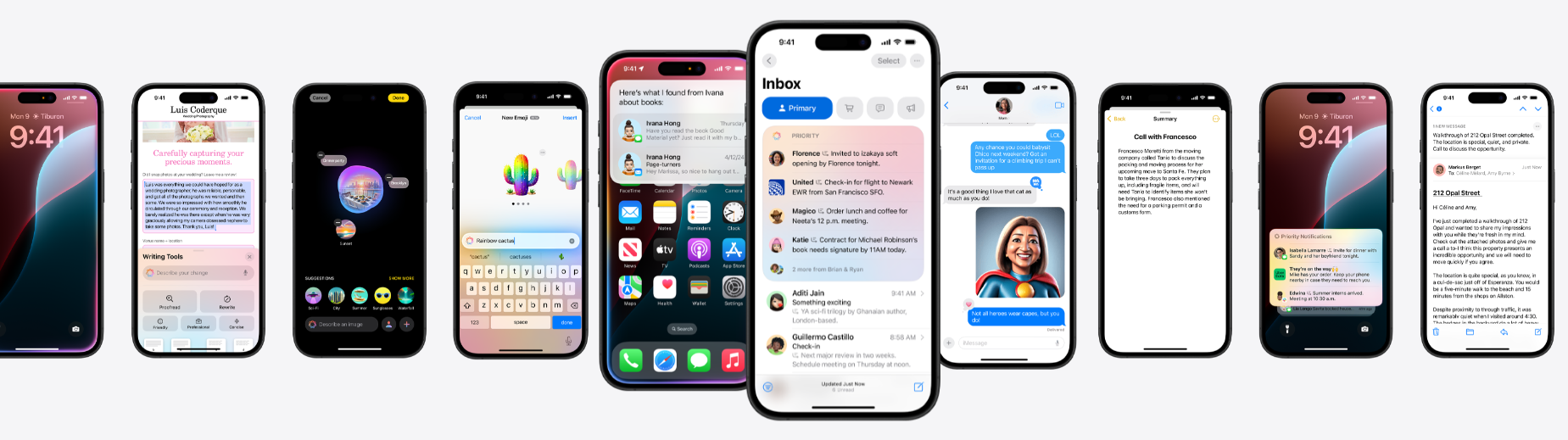
For photographers and content creators, Apple Intelligence brings advanced editing tools directly into the Photos and Camera apps. Features such as automatic lighting correction, object removal, and AI-generated captions allow users to enhance images and videos effortlessly—without relying on third-party software.
Apple Intelligence provides extra creative tools, such as Genmoji, for creating custom emoji-style images. There’s also Image Playground, which produces images based on descriptions, themes, and people from a user’s photo library.
Smarter task management with context-aware Siri
Siri has evolved beyond simple commands and reminders. With enhanced contextual awareness, it can now understand and execute complex, multi-step requests. For example:
“Remind me to email James when I get to the office, and add a follow-up task if he doesn’t reply by Thursday.”
Siri understands the intent, remembers the context, and handles the entire workflow automatically—making it easier to stay organised when juggling meetings, deadlines, and personal tasks.
Personalised writing assistance across your apps
Struggling to strike the right tone in an important email or document? Apple Intelligence can rewrite text in multiple styles—formal, friendly, persuasive, or concise—directly within the apps you already use.
Whether you’re composing a professional email, refining a social media caption, or polishing an academic paper, Apple’s AI helps fine-tune your message without interrupting your workflow.
Live Translation across conversations
Apple Intelligence offers Live Translation across Messages, FaceTime, and the Phone app. In Messages, it can translate text automatically as you type. FaceTime shows translated captions, while phone call translations can be spoken aloud in real time.
Additionally, Live Translation supports in-person conversations using compatible AirPods, performed on-device to help maintain privacy.
Visual Intelligence for real-world information
Visual Intelligence lets you access information through the camera and on-screen content. It assists in identifying objects, finding similar products, extracting relevant details, and engaging with content in compatible apps.
On-device AI for maximum privacy
One of Apple’s biggest differentiators is its commitment to on-device AI processing. Sensitive information such as personal messages, health data, and financial details stays on your device whenever possible, minimising data exposure. For users who prioritise privacy without sacrificing intelligent features, this approach is a significant advantage.
 Courtesy of apple.com
Galaxy AI: Flexible, powerful, and cloud-driven
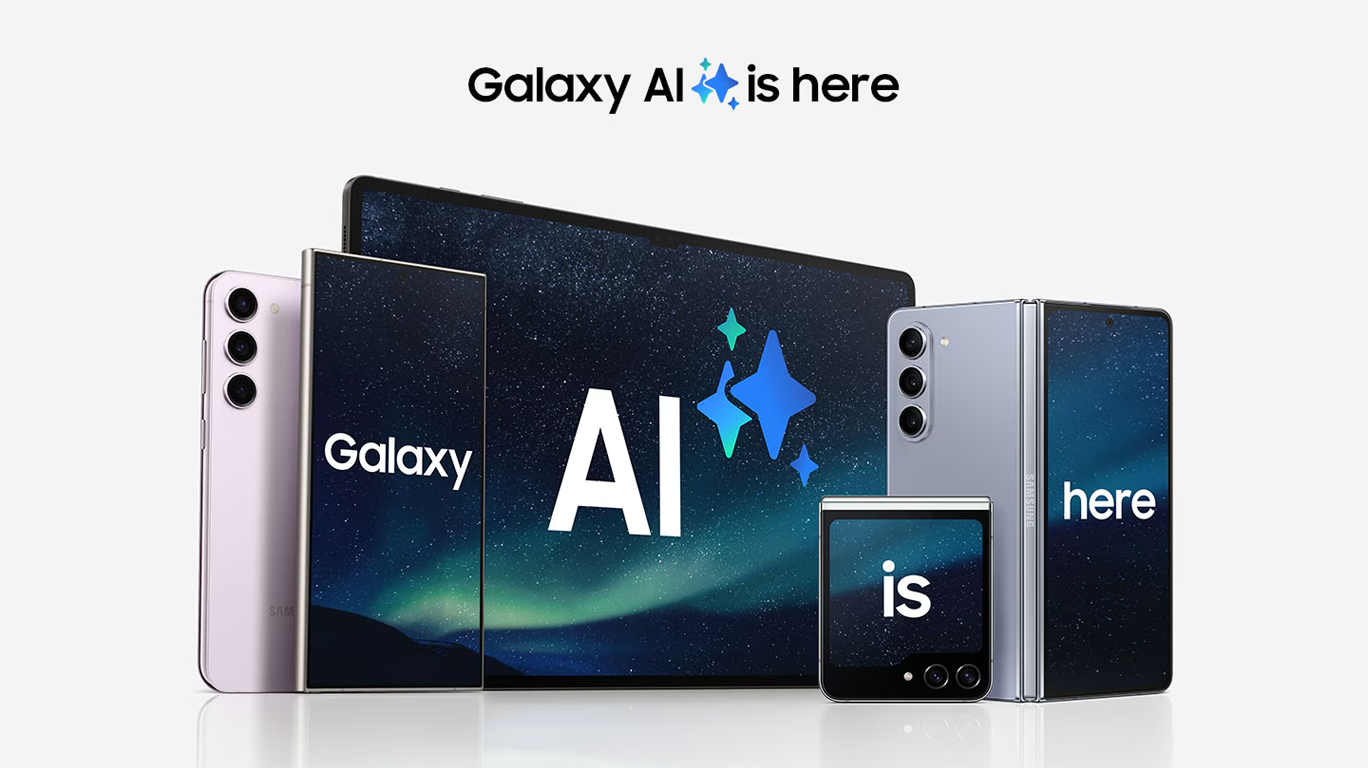
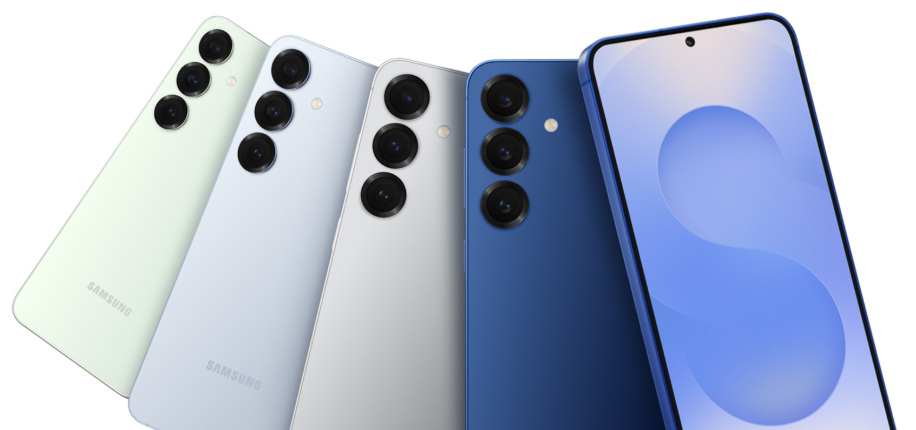
Samsung’s Galaxy AI, powered by Google Gemini, takes a different approach. By leveraging cloud-based AI, Samsung offers a highly versatile assistant that integrates smoothly with a wide range of apps and services—both Samsung’s and third-party.
How Galaxy AI improves daily life
Multi-app productivity with Google Gemini
If your workflow spans multiple apps and platforms, Galaxy AI truly shines. Unlike Siri, which works best within Apple’s ecosystem, Gemini connects effortlessly with third-party services.
For example, you can ask Gemini to carry out the following actions in one go.
“Find a dog-friendly café nearby, check its Google reviews, and send the location to Sarah on WhatsApp.”
Gemini handles the entire sequence—searching, analysing results, and communicating—all in one request. This makes it ideal for busy professionals and power users who frequently jump between apps.
 Courtesy of samsung.com
Live translation and AI-enhanced communication
Galaxy AI supports translation and communication tools across supported calling, messaging and in-person conversation experiences. Whether you’re travelling, collaborating with international colleagues, or managing global clients, communication becomes smoother and more accessible.
For example, if you receive a business email in French but need to reply in English, Galaxy AI translates the message instantly and even suggests a suitable response tone.
Advanced image and audio enhancements
Samsung’s Galaxy AI technology upscales photos and videos while preserving visual quality, making it a strong choice for photography and video enthusiasts. Meanwhile, Audio Eraser removes unwanted background noise from recordings—an invaluable feature for podcasters, journalists, and remote workers operating in less-than-ideal environments.
The Creative Studio can generate images in different styles using sketches, text descriptions or photographs as its starting point.
Personalised information with Now Brief
Galaxy AI’s Now Brief offers personalised summaries based on information such as your daily schedule. It aims to highlight useful content and assist users in managing their tasks throughout the day without switching between multiple apps. This moves Galaxy AI beyond just responding to prompts, enabling it to deliver more relevant information proactively.
Which AI assistant suits you?
Both Apple and Samsung offer powerful AI assistants, but they cater to different priorities and lifestyles. Here’s a quick breakdown to help you choose:
| Feature | Apple Intelligence | Galaxy AI |
|---|---|---|
| Writing and editing | Advanced AI-powered tools for proofreading, rewriting and summarising | Writing and communication assistance alongside a wider collection of productivity, selection and automation tools |
|
|
|
|
| Task management | Context-aware Siri with memory recall | Gemini automates workflows across apps |
|
|
|
|
| Privacy | On-device AI for enhanced security | Cloud-powered AI with broader capabilities |
|
|
|
|
| Photography and media |
Intelligent image editing and suggestions, as well as AI-powered creation
|
AI-assisted creation, upscaling and editing tools alongside noise removal |
| Translation | Live Translation in Messages, FaceTime and Phone, with support for in-person translation through compatible AirPods | Translation tools covering supported calls, messages and in-person conversations |
|
|
|
|
| App integration | Optimised for Apple’s ecosystem | Seamless with Google and third-party apps |

Final verdict
- Choose Apple if you value privacy, seamless ecosystem integration, and polished AI-assisted writing and creativity.
- Choose Samsung if you want proactive information, flexible on-screen tools, real-time communication support and increasingly agentic assistance across the Galaxy ecosystem.
Ultimately, the better AI assistant is the one that fits your lifestyle. Whether you prefer Apple’s private and refined approach or Samsung’s open and highly integrated AI experience, both represent a significant step forward in how smartphones intelligently support our daily lives.