How to Care for Your Smart Health Devices: A Complete Maintenance Guide
Wearable health devices are everyday companions for millions of people. Whether you're monitoring your heart rate during a workout, tracking your sleep patterns overnight, or keeping an eye on your daily activity levels, these devices provide valuable insights that can help you better understand your health and wellbeing.
Like any piece of technology, however, wearables perform best when they're properly cared for. Regular cleaning, sensible charging habits, and keeping software up to date can help maintain accurate readings, maximise battery life, improve comfort, and extend your device's lifespan.
In this guide, we'll cover how to look after your wearable health devices, including cleaning, protection, and solving common issues. These simple tips can help you get the most from your wearable technology for years to come.
Why regular device care matters
Regular maintenance plays an important role in keeping your smart devices working as intended. Over time, dirt, sweat, moisture, and everyday wear can affect sensors, battery performance, and overall reliability. This can potentially lead to less accurate data. Cleaning your devices regularly, following good charging practices, and protecting them from unnecessary damage can help preserve their performance and extend their lifespan.
Taking care of your wearable tech can also improve comfort and hygiene, especially for devices that are worn throughout the day or during exercise. Just a few simple maintenance habits can help prevent avoidable issues, reduce the likelihood of repairs, and ensure your health tracker continues delivering reliable insights for longer.
Keeping your wearables clean
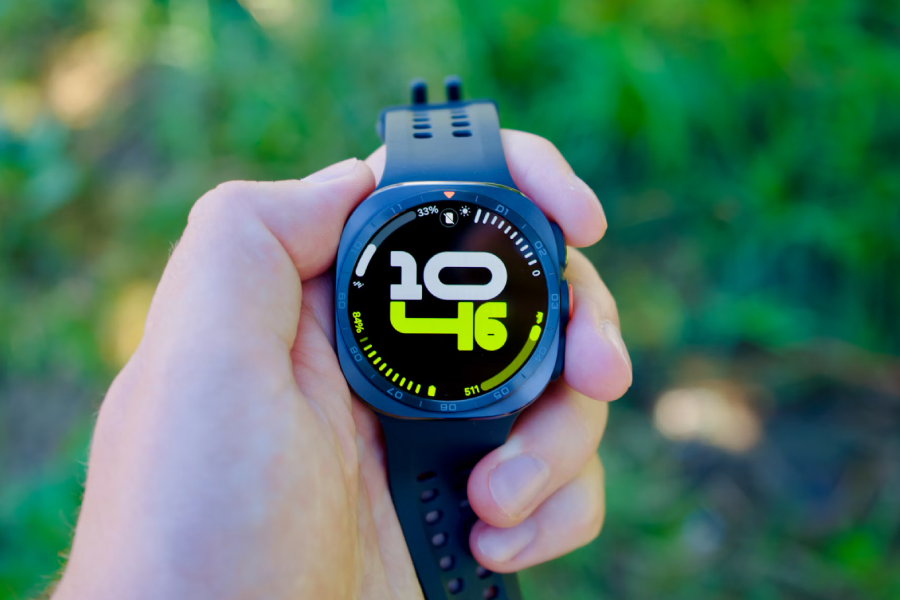
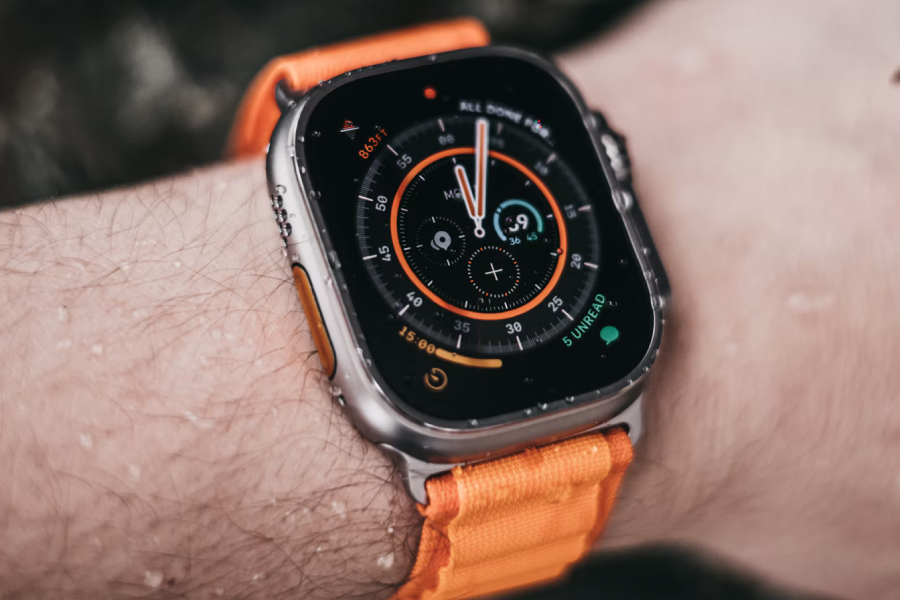
Because health-monitoring devices are worn directly against your skin for extended periods, keeping them clean is important for both performance and comfort.
Dirt, sweat, soap residue, and skincare products can accumulate and may interfere with sensors over time or cause skin irritation. Cleaning frequency will depend on how often you use your devices.
- Clean wearables regularly using a soft, non-abrasive cloth
- Use manufacturer-recommended cleaning products where available
- Avoid harsh chemicals or abrasive materials that could damage finishes, sensors, or seals
- Take extra care when cleaning sensor surfaces to avoid scratches that could affect tracking accuracy
- Wipe down cases, screens, and straps to remove sweat and debris
- Follow any care instructions specific to the band material (silicone, leather, metal, and fabric straps may require different cleaning methods)
- For earbuds, remove earwax and debris and keep charging contacts free from dirt to ensure reliable charging
Protecting sensors for accurate health tracking
Modern wearables rely on a range of sensors to monitor health and activity, including heart rate monitors, blood oxygen sensors, temperature sensors, and GPS and motion-tracking technology. Because sensor accuracy directly affects the quality of the information your device provides, it's important to keep these areas in good condition.
- Keep sensor surfaces clean and free from dirt, sweat, skincare products, and other residue
- Recalibrate sensors when recommended by the manufacturer, especially after updates or significant changes in use
Taking a few moments to clean sensors regularly and ensure your device fits properly can help improve tracking accuracy and ensure you're getting the most reliable insights from your wearable technology.
Best practices for battery care
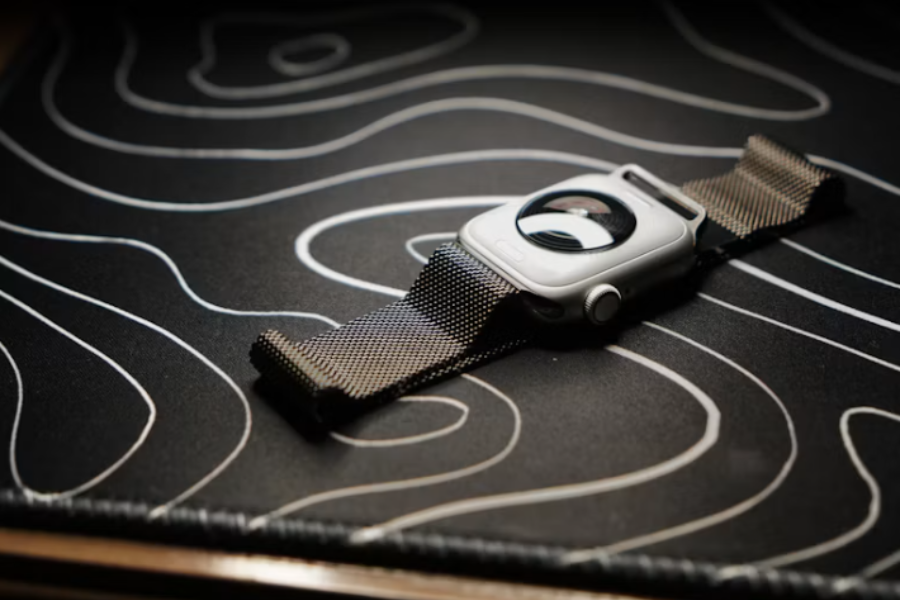
A healthy battery is essential for getting the best experience from your health tracker. Like all rechargeable batteries, those found in wearable devices naturally degrade over time, but good charging habits can help slow this process and maintain reliable performance for longer.
To help protect your wearable's battery:
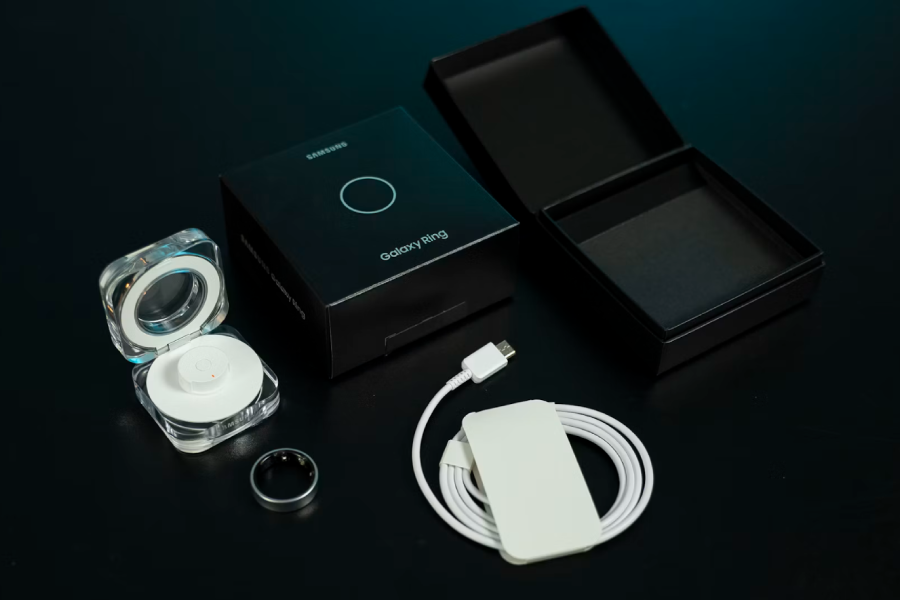
- Use manufacturer-approved chargers, cables, and charging accessories
- Avoid exposing your device to extreme temperatures while charging
- Keep charging contacts clean and free from dust, moisture, and debris
You can also reduce battery wear by adjusting settings and limiting the use of features you don't regularly use. For example:
- Lower screen brightness
- Disable always-on displays
- Turn off unused connectivity or background features
- Install software and firmware updates that include battery performance improvements
Protecting wearables from everyday damage
Regular exposure to water, impacts, and environmental conditions can gradually affect the appearance and performance of wearables. While many are built with durability in mind, taking a few precautions can help reduce wear and extend their lifespan.
To help protect your wearable from liquid damage:
- Check your device's water-resistance rating and follow the manufacturer's guidance
- Do not assume that a water-resistant device is suitable for all forms of water exposure
- Ensure charging ports and contacts are completely dry before charging
To reduce the risk of physical damage:
- Remove your wearable when carrying out activities that could result in heavy impacts
- Use protective cases, bumpers, or screen protectors if they're available for your device
- Store your wearable safely when it's not being used
To help maintain long-term performance:
- Avoid exposing devices to extreme temperatures whenever possible
- Keep wearables away from harsh chemicals, cleaning agents, and solvents
- Remove dirt, dust, and sand promptly after outdoor activities
- Store devices out of direct sunlight when not in use

Keep software and firmware up to date
Keeping your wearable's software and firmware up to date is an important part of maintaining performance. Updates often improve health-tracking accuracy, introduce new features, strengthen security, and fix bugs that could affect reliability, battery life, or connectivity.
To keep your device running smoothly:
- Enable automatic updates if desired
- Install software and firmware updates promptly
- Keep companion apps on your smartphone or tablet up to date
- Ensure your device has sufficient battery charge before updating
It's also a good idea to restart your wearable occasionally, particularly if you notice performance issues. Consider restarting your device periodically and follow any manufacturer recommendations after major updates.
Managing data and apps
Your wearable device doesn't work in isolation. Most smart rings, smartwatches, fitness trackers, and health-monitoring earbuds rely on companion apps to store data, provide insights, and manage settings. Maintaining this broader software ecosystem can help ensure your health information remains accurate, accessible, and up to date.
To keep data syncing smoothly and features working as expected:
- Keep companion apps on your smartphone or tablet updated
- Review app permissions periodically to ensure they have access to the data they need
- Sync your device regularly to avoid missing or incomplete data
- Check that your wearable remains connected to your companion app after software updates or device changes
By taking a proactive approach to managing your apps and data, you can help ensure your wearable continues to deliver meaningful insights while keeping your health information organised and accessible over time.

Getting the best fit for reliable tracking
A proper fit is essential for accurate health and activity tracking. Ensuring consistent contact with your body helps sensors collect more reliable data while improving comfort during everyday use.
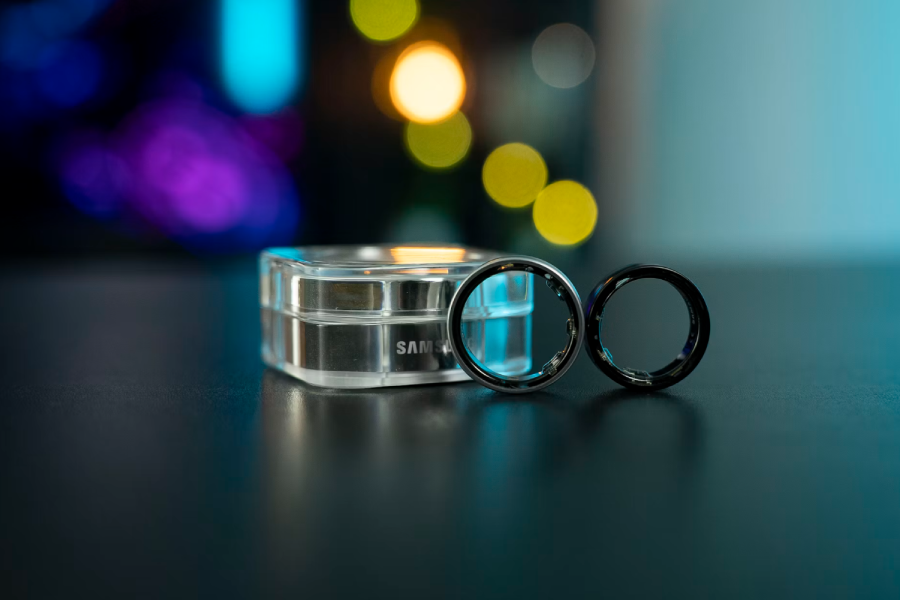
For smart rings:
- Choose a fit that is snug but comfortable
- Adjust the ring's position to ensure the sensor makes contact with the underside of your finger
- Follow the manufacturer's sizing guidance
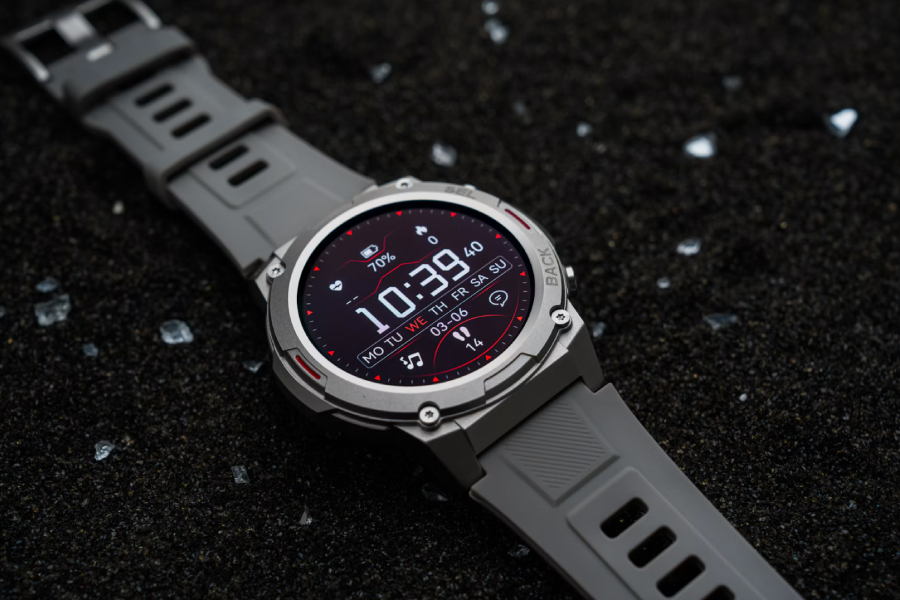
For smartwatches and fitness bands:
- Wear the device slightly above the wrist bone during exercise
- Ensure the band is secure without being overly tight
- Adjust the fit as needed throughout the year, as temperature changes can affect wrist size
For health-tracking earbuds:
- Select the ear tip size that provides the best fit
- Ensure the earbuds remain secure during activity
Troubleshooting common wearable problems
Most wearable issues can be resolved with a few simple troubleshooting steps before seeking support.
If your battery is draining quickly: reduce screen brightness, disable unused features, check for software updates, and restart the device.
If health readings seem inaccurate: clean the sensors, check the fit and positioning of the device, and recalibrate if recommended by the manufacturer.
If data isn't syncing properly: ensure Bluetooth or Wi-Fi is enabled, manually sync using the companion app, and restart both devices.
If you're experiencing connectivity problems: move closer to the connected device, disable and re-enable the connection, and re-pair the device if necessary.
If sensor errors occur: clean the sensor area, check for visible damage or obstructions, and restart the device.
These quick checks can often restore normal performance and save time. If issues persist, consult the manufacturer's support resources to determine whether further troubleshooting, repair, or replacement is needed.
Knowing when it's time for repair or replacement
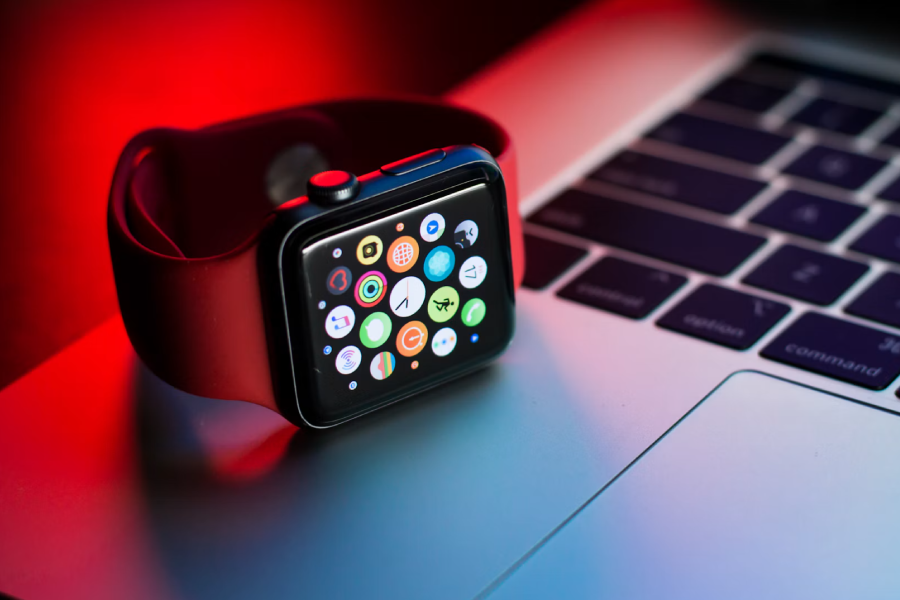
Even with proper care, wearable devices can develop issues over time. While many problems can be resolved through basic troubleshooting, some may require professional attention to restore performance and reliability.
Signs that your wearable may need repair or replacement include:
- Significantly reduced battery life or persistent charging issues
- Damaged sensors that affect tracking accuracy
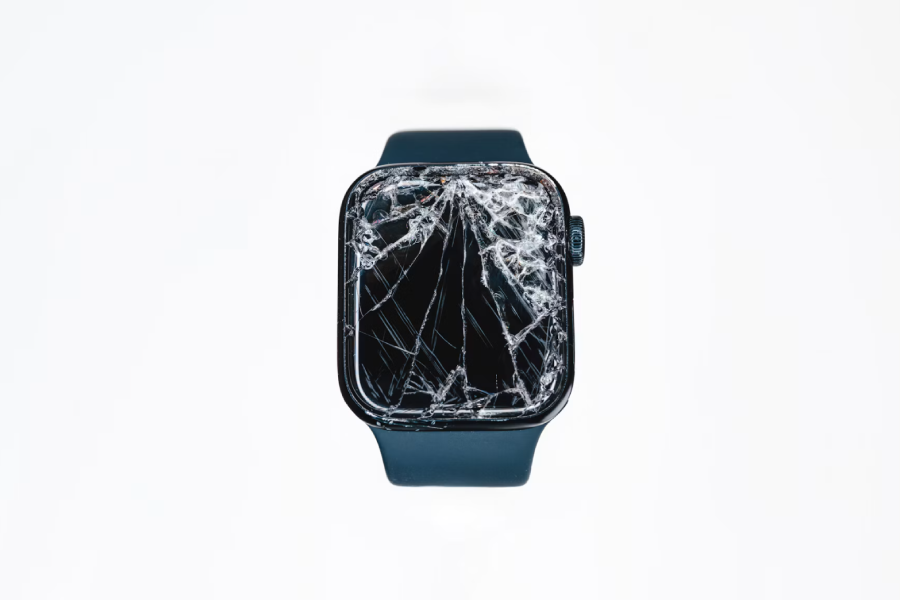
- Signs of water damage or physical defects, such as cracked screens or damaged components
When deciding between repair and replacement, consider the following:
- Check whether the device is covered by a warranty or support plan
- Compare the cost of repair with the cost of a replacement
- Consider whether newer models offer features that better suit your needs
- Explore available trade-in, recycling, or refurbishment programmes
In many cases, repairing a device can be the most cost-effective and environmentally responsible option. However, if repairs are uneconomical or the device no longer performs reliably, replacement may be the better long-term choice.
Looking after your smart health devices doesn't require much effort, but a little routine maintenance can make a significant difference over time. Whether you wear a smart ring, smartwatch, fitness tracker, or health-monitoring earbuds, wearable technology is an investment in understanding and managing your health.
Small steps taken regularly are often far more effective than addressing problems after they occur. By caring for your devices properly, you can enjoy more reliable insights, better performance, and greater long-term value from the technology you rely on every day.