The Best Games to Test Your Gaming PC’s Performance
Whether you’ve finally finished building your gaming PC, got a new processor or graphics card, or are looking to upgrade your build, when it comes to testing how well your PC performs, there’s no better test than playing demanding video games.
By matching each game to a specific hardware capability, you can identify your PC’s strengths, experiment with different settings and find areas where performance could be improved.
Gameplay
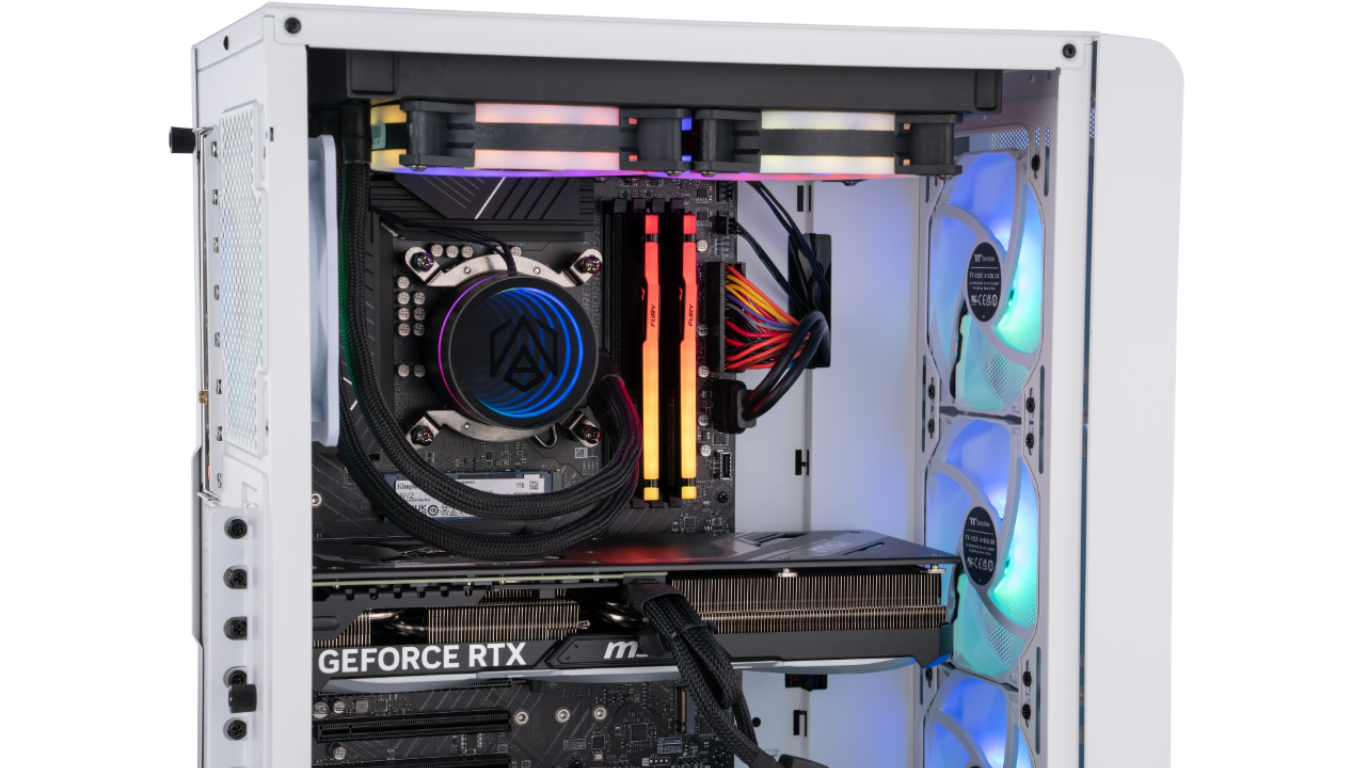
The CPU (central processing unit), also known as the processor, is a core component of your PC and is essential for powering gameplay. During gaming, it helps process everything from player inputs and character behaviour to physics and background activity.
A CPU suitable for demanding games must balance powerful single-core performance, high clock speeds, and enough cores to handle more complex tasks.
CPU cores
A core is an individual processing unit within the CPU. Each core can execute instructions independently, allowing the computer to divide demanding workloads across multiple cores.
Having more cores enhances a PC’s multitasking capabilities for gaming, streaming, and managing background apps. High-end gaming PCs typically require eight or more cores, though it’s worth noting that a higher core count alone doesn't necessarily mean better performance.
When playing fast-paced multiplayer games, like Fortnite, monitor your CPU usage during large multiplayer matches and action-heavy sequences. If several cores are working consistently while the game maintains stable frame times, your processor is handling the workload effectively.
Clock speed
Clock speed indicates how many processing cycles a CPU can complete each second. A higher clock speed helps the processor perform tasks more quickly, although the overall core count can also influence the result.
The importance of clock speed varies between games. Some game engines rely more heavily on a smaller number of cores, which means strong single-core performance at high clock speeds is particularly valuable.
For example, Elden Ring places considerable emphasis on single-core performance, so areas with extensive environmental activity (like scenery and enemies) may reveal whether your CPU’s individual cores can process instructions quickly enough. Try to pay attention to frame pacing rather than focusing only on the average frame rate: brief but noticeable stutters can reveal performance issues.
Graphics
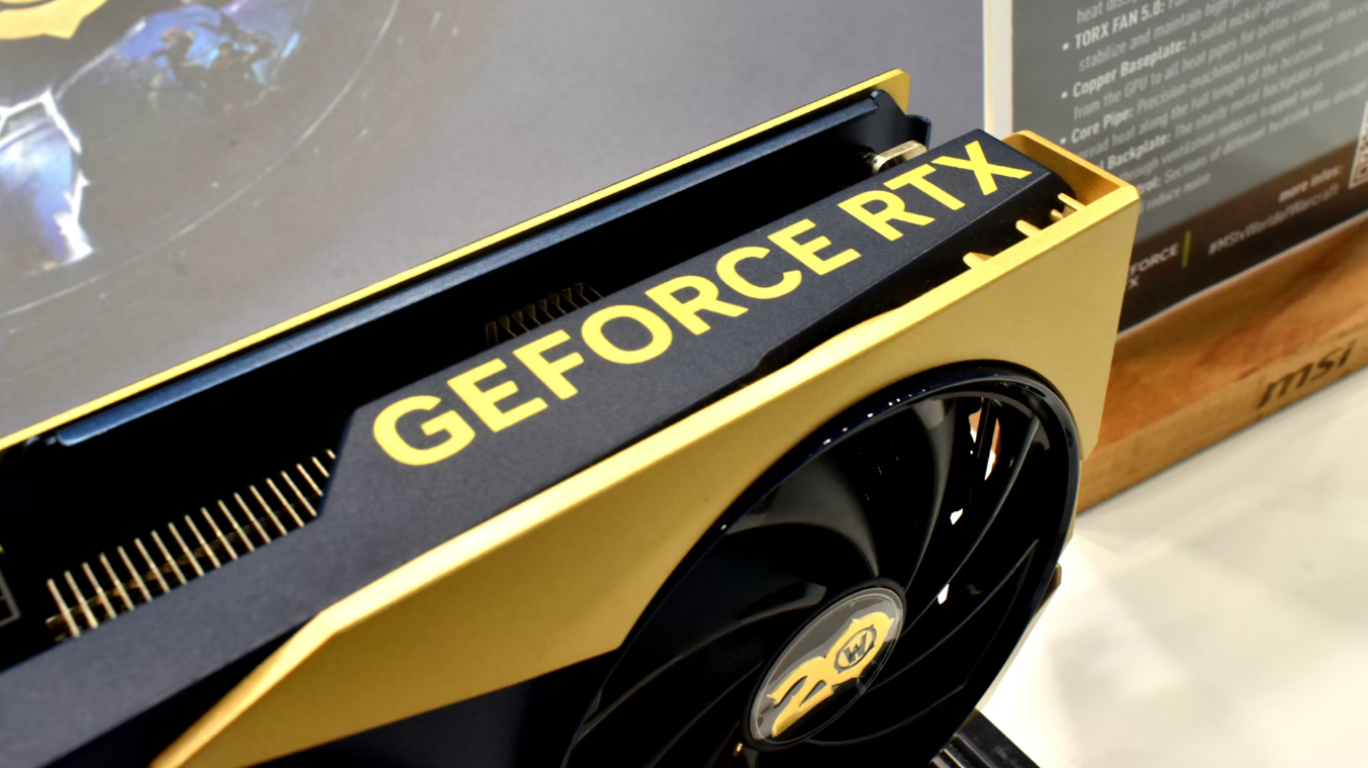
The GPU (graphics processing unit), also known as the graphics card, renders the images displayed on your monitor. It processes textures, lighting, shadows, reflections and other visual effects, ultimately determining how good games will look when you play them.
When testing your graphics, instead of immediately selecting the highest preset, check different settings individually and compare visual quality, frame rate and frame-time consistency.
Ray tracing
Ray tracing is a rendering technique that simulates how light interacts with objects in a scene. It can create more realistic reflections, refractions, shadows and indirect lighting than traditional rendering methods.
Path tracing
Path tracing takes this approach further by following numerous light paths as they bounce throughout an environment. It combines direct lighting, indirect lighting, reflections, shadows and ambient illumination into a more complete system. This can transform the appearance of an entire scene, but it also creates an exceptionally demanding GPU workload.
Cyberpunk 2077 is one of the most effective games for assessing advanced lighting performance: its world is brimming with bright signs, reflective surfaces, dark interiors and densely detailed streets, giving ray tracing and path tracing plenty to process.
Try the Ultra graphics preset before enabling the Ray Tracing: Overdrive mode, then compare performance and image quality. With ray tracing enabled, reflections, shadows and indirect lighting should look more convincing, but the frame rate may fall considerably. This comparison can show how well your GPU delivers ray tracing performance or highlight if this is an area that you may want to upgrade.
Alan Wake 2 provides another valuable test, particularly in darker environments. The advanced lighting and path tracing effects shape the mood of forests, interiors and low-light scenes, making it easier to examine shadow detail, reflections and the way light moves through an environment.
Check for visual noise, unstable reflections or significant frame rate drops when advanced effects are enabled. These results can help you find a setting that preserves the game’s atmosphere without compromising smooth and responsive gameplay
Image upscaling
Image upscaling can help a GPU produce higher frame rates at demanding resolutions. Instead of rendering every frame at its final resolution, compatible technologies can render at a lower internal resolution and reconstruct the image. This requires less processing power and can deliver smoother performance, although the results depend on the game, resolution and selected quality mode.
Nvidia’s DLSS (Deep Learning Super Sampling) uses AI to reconstruct a higher-resolution image from a lower-resolution render.
Red Dead Redemption 2 is perfect for testing your GPU’s upscaling capabilities. Its varied environments include detailed towns, open plains, forests and snowy mountains, providing plenty of fine textures, distant scenery and moving objects to inspect.
Begin at your monitor’s native resolution and note the game’s performance with upscaling disabled. You can then enable DLSS or FSR and compare the quality: look closely at foliage, hair, fences and objects in the distance, as these details can reveal softness, flickering or reconstruction artefacts. With this, you’ll be able to choose settings that deliver consistent performance whilst offering the graphics quality you expect.