Everything You Need to Know About Samsung's One UI 9
What is One UI 9?
One UI is Samsung’s custom software interface for Galaxy devices, including smartphones, smartwatches, and tablets.
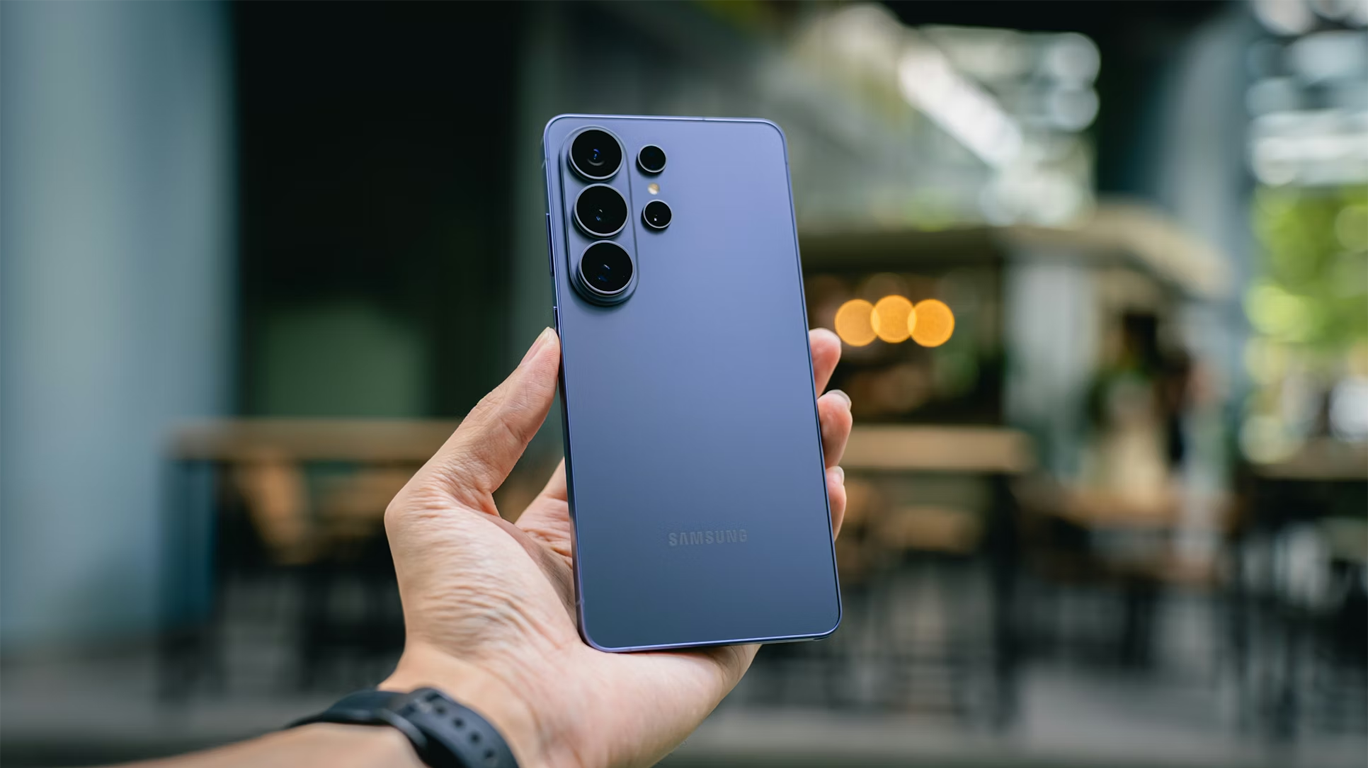
One UI 9 was originally introduced with the release of the Galaxy Z Fold8, Galaxy Z Fold8 Ultra, and Galaxy Z Flip8—providing an optimised interface for each form factor. It's typical for Samsung's flagship devices to receive monthly software updates and to follow suit with major software upgrades such as One UI 9.
Image courtesy of samsung.com
Design and customisation
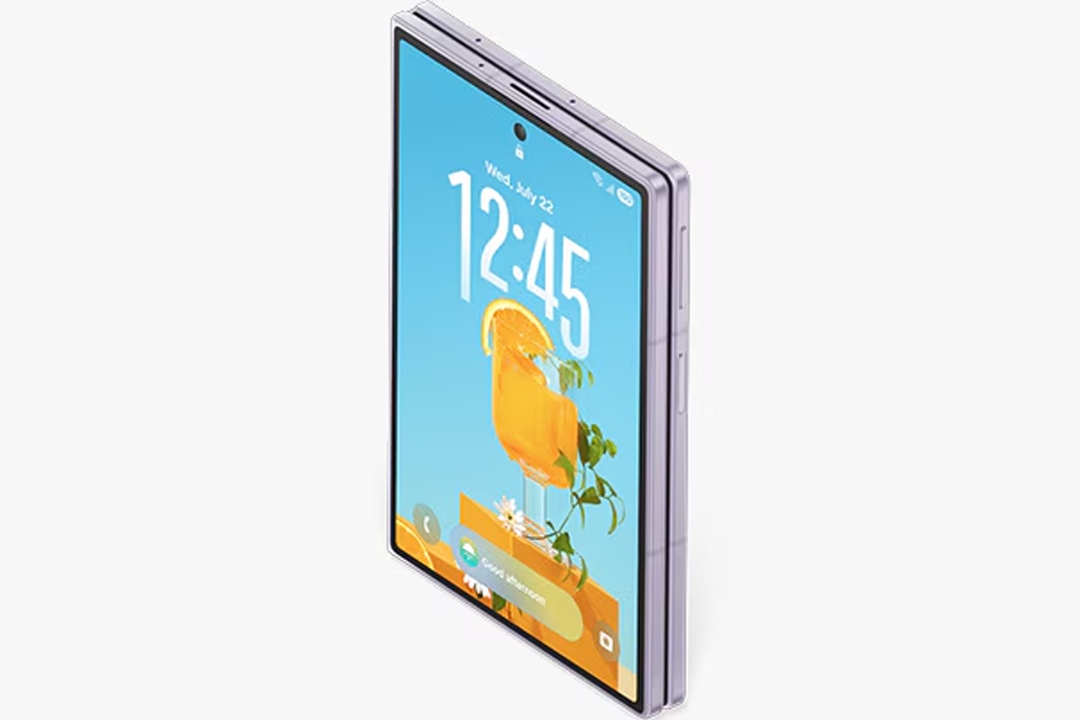
Design is at the forefront of One UI 9, with the restructured menu and navigation bars offering a broader view of the screen across all form factors. It’s also possible to tailor the design to suit your needs through increased customisation, with the adjustable Quick Panel and optimised wallpaper options.
Multi Window
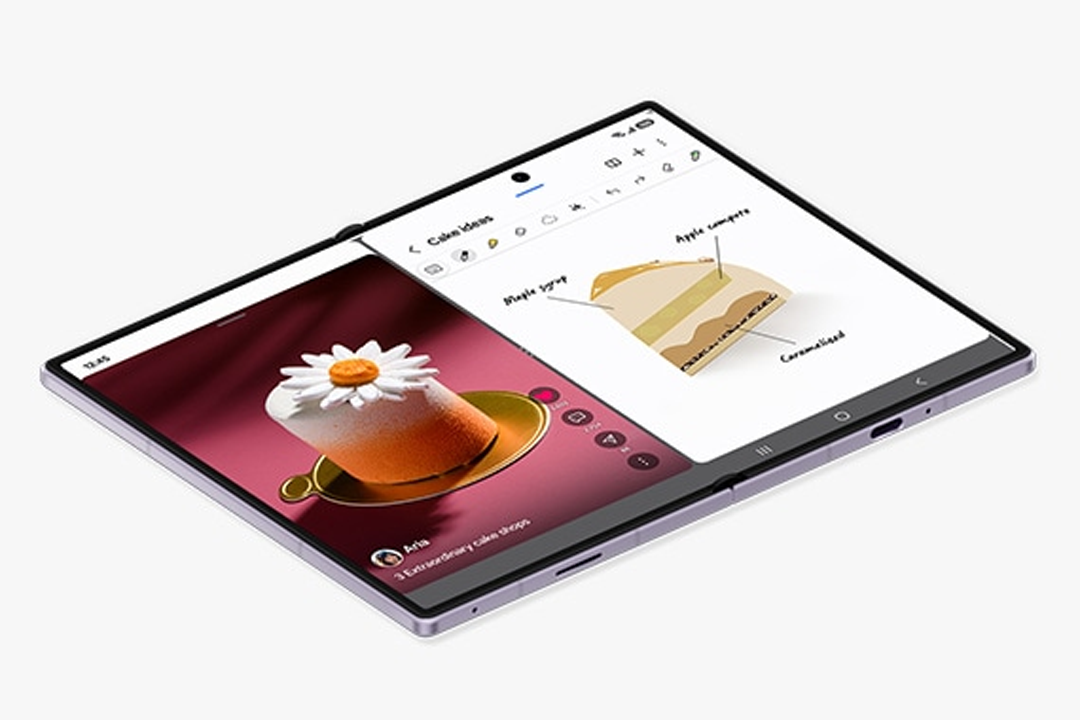
One UI 9 expands on the multi-window capabilities already enjoyed by many flagship Samsung devices. Originally improved for the Galaxy Z Fold8 series, the One UI 9 multi-window views let you use multiple apps side-by-side simultaneously—with options for up to a three-way split view. This allows for effortless multitasking, whether you’re watching videos whilst taking notes, or texting whilst gaming.
Image courtesy of samsung.com
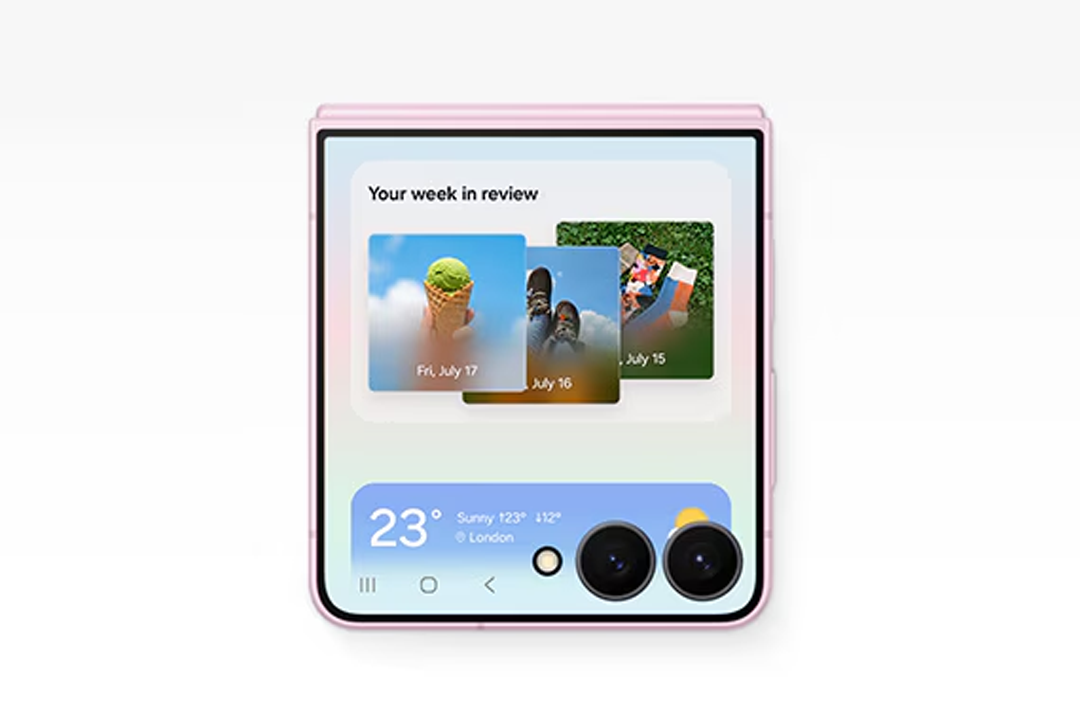
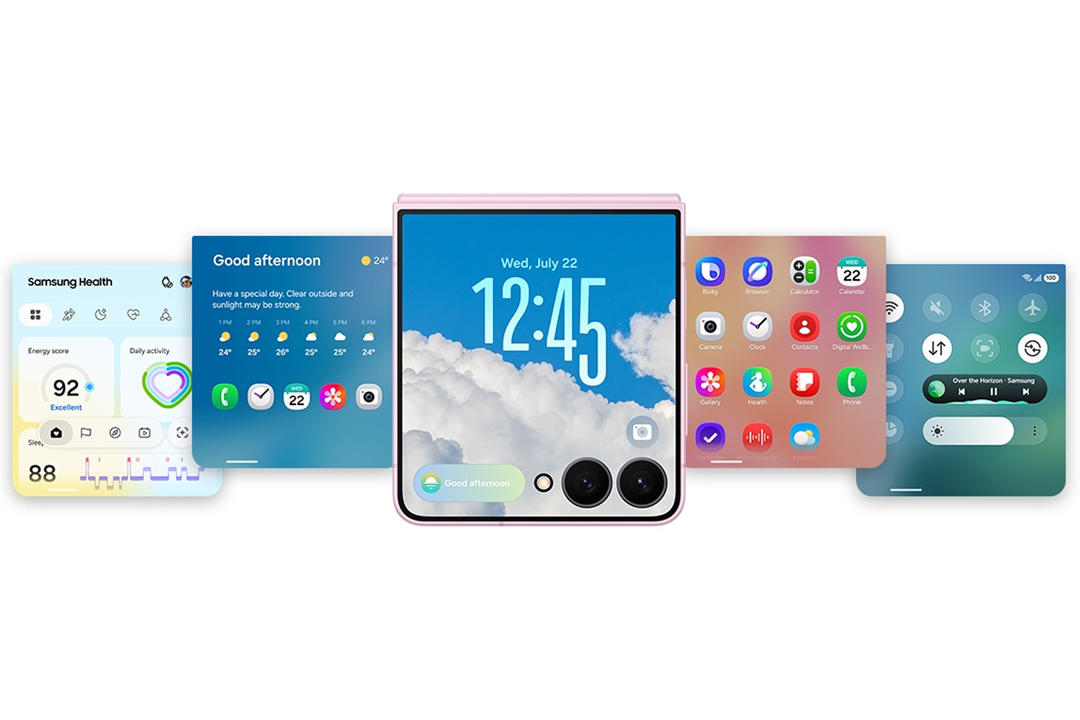 FlexWindowOne UI 9 originally offered improved FlexWindow functionality for the Galaxy Z Flip8. You can swipe up from the bottom of your screen to access the app tray, or swipe down from the top of your screen to access notifications and the Quick Panel.
For added customisation, you can easily add, move, and delete widgets on the cover screen. The Quick Panel can also be personalised, with options to rearrange and adjust the size of sliders and icons.
Image courtesy of samsung.com
Optimised wallpaper
You can make your phone feel uniquely yours with One UI 9’s optimised wallpaper options.
When you select a wallpaper, it will automatically be positioned so that important parts of the image aren’t covered by the clock or other widgets.
Image courtesy of samsung.com
Convenience
One UI 9 puts convenience at the forefront of the user experience by enhancing Galaxy AI's existing capabilities and introducing features exclusive to One UI 9 and beyond.
Improved Now Brief and Now Nudge
 With One UI 9, the Now Brief feature is even more personalised, providing an engaging overview with real-time, practical updates. At a glance, you’ll be able to see information for the day ahead, including the weather, the news, and your plans for the day.
Image courtesy of samsung.com
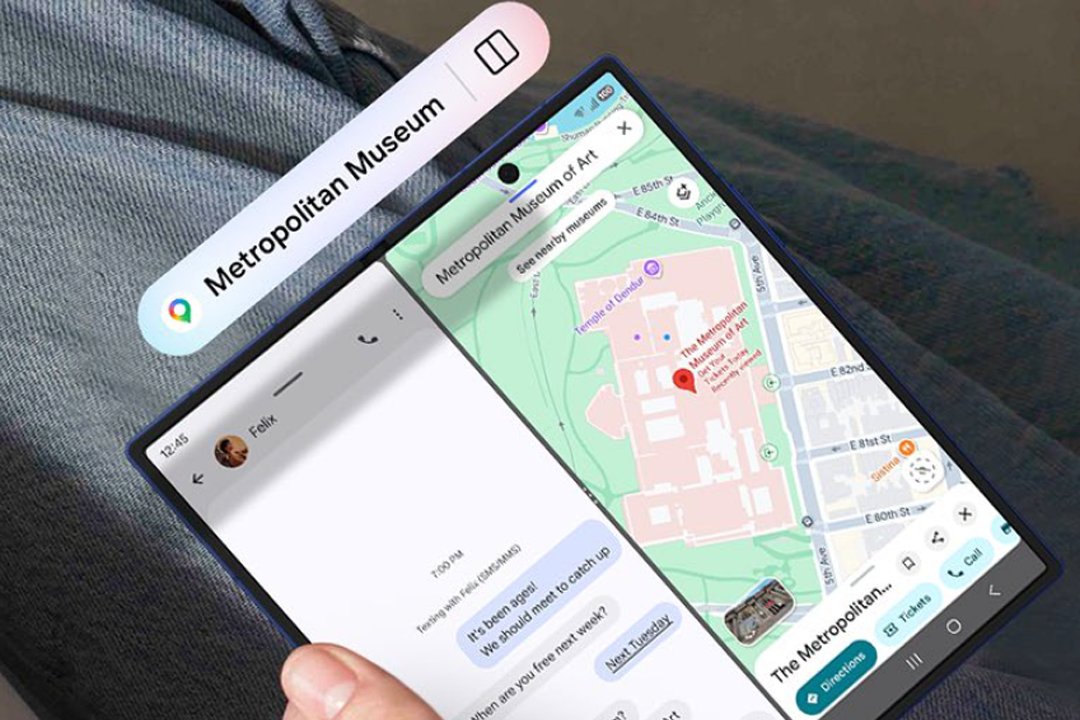 Originally launched for the Galaxy Z Fold8 series, you’ll receive split-view or multi-view prompts at just the right moments with the Now Nudge feature. This means you can add a concert to your calendar as you book it, or seamlessly access the location your friend sent you on Google Maps while you text them at the same time.
Image courtesy of
samsung.com
My FanCam
One UI 9 introduces My FanCam for the Galaxy Z Fold8 series and Galaxy Z Flip8. My FanCam is an auto-reframing feature that uses Galaxy AI to make content creation easier. With Galaxy AI enabled, you can tap on a person or subject to automatically reframe the video to your preferred aspect ratio, making them the focus. This also works on existing videos, allowing you to effortlessly create your own perfectly framed video of your favourite dancer or sports player.
Image courtesy of samsung.com
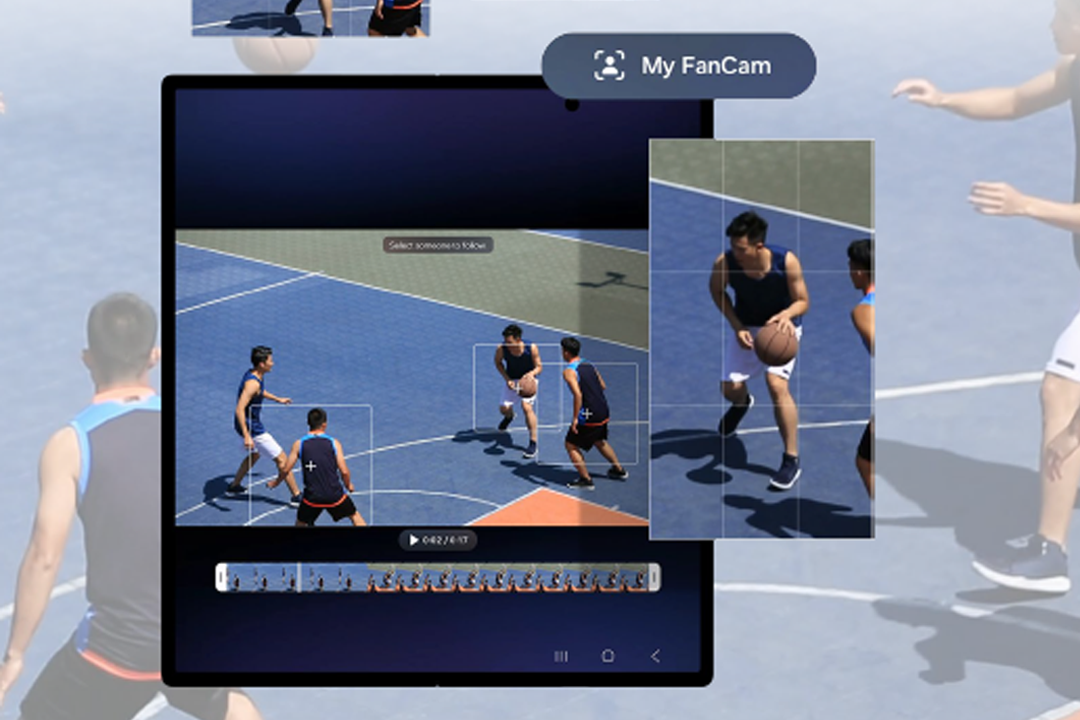
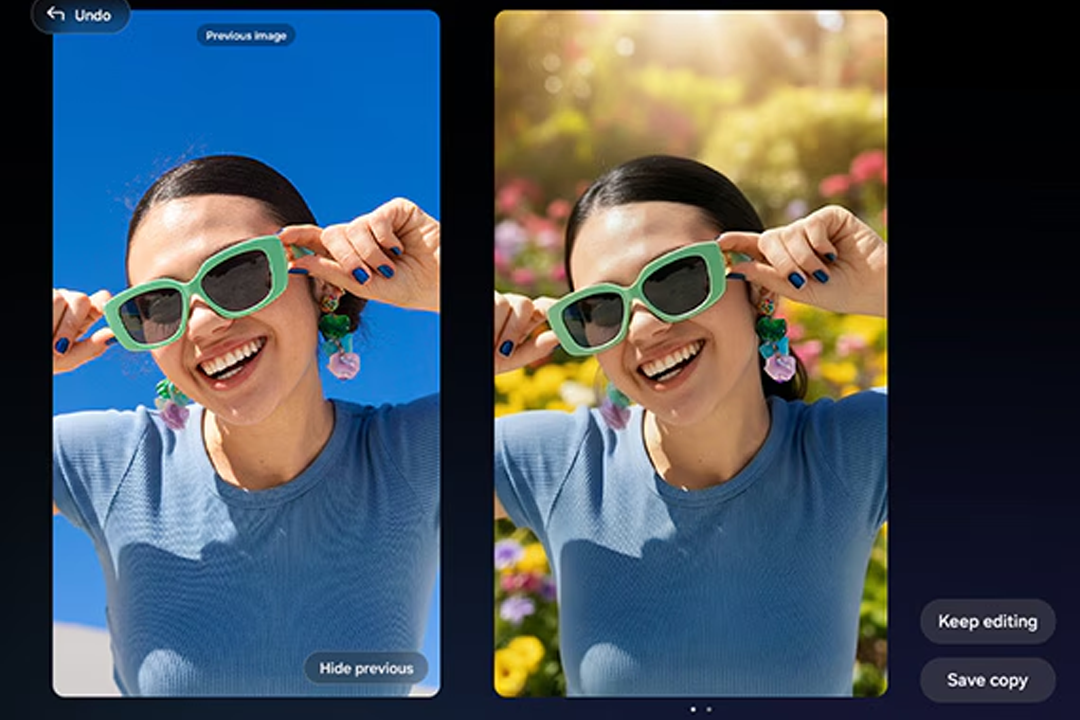
Photo Assist
Photo Assist makes creativity easier than ever. To edit your photos, just specify the changes you want, and Galaxy AI will handle them for you. You can sit back, relax, and watch the changes come to life. At the end, there’ll be a side-by-side comparison of the original and edited image.
Image courtesy of samsung.com
Security and privacy
No matter how you use One UI 9, the advanced security and privacy features will provide enhanced safety and protection.
 Knox
Knox
Samsung Knox is a hardware-based security solution that prioritises robust privacy protection. The Personal Data Engine processes your personal data safely before encrypting it on your device with KEEP and Knox Vault. Meanwhile, the Knox Matrix Trust Chain keeps you secure across all your connected Galaxy devices and lets you monitor them from your smartphone.
Image courtesy of samsung.com
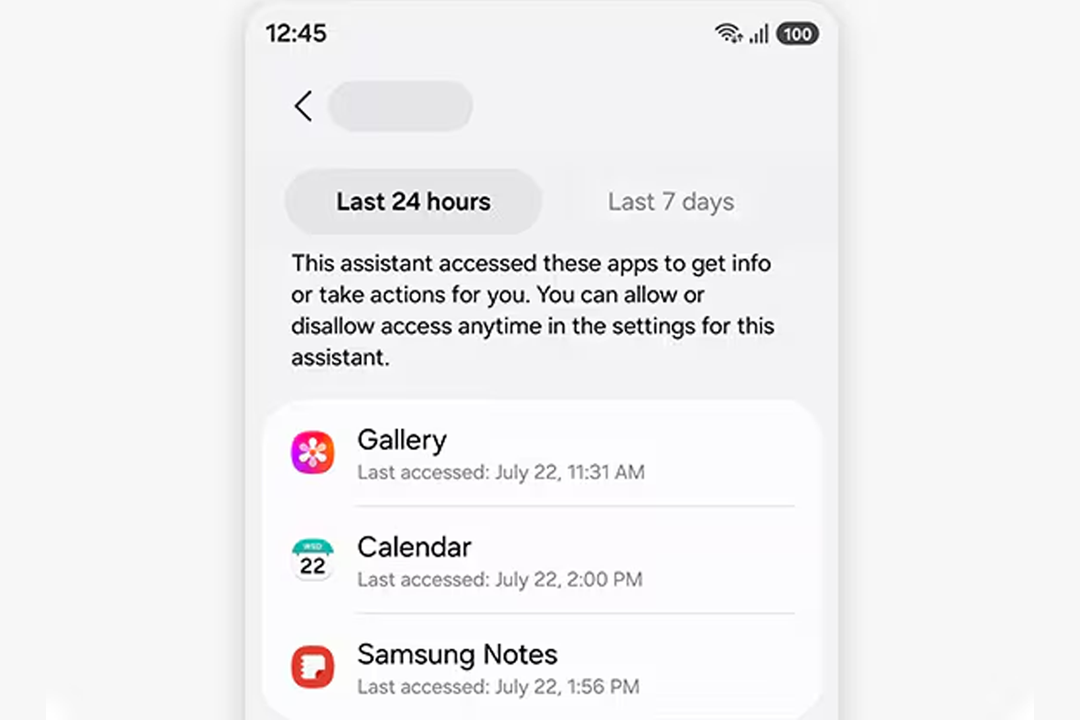 AI controls
As AI becomes more integrated in our lives, One UI 9 offers greater control and safety. You’ll be able to tailor controls to your preference and decide whether you’d like Galaxy AI to be processed on your device or in the cloud.
With AI Assistant Activity, you can view all your AI assistants and the actions they have performed on your behalf. You can see when specific apps were accessed, as well as the actions AI assistants have taken within those apps.
Image courtesy of samsung.com
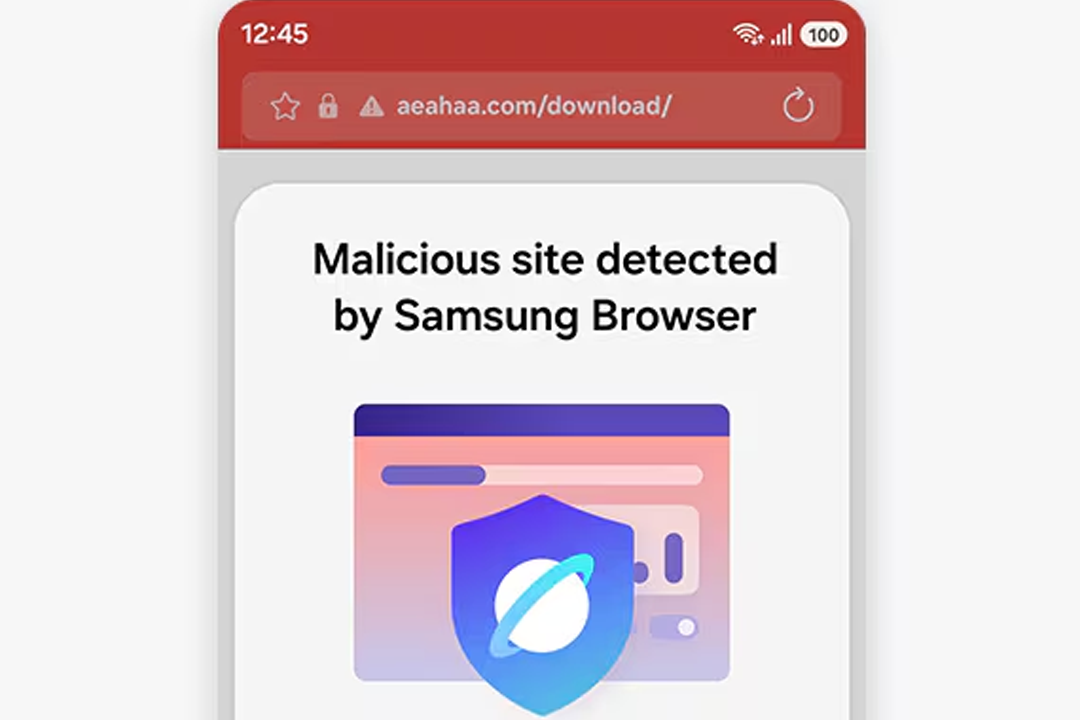
Alerts
One UI 9 provides peace of mind with real-time security alerts to keep you and your device safe. The AI-powered Privacy Alerts warn you about potential security threats by detecting apps that overuse your exact location or unnecessarily request background permissions.
You’ll also be able to stay safe as you browse online. If you’re about to open a page that could be dangerous, the Samsung Browser will alert you with a warning page.
Image courtesy of samsung.com

Lockscreen security
On your lockscreen, One UI 9 reduces the number of password attempts before a lockout to enhance security. It’s important to note that after 13 failed password attempts, the device will be permanently locked, and access can only be restored by performing a factory reset.
Image courtesy of samsung.com
Final thoughts
One UI 9 brings Samsung’s commitment to smarter, more intuitive user experiences to life: whether you’re multitasking across several apps, enjoying enhanced convenience and Galaxy AI features, or enjoying peace of mind thanks to advanced security protections.
As One UI 9 is implemented across more Galaxy devices, it represents Samsung taking a significant step forward in connecting intelligent user-focused experiences across its entire ecosystem.