Why the Touchscreen MacBook Pro Is Built for Creative Professionals
The MacBook Pro with PROLED XDR Display combines touchscreen interaction, advanced display technology and high-performance Apple silicon within a single platform. While each feature is notable on its own, the laptop is defined primarily by how these technologies work together to support professional workflows across disciplines such as design, photography, software development, music production, and more.
The MacBook Pro centres its experience around visual accuracy, direct interaction with content and the ability to handle complex workloads. If you're choosing a professional laptop, that combination can often matter more than raw performance figures alone. The question is less about how powerful the hardware is on paper and more about how effectively it supports your day-to-day workflow.
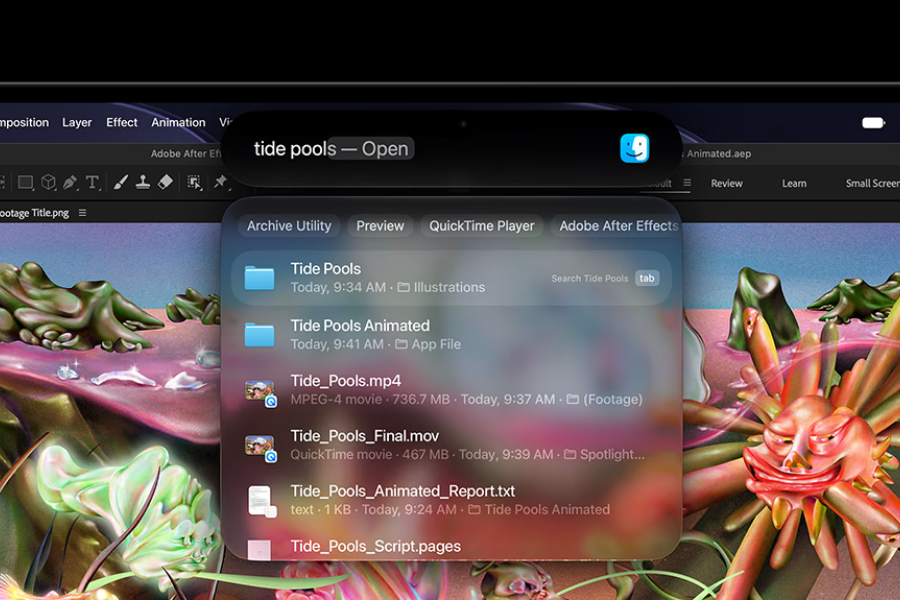 Spotlight Search
Design
While much of the MacBook Pro's focus is on performance and display technology, one of the most noticeable updates is the display itself. The screen borders have been slightly reduced, allowing for more screen space without increasing the laptop's overall dimensions. This means you can view and do more while retaining the portability of the same-sized device.
Another visual addition is Dynamic Island, which brings quick access to system information and controls directly into the display. It acts as a home for Live Activities, allowing you to monitor ongoing tasks and notifications at a glance. Dynamic Island can also be swiped down to access Spotlight Search to find files, apps, and information, or to interact with Siri AI.
The introduction of touchscreen functionality has also influenced elements of macOS. To make touch interactions more practical, interface elements have been adjusted for finger input. For example, when you touch an active window, the familiar minimise, maximise and close buttons automatically increase in size, making them easier to tap accurately. These subtle interface changes help bridge the gap between traditional cursor-based navigation and direct touchscreen interaction, ensuring the operating system feels responsive whether you're using a trackpad, keyboard, or your fingertips.
Customisation
The MacBook Pro offers a wide range of configuration options, allowing you to tailor the system to your workflow. You can choose options across size, colour, storage, unified memory and 21 keyboard languages, as well as other impactful device choices.
You can choose between a standard glass finish or a nano-texture option. The standard glass option is engineered to minimise glare and reflections while preserving image clarity and contrast, making it suitable for a wide range of working environments. The nano-texture finish further reduces reflections and distractions, which may benefit creators who frequently work in brightly lit studios or outdoor locations.
The MacBook Pro is available with either the M5 Pro chip or the M5 Max chip, both designed for sustained professional workloads. The M5 Pro targets those working with computationally intensive projects, including software development, scientific research and creative production. The M5 Max extends those capabilities toward highly demanding workflows such as visual effects production and complex media creation.
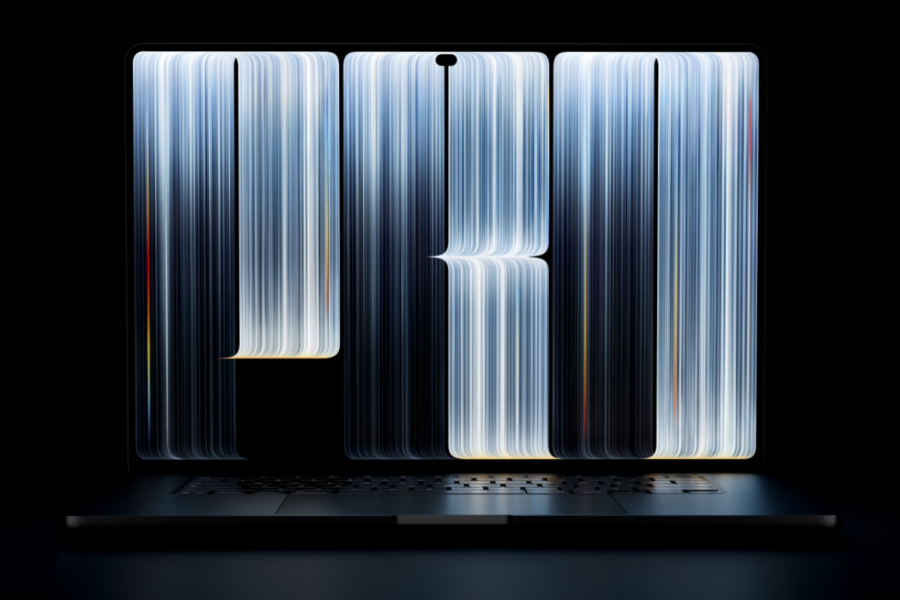 Apple MacBook Pro
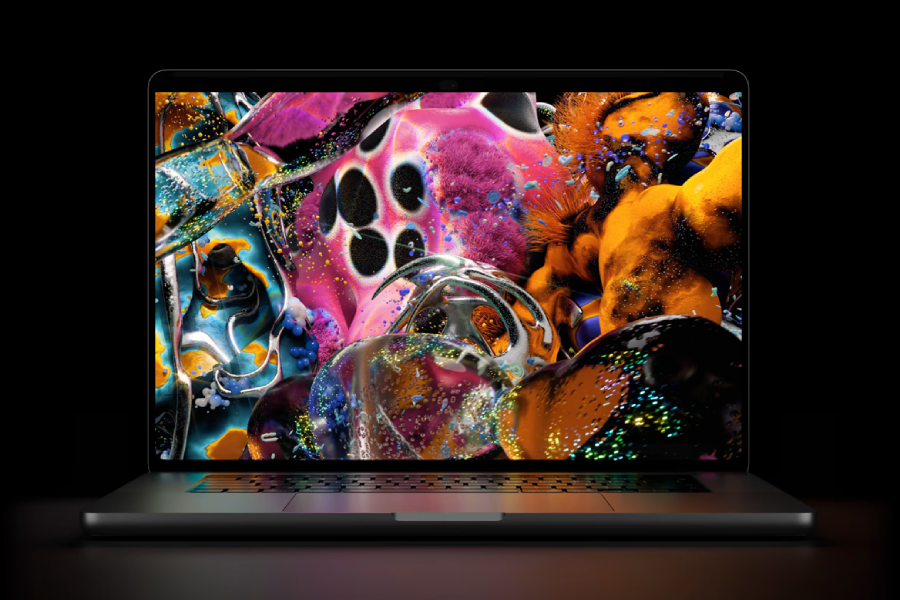 PROLED XDR display
For many creative professionals, the display is the feature they interact with most, making screen quality one of the most important aspects of any workstation.
Based on tandem OLED technology, the PROLED XDR display uses two self-illuminating pixel layers to generate light and colour independently at the pixel level. This approach enables precise control over contrast and brightness while avoiding some of the visual artefacts associated with traditional backlit displays. Brightness and contrast are also key aspects of the display's design. High peak brightness, deep blacks, and detailed shadow rendering make the screen suitable for HDR content creation and colour grading.
For creative professionals, colour reproduction is equally important. The display supports both P3 and Adobe RGB colour spaces, allowing video professionals, photographers and designers to work within the standards commonly used in their industries. Built-in calibration systems help maintain consistency across luminance, white points and colour gamuts, while reference modes support more specialised production workflows.
Touchscreen interaction
While display quality influences what you see, touchscreen functionality changes how you interact with your work.
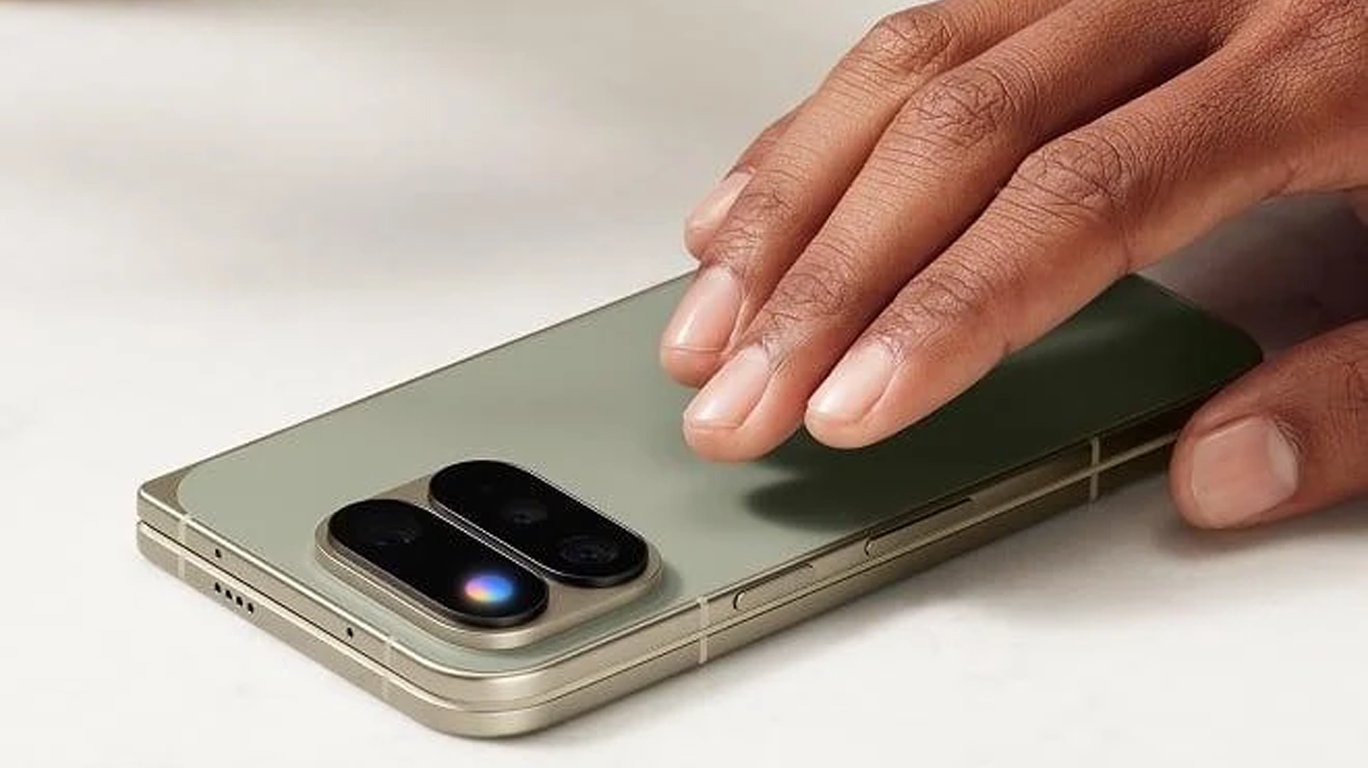
One of the most significant features of the MacBook Pro is its touchscreen. Touch is integrated into macOS workflows and supports actions such as scrolling, zooming, rotating, drawing, and direct content manipulation.
For creative professionals, touchscreen input introduces alternative ways of working. Product designers can manipulate 3D models directly on-screen, developers can test touch-enabled software experiences, and music producers can interact with virtual instruments and mixing controls without relying exclusively on traditional input devices.
The feature also extends to routine productivity tasks, including interactions with Spotlight, Live Activities, and Siri AI through the Dynamic Island, as well as navigation, editing, and organisation. By bringing direct interaction to macOS, Touch adds another layer of flexibility to both creative and everyday workflows.
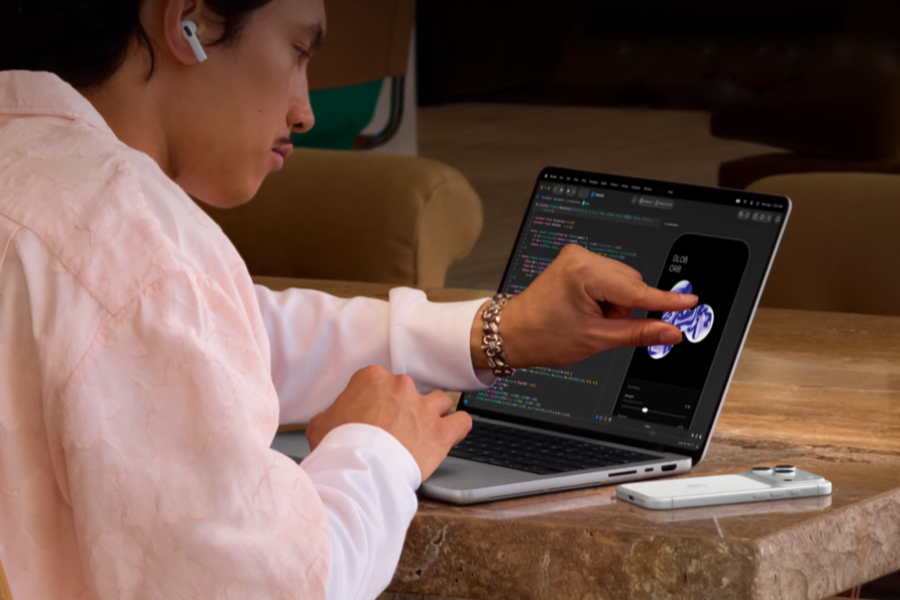 Touchscreen display
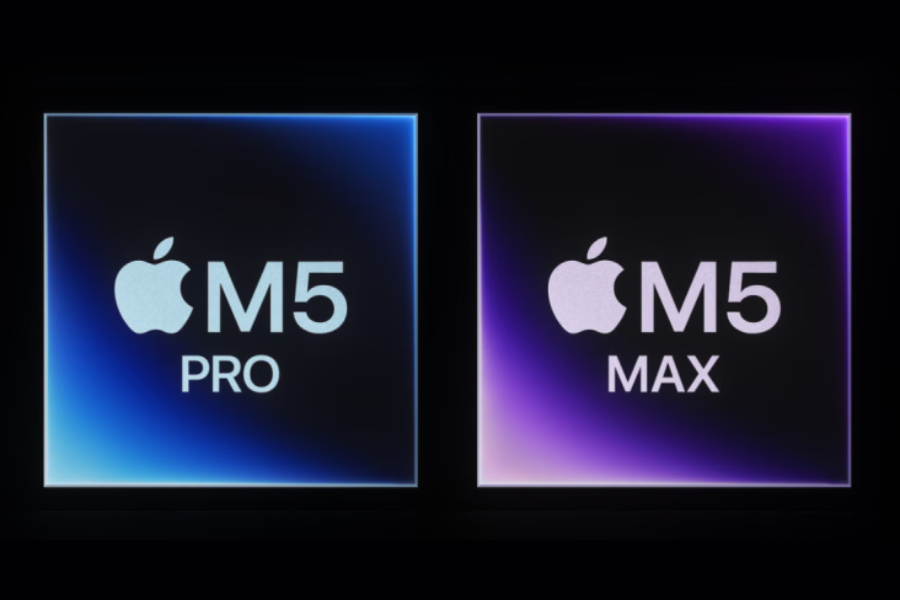 M5 Pro and M5 Max chips
Performance
Of course, creative tools are only as effective as the hardware powering them.
Graphics performance plays a particularly important role. Enhanced shader cores, hardware-accelerated ray tracing and Dynamic Caching are all intended to support applications that rely heavily on 3D rendering, visualisation or GPU compute performance. These capabilities are particularly beneficial for workflows involving animation, visual effects, game development and 3D design.
Supporting these components is a redesigned thermal architecture intended to help maintain performance during long-running workloads. This can be especially valuable if you regularly work with resource-intensive applications for extended periods, such as video rendering or complex simulations. By improving heat management, the system is designed to sustain high performance levels more consistently, rather than relying solely on short bursts of processing power.
AI (artificial intelligence)
AI is increasingly becoming part of professional workflows, and the MacBook Pro is designed with that shift in mind. Artificial intelligence is integrated throughout the platform.
Apple silicon is designed to support on-device AI processing, allowing you to run image generation tools, large language models and video enhancement applications locally. This approach can be beneficial if your work requires privacy, responsiveness or offline access.
AI capabilities also appear within existing applications and system features. Tasks such as image editing, workflow automation, content organisation and information retrieval can be incorporated into everyday work rather than requiring separate software environments.
The inclusion of Siri AI and automation tools further reflects this approach. Natural-language searches, task execution across applications and shortcut generation are designed to reduce friction when working with large volumes of files, projects and data.
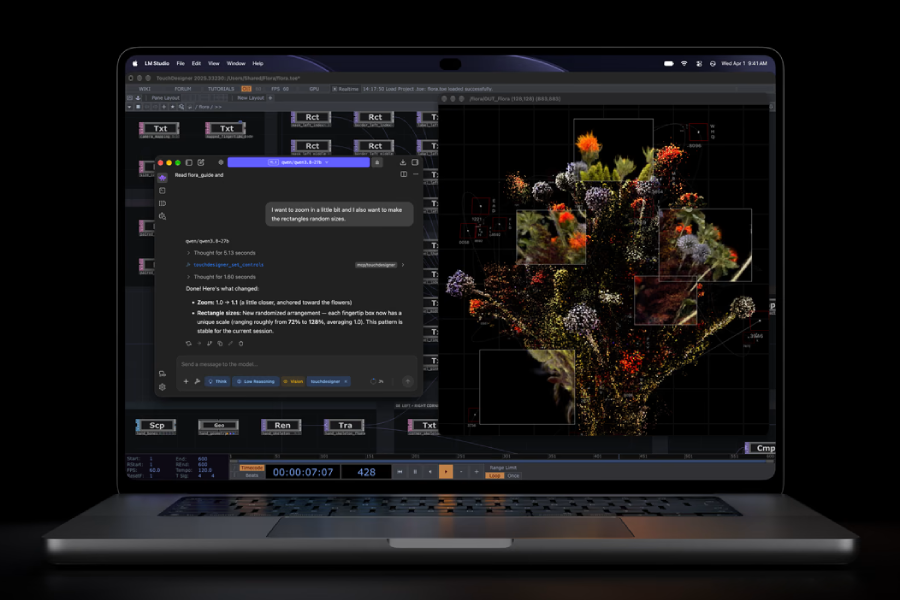 Artificial intelligence
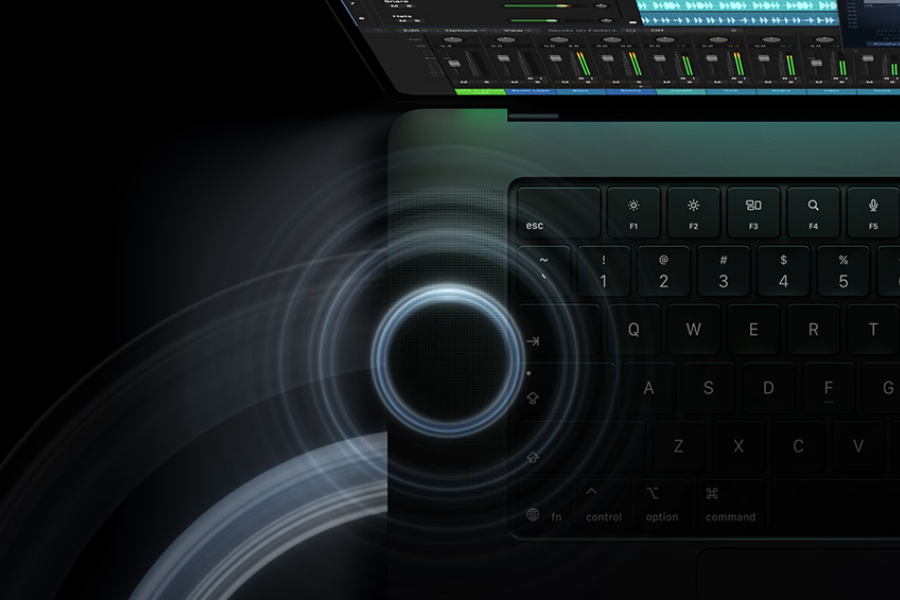 Speaker system
Audio, camera and communication tools
Professional work increasingly occurs in meetings, collaborative projects, and remote environments, placing greater importance on communication tools. The MacBook Pro includes features aimed at professionals who regularly collaborate remotely or create media on the move.
The six-speaker system incorporates redesigned woofers and tweeters, while support for Spatial Audio and Dolby Atmos provides an immersive listening experience for both content consumption and audio production.
The studio-quality three-microphone array is intended to improve voice clarity during recordings and meetings, while the 12MP Centre Stage camera keeps you framed during video calls. Desk View support allows you to share your physical workspace, and video stabilisation helps maintain a steady image when interacting with the touchscreen.
Connectivity
Many professional setups extend beyond the laptop itself, and connectivity often plays an important role in shaping productivity.
Professional workflows often require external storage, accessories, displays and specialist equipment. To support these scenarios, the MacBook Pro includes three Thunderbolt 5 ports, an HDMI port, a MagSafe port, an SDXC card slot, and a headphone jack. Support for multiple external displays enables the system to serve as the centre of a larger workstation, while Wi‑Fi 7 and Bluetooth 6 provide high-speed wireless connectivity options.
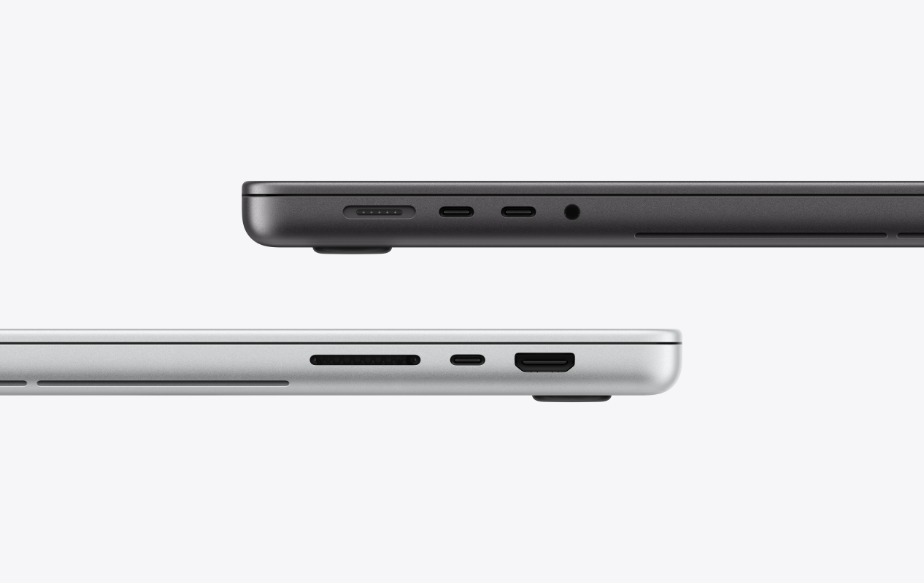 Ports
Top: MagSafe, 2x Thunderbolt 5, headphone jack
Bottom: SDXC card slot, Thunderbolt 5, HDMI
The MacBook Pro with PROLED XDR Display is best understood as a combination of several interconnected technologies rather than a single headline feature. The touchscreen expands how you interact with content, the PROLED XDR display provides tools for colour-critical work, and the M5 Pro and M5 Max chips deliver the compute performance required by demanding professional applications.
Together, these elements create a platform designed around the needs of creative and technical professionals, combining visual fidelity, direct interaction, AI-assisted workflows and sustained performance in a single device.
Images courtesy of apple.com