Work, Anywhere: The Complete Guide to a Portable Office Setup
Whether you’re dialling into meetings from your kitchen table or editing video content on the train, your tools should be as flexible as your working life.
How do you work?
Before choosing your portable office setup, consider how and where you work most often. By understanding your routines, priorities, and constraints, you can invest in technology that genuinely improves the way you work—wherever you happen to be.
If you work on the move and want a setup that supports productivity without unnecessary bulk, identifying with one of these case examples will give you better direction when deciding on products, devices, and what you value in a setup.
- Hybrid office and working-from-home professionals
- Digital nomads and frequent travellers
- Hobbyists and creatives like designers, video editors, and writers
- Self-employed consultants and freelancers
- Students balancing study across multiple locations
Each of these groups works differently, and the right portable office setup depends as much on how you work as what you do.
Most people don’t fit neatly into one category—but recognising how you work most often helps clarify what to prioritise in a portable office setup.
As you delve into the building blocks of your setup, use the archetype that feels closest to your day-to-day reality as a reference point when evaluating tools, accessories, and your top priorities.

Worker archetype |
What they typically do |
How they work |
Hybrid office & WFH professionals |
- Attend virtual and in-person meetings
|
- Switch regularly between home and office
|
Digital nomads & frequent travellers |
- Manage ongoing work while moving between locations
|
- Prioritise compact, durable, all-day battery setups
|
Hobbyists & creatives (designers, video editors, writers) |
- Design, edit, write, or produce creative content
|
- Alternate between deep focus sessions and bursts of inspiration
|
Self-employed consultants & freelancers |
- Deliver client work across multiple projects
|
- Work independently with little technical support
|
Students across multiple locations |
- Take notes, research, and write assignments
|
- Move between home, campus, libraries, and shared spaces
|
The 3 pillars of priority
One of the biggest mistakes people make when building a portable office setup is trying to achieve every capability for every case scenario. But ultra-lightweight devices, desktop-level performance, and a fully ergonomic workspace rarely exist in a single, compact package.
Instead of chasing the perfect setup, a smarter approach is to understand what you value most and make intentional trade-offs. Together, the 3 pillars of priority form a simple decision-making framework to help you choose the right tools for the way you actually work.
Portability
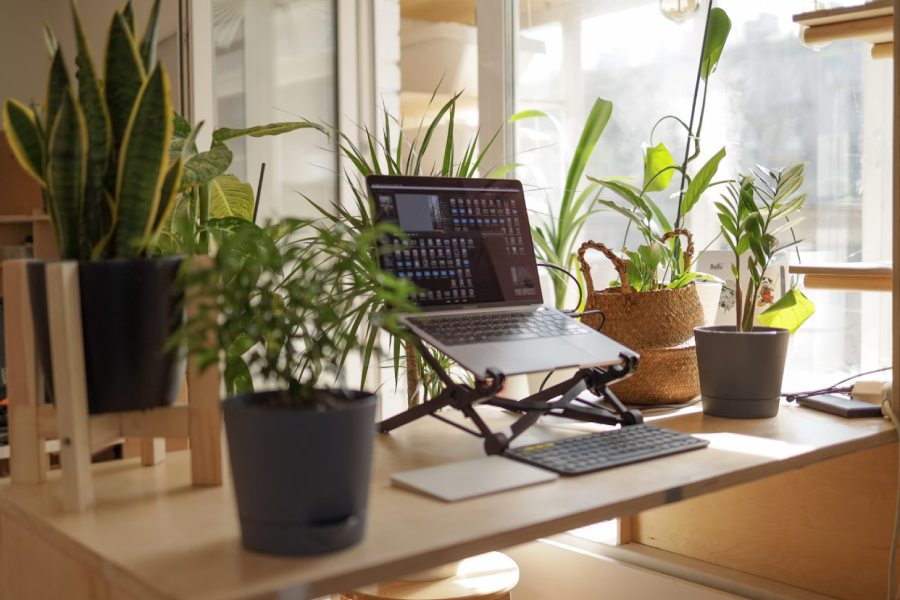
Portability is about how easily your setup moves with you. This includes weight, physical size, and how efficiently everything fits into a bag.
If you regularly commute, travel, or change locations throughout the day, portability may be your top priority. Lightweight laptops, foldable screens, compact accessories, and minimal cables all support a setup that’s quick to pack and easy to get started—but often at the cost of raw performance or larger displays.
Power
Power refers to the technical muscle behind your workflow. Processor performance, available RAM (Random Access Memory), graphics capability, and battery longevity all affect how smoothly demanding tasks run.
Creative professionals, developers, and anyone working with intensive applications usually prioritise power. The trade-off is that more powerful devices tend to be heavier, run hotter, and require larger batteries or chargers.
Productivity
Productivity is about how effectively—and comfortably—you can work. This includes screen real estate, well-positioned displays, quality keyboards, and ergonomic support.
A productivity-focused portable office might expand beyond a laptop to include a secondary display, a laptop stand, and external input devices. These additions improve focus and efficiency but increase setup time and the amount you need to carry.
Understanding the trade-offs
There’s something important to remember about these pillars: you can’t maximise all three at the same time. A highly portable setup may sacrifice screen size or performance. A powerful setup may be heavier and less flexible. A productivity-optimised workspace may require extra accessories and space.
The goal isn’t balance for its own sake—it’s intentional prioritisation. By deciding which two pillars matter most for your work, you can make smarter choices and avoid buying gear that looks impressive but doesn’t suit your daily reality.
Connectivity and compatibility
It's easy to get swept up in the excitement of powerful new devices, but connectivity remains one of the most overlooked elements of any efficient setup. Thinking intentionally about how your equipment connects can save serious time, reduce friction, and cut down on clutter.
A clean, scalable setup starts with standardising your connectors. Choosing a device that shares ports with the rest of your ecosystem can sometimes be more valuable than choosing the one with the better spec sheet.
Key wired considerations:
- USB‑C vs Thunderbolt vs USB‑A
These dominate modern data transfer and charging. Prioritising one common connector across devices reduces your need for extra chargers, hubs, and dongles. - HDMI vs DisplayPort (especially for foldable or external screens)
Think about which video connector appears most consistently across your devices and displays.
As you map out your setup, you’ll quickly start to notice which connection type appears most often. That "most common denominator" will often guide where consistency matters and where you’re open to compromise.
Connections aren’t just about the device—they’re about the accessories you rely on daily. Do you prefer the reliability of wired peripherals? Or do you prefer the convenience of Bluetooth?
Your choices here will influence your workflow more than you might expect, especially in a portable or hybrid work environment.
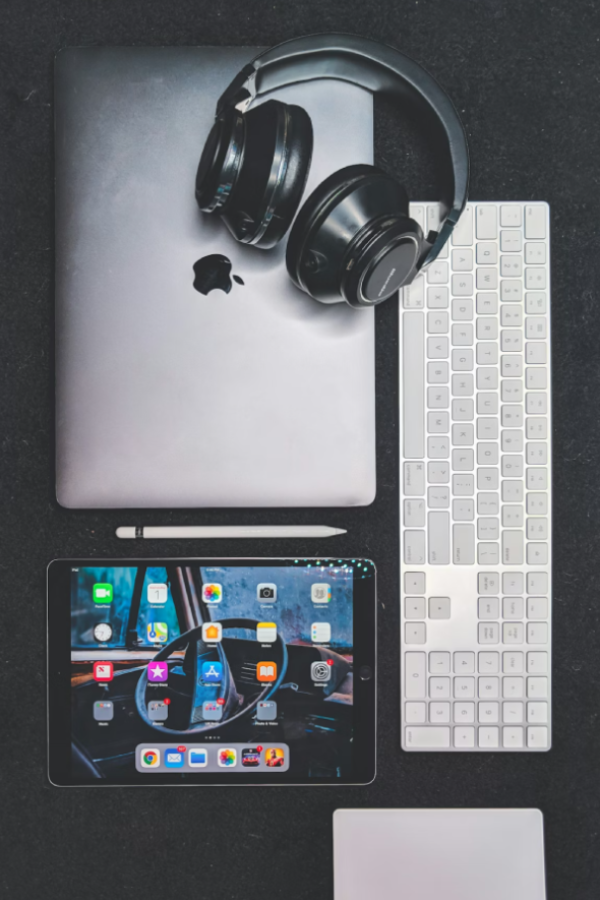
Hardware is only half the story. Connectivity failures often come from mismatched software ecosystems.
Consider cross‑platform functionality across:
- Windows
- Apple OS
- ChromeOS
Ensuring your favourite apps and workflows sync across devices is crucial. A portable setup usually breaks down not because of hardware limitations, but due to overlooked compatibility issues.
Portable and flexible setups tend to fail far more often due to poor connectivity planning rather than poor product choices. Prioritising port consistency, accessory reliability, and cross-platform software support will create a smoother, more powerful, and frustration‑free tech environment.
Power strategy
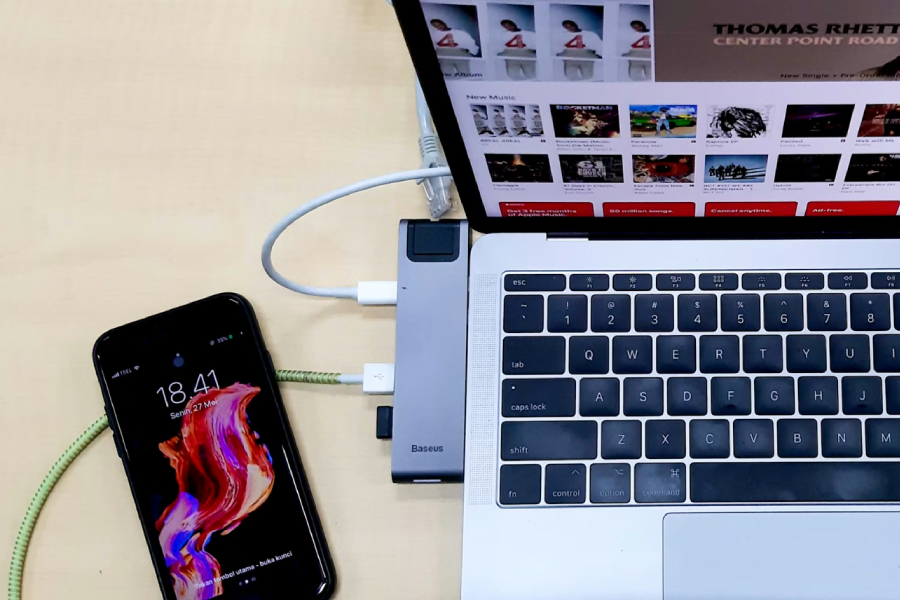
A reliable power strategy is essential for any modern tech setup, especially when mobility is part of the equation.
Start by considering battery life expectations in a real‑world setting. While many manufacturers boast of all-day batteries for their products, you’ll want to weigh up what best suits you and your workflow. Take into consideration the demands of multitasking, streaming, or running power‑hungry apps and how this may affect the length of battery life. Alternatively, there is an argument to be had for devices that don’t last all day, but are worth carrying a charger or power bank around for. Just make sure that if you are adding an additional item and weight to your portable office setup, it is worth it in the long run.
Understanding fast‑charging standards can make a huge difference in how quickly you can get devices back in action during a busy day. If you travel internationally, don’t overlook plug types and voltage differences, as the wrong adapter can derail an otherwise perfect setup. And while power banks can be lifesavers for long travel days or outdoor work, they’re often redundant in setups where devices already offer strong battery life and fast charging. Making smart decisions about power helps you avoid carrying unnecessary weight and keeps your workflow efficient and streamlined.
Environment awareness
One of the biggest gaps in most portable‑tech advice is simple: it forgets where people actually work. A setup that looks perfect on a desk can fall apart the moment you leave the house.
Modern professionals need gear that adapts to constantly changing environments—whether that’s the ambient buzz of cafés and co‑working spaces, the cramped unpredictability of trains, planes, and airport lounges, or the unfamiliar ergonomics of client offices. Even supposedly stable locations like hotels and short‑term rentals can vary wildly in lighting, outlets, and desk space. And for those who work on the go—photographers, field researchers, digital nomads—being prepared for outdoor or low‑light environments becomes non‑negotiable.
Building a setup with environmental flexibility in mind ensures your workflow doesn’t crumble when the scenery changes; instead, your system adapts fluidly to wherever you need to get things done. For this, you may wish to keep a digital note when working on the go and log any pain points or moments of efficiency in your day. By being aware of your environment, you can make small adjustments over time to tailor your setup to suit your workflow.


Security and privacy
While portability and performance get most of the attention, security and privacy are just as critical—especially for freelancers, consultants, and client‑facing professionals handling sensitive data.
Physical protection matters. Cable locks, minimalist designs, and discreet accessories help keep your gear safe in public spaces. Visual privacy is equally important; privacy screens prevent shoulder‑surfing in cafés, airports, or shared spaces.
Connectivity should also be treated with caution—using secure Wi‑Fi practices, avoiding public networks when possible, and leveraging VPNs can protect data from interception. Meanwhile, choosing the right authentication methods—biometrics vs strong passwords—helps balance convenience with security.
Finally, safeguarding your work with encrypted storage and automated backups ensures that even if a device is lost or compromised, your data isn’t. Strong security habits turn a portable setup from convenient to professionally resilient.
Build your setup in 5 steps
Tech knowledge is great, but turning it into a portable, reliable, real‑world setup requires a practical framework. To wrap everything together, here’s a design strategy to help you plan, pack, and optimise your mobile workflow every time.
Identify your primary environments
Café? Client site? Train? Remote? Each one shapes your needs differently.
Standardise your connectors
Choose your dominant port (USB‑C, Thunderbolt, etc.) and build around it.
Prioritise power strategy
Review battery needs, fast‑charging support, and decide whether a power bank is essential or excess weight.
Optimise portability vs capability
Balance weight, reliability, and speed. Eliminate redundant devices and accessories, and only opt for items that align with your workflow.
Secure your workflow
Decide on your Wi-Fi habits, device access, and data-encryption methods before you hit the road.
Final thoughts
As the boundaries of where we work continue to blur, building a portable office setup isn’t just a convenience—it’s a modern necessity.
Thoughtful planning around connectivity, power strategy, and security can transform a scattered collection of devices into a cohesive, reliable workflow you can take anywhere. From choosing the right ports and accessories to preparing for cafés, trains, client sites, and everything in between, the goal is a setup that adapts as fluidly as your working life does.
Ultimately, a great portable office isn’t defined by how many gadgets you carry, but by how intentionally you choose them. When your tools are streamlined, secure, and designed for real‑world mobility, you gain the freedom to work confidently—wherever your day happens to take you.