Handheld Gaming PCs: A Comparison
Not too long ago, PC gaming was shackled to desktops or laptops. But thanks to recent tech developments, key components have grown more powerful while getting smaller and lighter. Enter the handheld gaming PC: a new breed of portable powerhouse designed to deliver the performance of a gaming PC in a handheld form factor—letting you dive into your favourite titles anytime, anywhere.
We’ll explore three popular handheld models, each with its own strengths, quirks, and features. Let’s find your perfect match.
Msi claw 8 ex ai+
The MSI Claw 8 EX AI+ uses the same operating system as most gaming computers: Windows 11 Home, making it compatible with a wide range of games, from AAA titles to indie favourites. The Claw has an 80Whr battery that offers over 5 hours of playtime for extended gaming sessions, though actual runtime may vary depending on the game and other conditions. The handheld also supports Wi-Fi 7, which delivers smoother streaming and faster downloads: perfect for installing all your favourite games to make the most of the generous 1TB of storage.
The Claw 8 is powered by the Intel Arc G3 Extreme processor, which features Intel XeSS 3 technology for AI-powered upscaling and frame generation. It provides 32GB of dual-channel RAM, which helps decrease loading times and supports smooth multitasking. For optimal performance during intensive gaming, the Cooler Boost HyperFlow cooling system uses internal fans to redirect airflow and maintain the handheld's internal temperature.
Game access
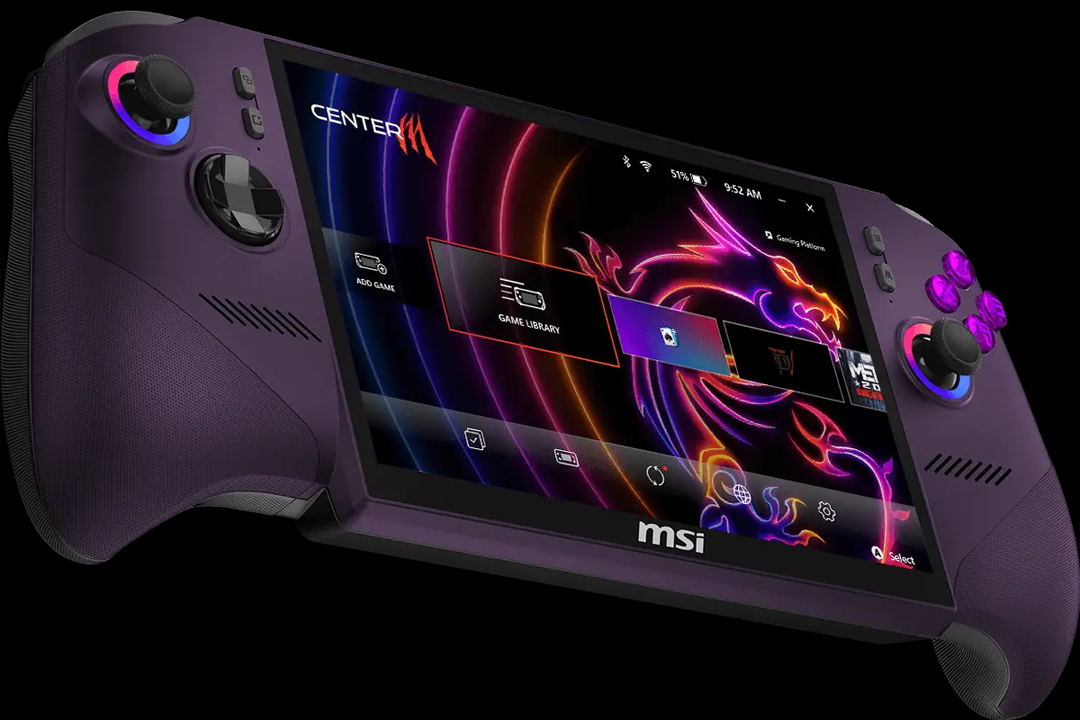
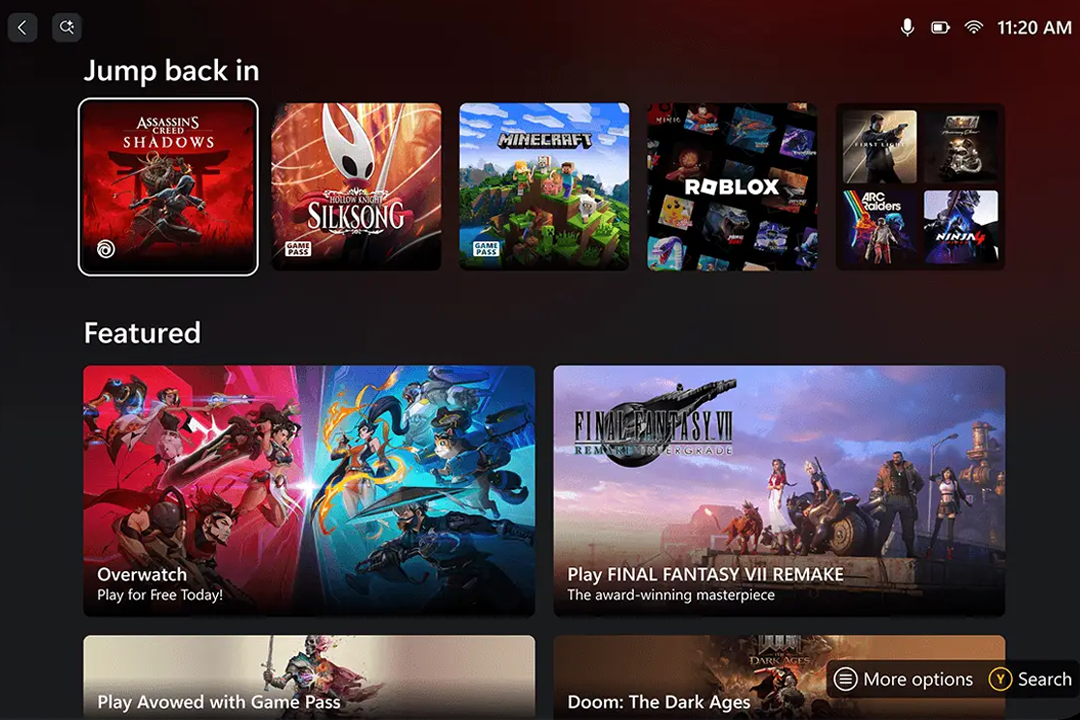
The MSI Claw 8 EX AI+ features a convenient Home Page that serves as a unified dashboard, bringing together essential system settings and providing instant access to launch your favourite games. There’s also a dedicated Game Library that combines your installed PC titles with direct access to your Xbox Game Pass, while the Task Switcher makes it easy to move between gamepad mode and desktop mode.Play features
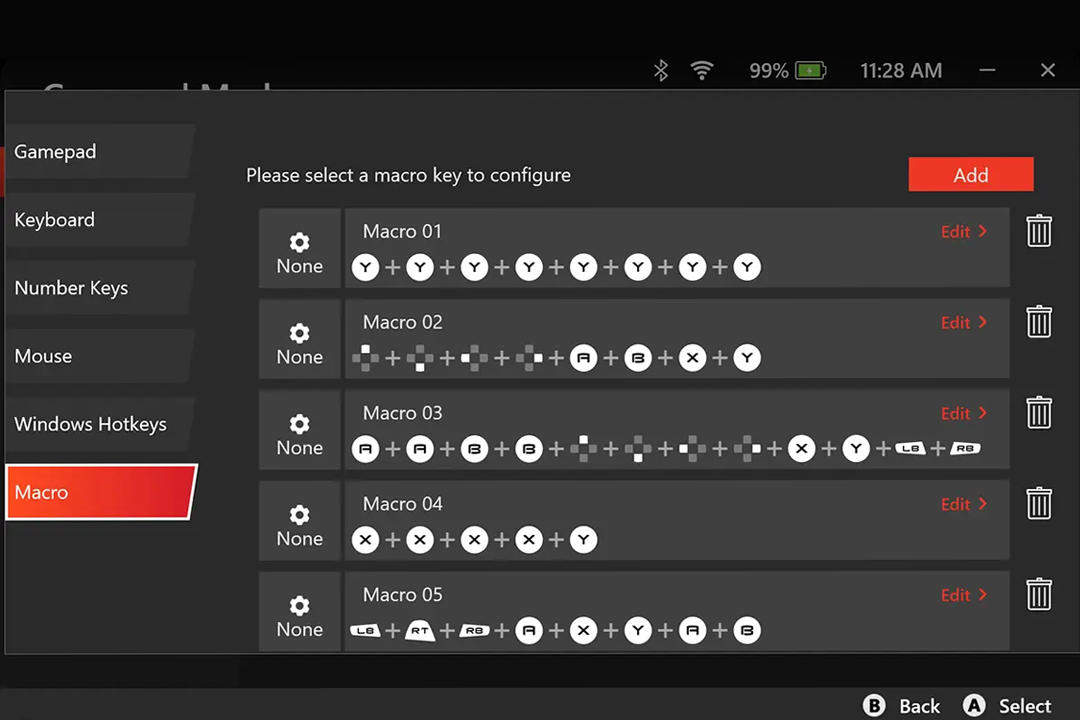
This handheld makes it easy to tailor your gaming experience to your needs, with adjustable joystick sensitivity and customisable Marco Keys. You can also effortlessly adapt settings to suit your preferences, even whilst in-game. With just a few taps, you can switch between performance modes to conserve battery or unlock more power mid-game. Xbox Mode can also reduce RAM usage to help boost in-game performance.
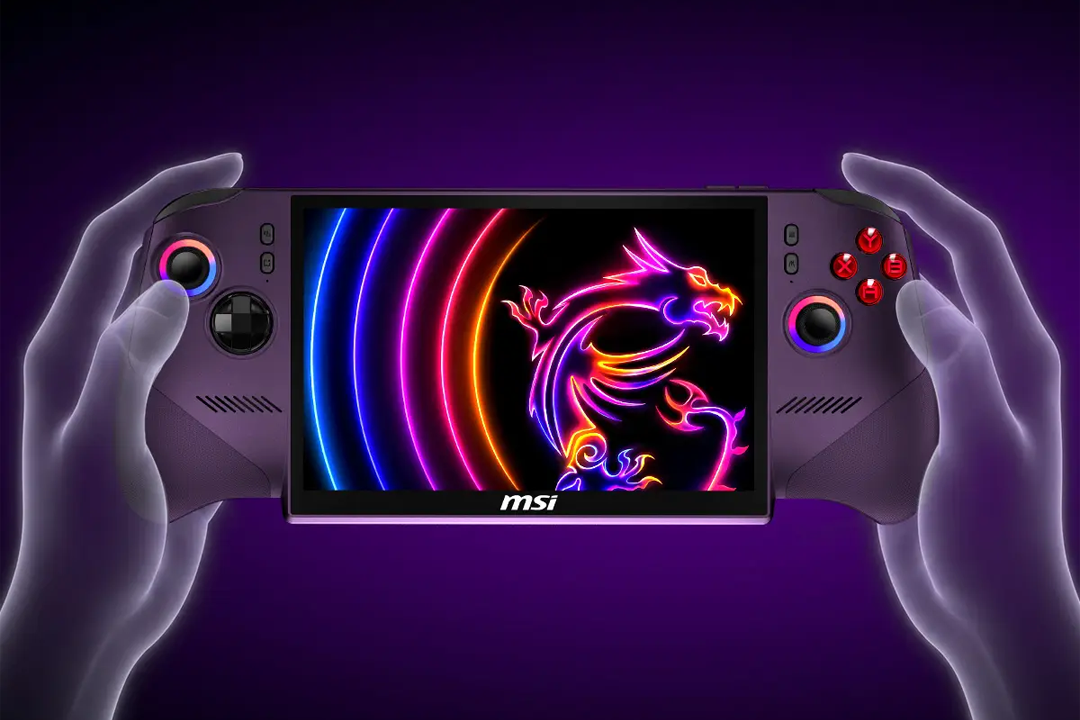
Aesthetics and portability
The Claw’s 785g weight means it’s not the lightest device, but it should still be agile enough to take and play anywhere. Within the striking purple design is an 8-inch IPS-level touchscreen. The display reaches up to 500 nits, has a 120Hz refresh rate with VRR support, and features a 16:10 golden ratio.Lenovo legion go gen 2
Under the bonnet
The Lenovo Legion Go Gen 2 is powered by an AMD Ryzen Z2 Extreme processor, featuring an AMD Zen 5 CPU with up to 8 cores and 16 threads. Its RDNA 3.5-based Radeon 890M graphics support 1200p gaming, while AMD HYPER-RX provides one-click enhancements to boost frame rates and visuals.
The updated Legion ColdFront thermal system uses large fan blades to improve airflow without increasing noise, while upgraded dual heat pipes distribute heat more efficiently. Its 74Whr battery supports Super Rapid Charge, whilst on Windows models, the Legion Space battery optimisation lets you adjust performance profiles and power plans on the go.
It's available in two different operating system models: Windows 11 Home or SteamOS. Both models support Wi-Fi 6E for fast, stable connections and Bluetooth 5.3 for connecting compatible controllers and headsets.
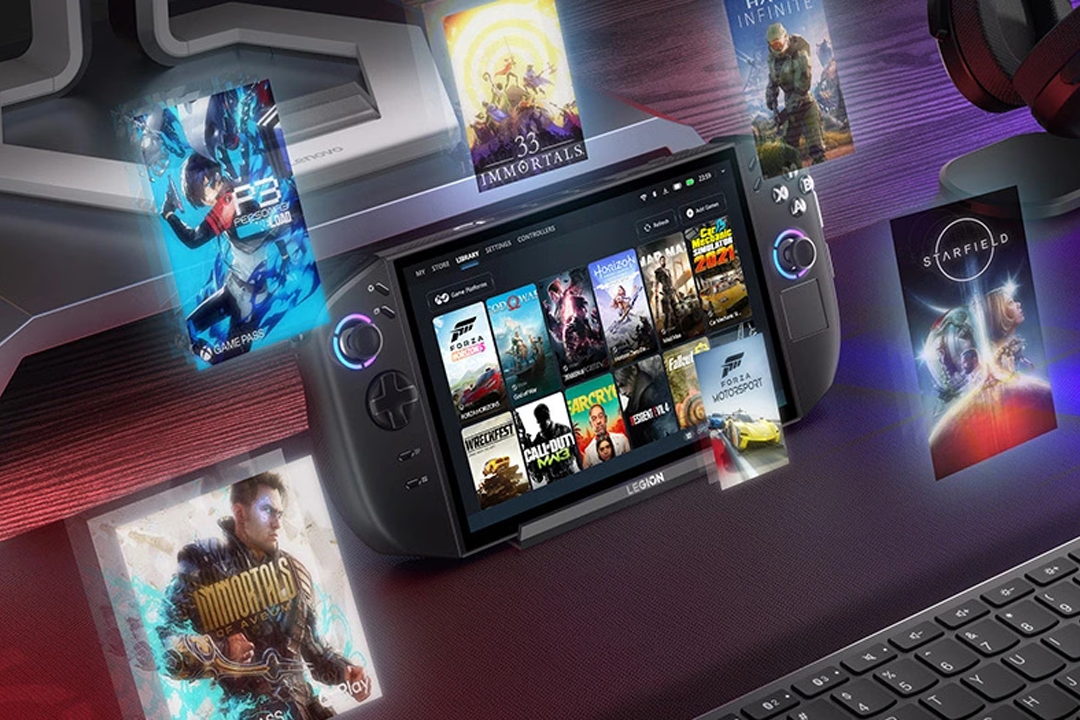 The Windows model shares the same operating system as many gaming computers, offering the freedom of a PC in your hands. It’s worth noting that you can still access the Steam launcher, as well as other game launches, on the Windows model.
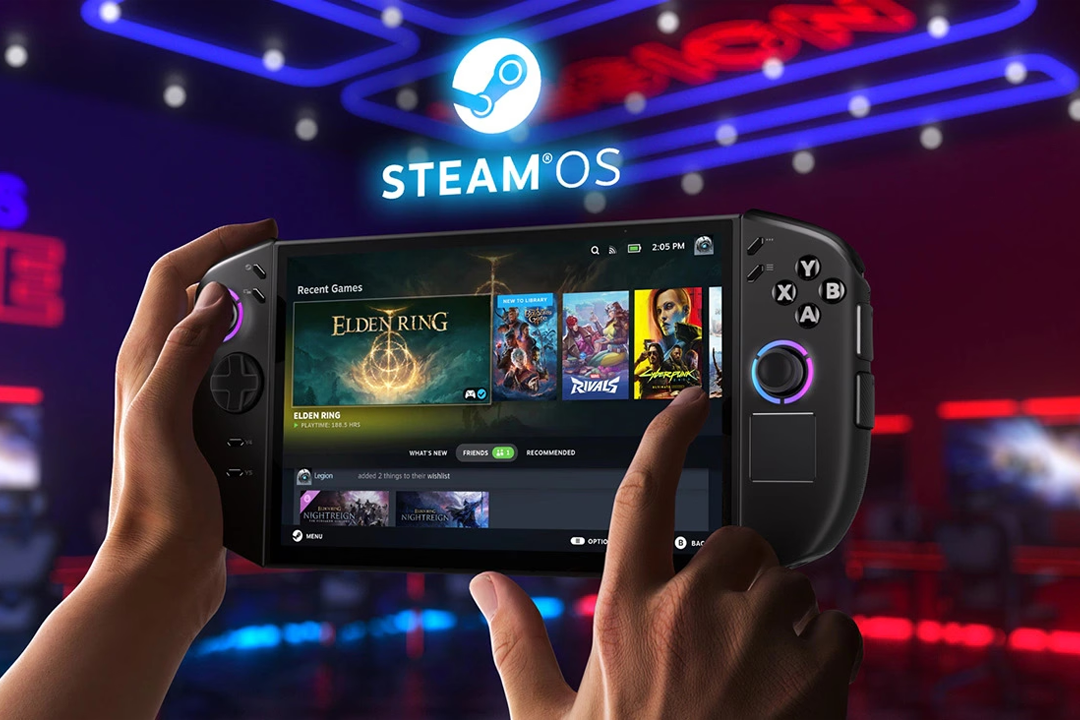 The SteamOS model incorporates the Steam UI for a more traditionally console-based experience. It provides an optimised Steam experience but offers less freedom, as it only includes the Steam launcher.
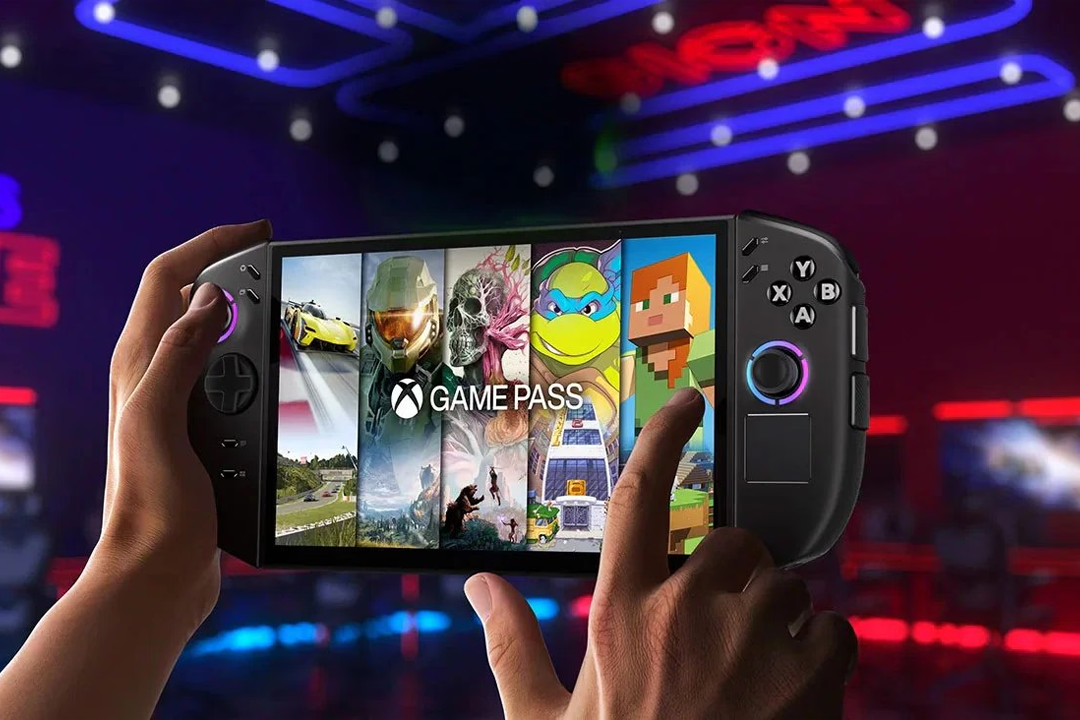
Game access
The Windows model offers the Legion Space Game Library. The Game Library keeps all your games easily accessible from one place, uniting PC Game Pass, Steam, Epic Games, and more. The Windows model also offers Xbox Game Pass access.
Meanwhile, the SteamOS model combines the simplicity of a console with the flexibility of PC gaming. The gamepad-optimised interface includes quick suspend and resume features, along with seamless game and system updates. It also provides access to your Steam Library, Steam Cloud, Steam Chat and Steam Game Recording.
Play features
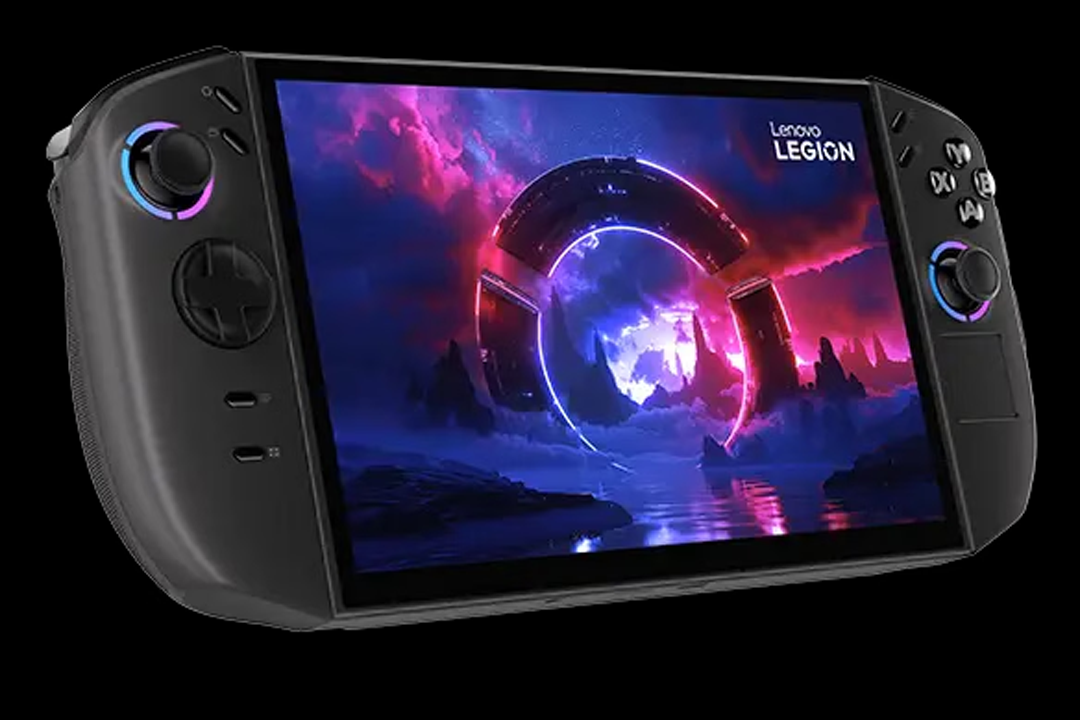
The Lenovo Legion Go Gen 2’s detachable Legion TrueStrike controllers support several ways to play. Handheld Mode offers a traditional portable setup, while Console Mode lets you detach the controllers and connect them to create a standalone gamepad. You can then play using the built-in screen or dock the handheld to a compatible TV for a larger display.
For more precise control in first-person games, FPS Mode lets you detach the right controller and place it in the controller base. It can then be operated like a mouse, with two dedicated click buttons and a third assignable rear button.
On the Windows model, you can tailor the performance whilst playing with the Legion Space feature. With just a few taps, you can switch power modes mid-game to conserve battery or unlock greater performance. Joystick sensitivity can also be adjusted, while key power and thermal settings remain easily accessible.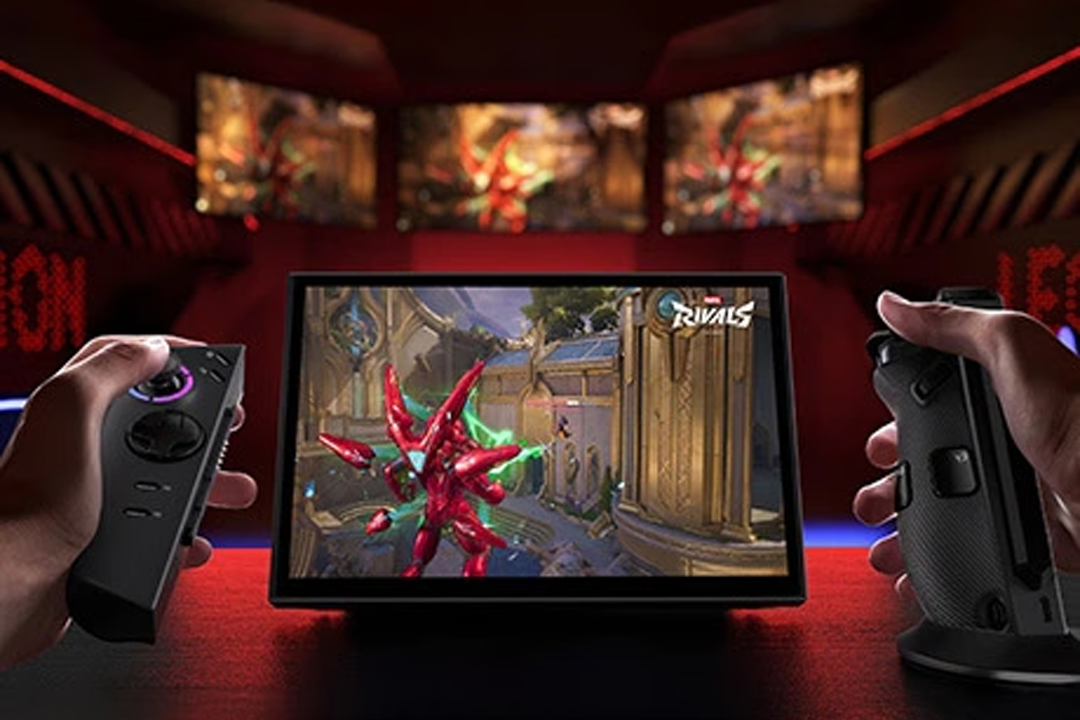
Aesthetics and portability
The Legion Go Gen 2 is anything but lightweight. It starts at 920g, with the base weighing 710g and the controllers weighing 210g. This handheld justifies its bulk with its removable controls that adapt to multiple play modes.
The Legion Go features an 8.8-inch Lenovo PureSight OLED gaming display with a 16:10 aspect ratio, native landscape orientation and 500 nits of brightness, as well as a 144Hz variable refresh rate for smooth responsiveness.Rog xbox ally x20
Under the bonnet
The ROG XBOX Ally X20 runs on Windows 11 Home, providing access to a range of platforms and games. It’s powered by the AMD Ryzen AI Z2 Extreme processor, which uses dynamic resource allocation to support responsive gaming. The handheld also includes 24GB of dual-channel memory and 1TB of SSD storage.
To help maintain performance during demanding games, the evolved ROG Intelligent Cooling system directs air towards the processor through a new internal channel, while high-flow fans help manage the device’s internal temperature. Its 80Wh battery is designed to support longer gaming sessions, although actual runtime will vary depending on the game, settings and other conditions.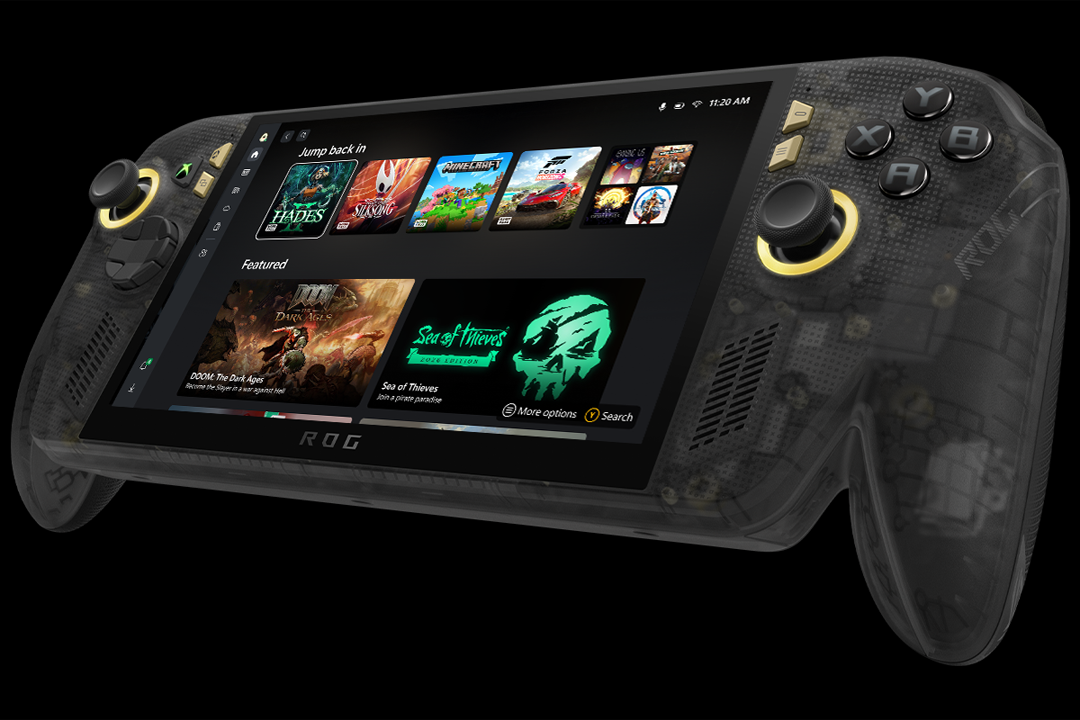
Game access
The ROG XBOX Ally X20 offers a seamless, streamlined library that combines your Xbox library with major PC storefronts, making it easy to launch your favourite games regardless of platform. The dedicated XBOX Mode provides a controller-optimised layout that will feel familiar for fans of the console, while the Xbox button opens the XBOX Game Bar for effortless navigation.
Play features
The Ally X20 is designed for both handheld and dockable, larger-screen play. No matter what mode you’re playing in, the specialised controls will support you in playing to your best ability. The TMR joysticks are designed to detect small movements for precise control, while the impulse triggers provide haptic feedback for added immersion during supported games.
You can adapt the transforming D-pad to different types of games by effortlessly lifting and rotating it to switch between focused four-way inputs and broader eight-way controls.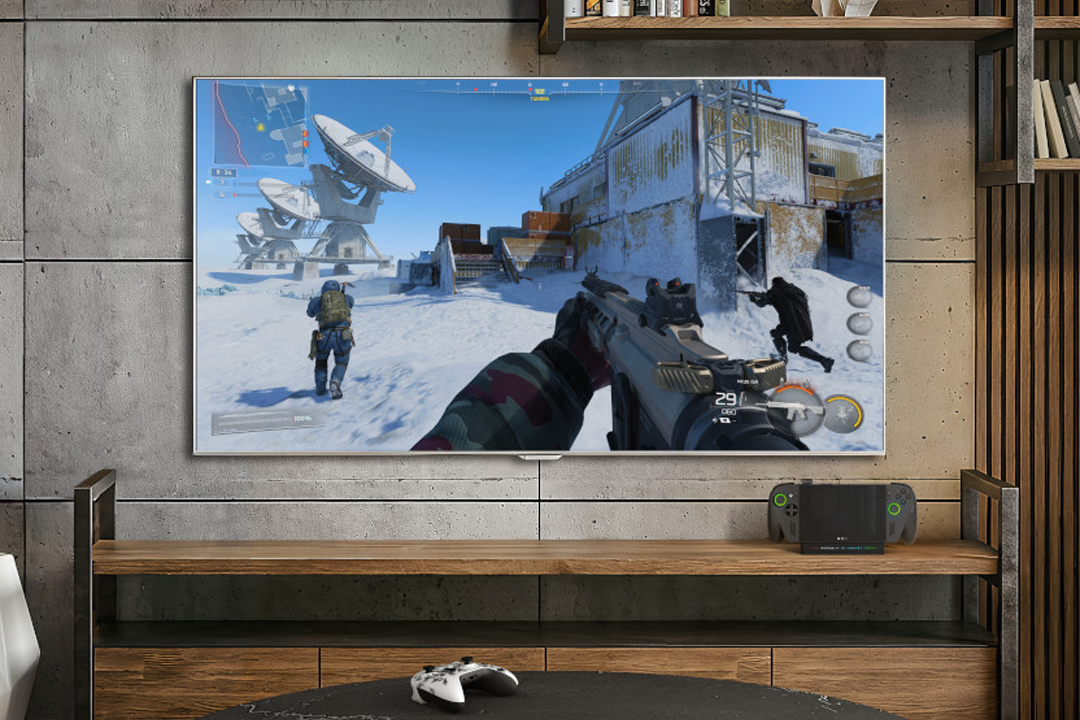
Aesthetics and portability
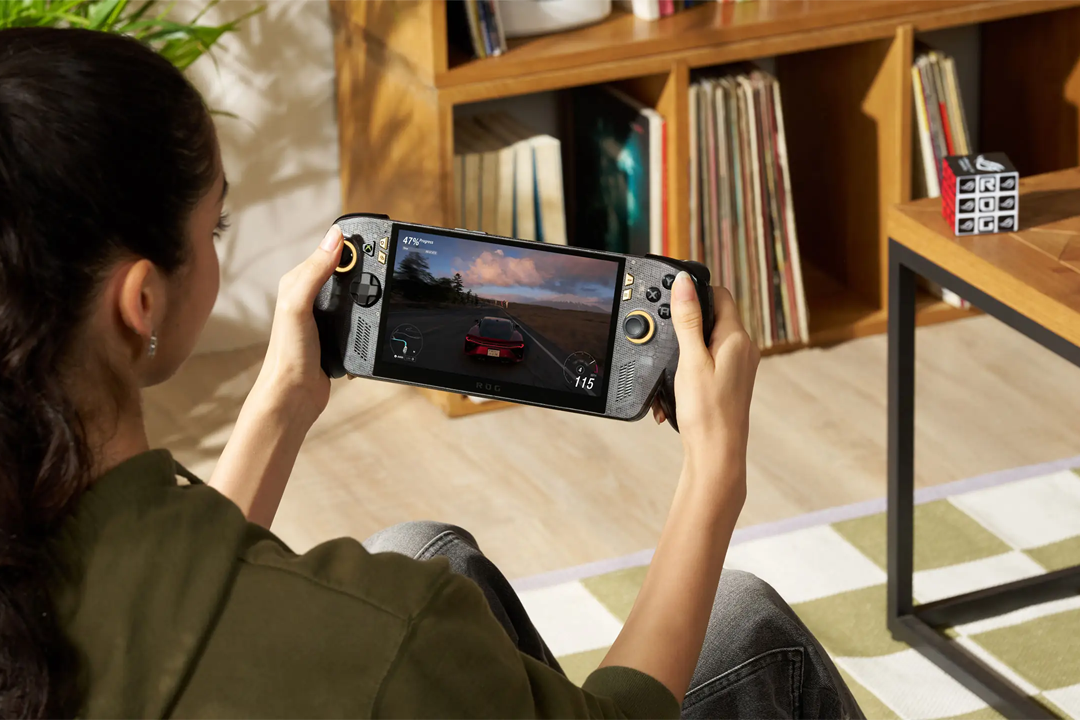
At 756g, the ROG XBOX Ally X20 is the lightest handheld in this comparison. The handheld features a 7.4-inch FHD OLED touchscreen with HDR support and a 120Hz refresh rate. The FreeSync Premium Pro feature also provides a variable refresh rate of 30Hz to 120Hz to help keep movement smooth, while the anti-reflection coating is intended to maintain visibility in brighter surroundings.
Final thoughts
When it comes to choosing the best handheld gaming PC, there’s no objective answer. Instead, it’s worth reflecting on what matters most to you for a handheld gaming experience. Whether you prefer desktop-like power and reliability, easy access to your collection, or anywhere and anytime playability, there’s a handheld PC out there for you.