The Ultimate Video Call Guide: From Conferences to Catchups
Navigating the ever-expanding world of video calling can feel overwhelming at times. Whether you're coordinating a work project or catching up with friends and family from afar, choosing the proper setup for the right situation is important.
This guide will help you prepare for every type of video call, with top tips to make the most out of the experience.Top tips for video calling
 Lights, camera, action
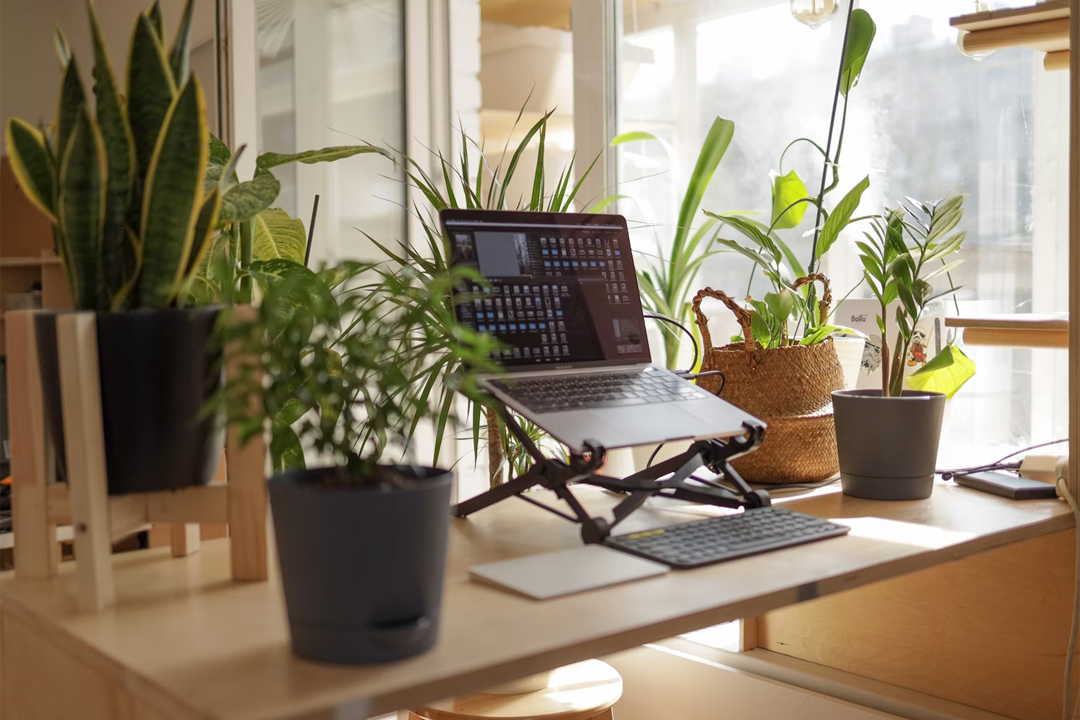
It’s essential that whoever you're calling can see you clearly—and good lighting makes all the difference. If you have natural sunlight available, try sitting facing the light and pointing the camera at yourself to get a bright, clear image. There’s no need to worry if the sun’s gone down; you can achieve the same effect with a lamp instead.
 Sound check
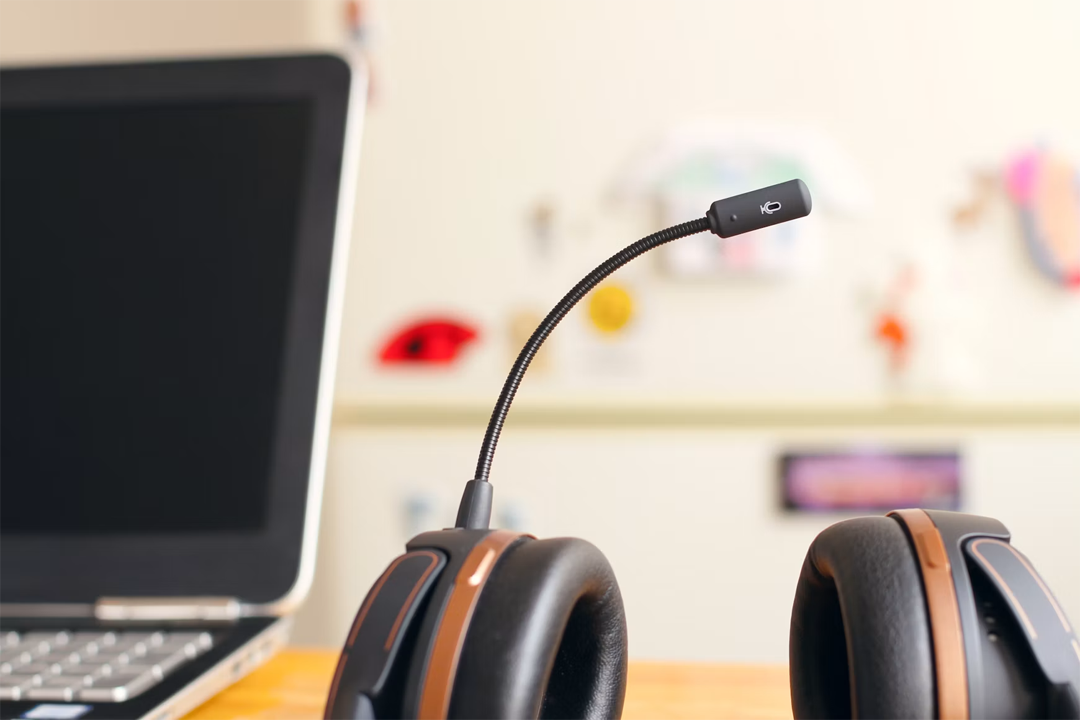
Make sure everyone on the call can hear you and that you can hear them. The specifics will depend on where you’re calling from, but in many cases, a trusty headset with a microphone is foolproof for video calls. If in doubt, you could do a quick sound test before the call to check everything’s in order.
Connection is key
You won’t be able to have a reliable video call without a stable connection—even if you’re using a mobile phone. Before a call, you should ensure you're connected to the internet. If you don’t have access to Wi-Fi, a solid mobile network like 5G or 4G should work.

Video conferencing from home
 Device
You don’t need to invest in a fancy new device for video conferencing; your current work setup will likely be fine. If possible, aim for a laptop or PC instead of a smartphone or tablet. If your device doesn’t have a built-in webcam, there are plenty of affordable external webcam options.
 Conferencing software
There are many free professional video conferencing software options available, with convenient features like screen sharing and virtual whiteboards. Aim for widely used, easy-to-access software, such as Zoom or Google Meet, to make calling simple for you and your clients. It could even be worth creating accounts on multiple platforms to ensure you’re fully prepared for future calls.

Professional environment
When video conferencing from home, aim to create a comfortable, practical setup that promotes professionalism. Keep your laptop or desktop at eye level on your desk and be mindful of your background—you can always use your software’s blur function if needed. If you want to boost your confidence, you could always do a trial run before the actual call.
Virtual catchups
 Device
There are many devices you can use to video call loved ones, so choose whatever feels most comfortable for you. If you have a built-in camera or an external webcam that works with your setup, you’re all set. If there will be others joining on your end, consider using a device with a larger screen so that they can easily see what's happening on the calls.
 Calling software
There’s plenty of free, easily accessible video calling software, no matter what device you’re using. Zoom offers simple, cross-platform group video calls.
For Apple users, FaceTime is pre-installed and automatically syncs contacts across all Apple devices. It supports group calls and includes fun features like emojis, filters, and animated effects.
For Android users, Google Meet is a solid alternative that integrates with Gmail and Google Calendar for easy scheduling.
Get comfortable
There’s no ‘right’ way to call your loved ones—you’re here to connect. If you’re using a portable device, consider settling into a cosy spot on the sofa to make the moment feel more intimate.

Video calling on the go
 Portable devices
If you’re on the go, you’ll need a portable device to make calls. You’ll also need to stay powered up and connected: it’s worth reviewing your mobile data plan and always having a power bank on hand. A solid noise-cancelling headset is also a must, ensuring you can communicate clearly regardless of background noise.
 Apps
Apps
Most major video conferencing platforms have mobile apps, making it easier than ever to stay connected on the go. If your company uses Microsoft Teams, chances are you can access it on your smartphone or tablet with full functionality. Similarly, Zoom and Google Meet offer streamlined mobile apps that allow you to join meetings and use interactive features.
Final thoughts
Video calls have become an essential part of how we work, connect, and communicate in today’s world. Whether you’re hosting a professional meeting, catching up with loved ones, or staying productive on the go, the proper preparation can make every call smooth and enjoyable. It’s not about having the fanciest setup—it’s about making meaningful connections, wherever you are.