What to do if Your Phone is Faulty: From Diagnostics to Decisions
Smartphones are increasingly useful across all parts of daily life. Whether it’s staying connected with loved ones, making easy contactless payments throughout the day, or keeping up to date with the latest news on the go. But life happens, and not everything goes according to plan. Your phone can wear out over time or even get damaged amid the hustle and bustle of daily life.
But a faulty phone doesn’t mean you’re out of options. This guide will explore what to do if your phone isn't working as it should, from understanding the issue to deciding the best route for repair or even replacement.

Find the fault
If you’re unsure why your phone is acting up, there are simple steps you can take to better understand the issue. This will help you rule out factors beyond your control and offer insight into potential next steps.
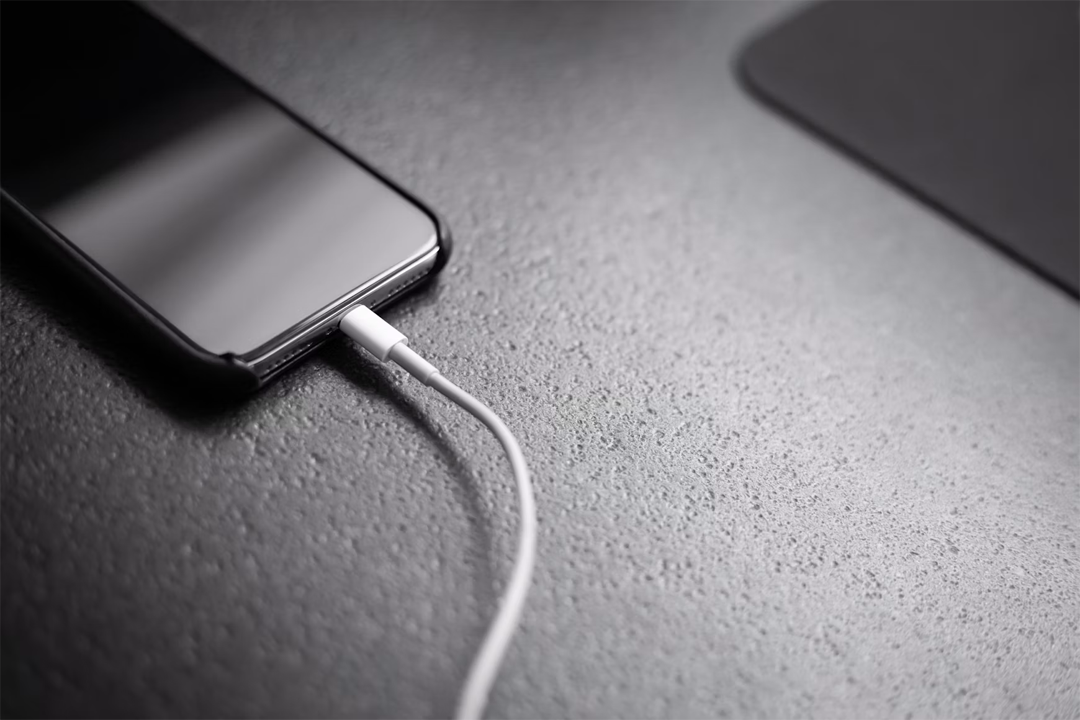
Check your charger
If your phone is experiencing charging issues, it’s worth ruling out if the issue is with the charger rather than the phone. To determine the issue, you’ll just need to try charging your phone with a different compatible charger.
If your phone can charge with an alternative charger, the issue is likely with your original charger rather than the phone itself.
If your phone is still unable to charge with the alternative charger, this indicates a faulty charging port or battery.
Check your network
If your texts or calls aren’t going through, it doesn't necessarily mean there's a fault. It’s worth trying to rule out network issues first. In some cases, your location may have poor network coverage. It’s also worth searching online to see if your network supplier is experiencing any outages.

Check your sim
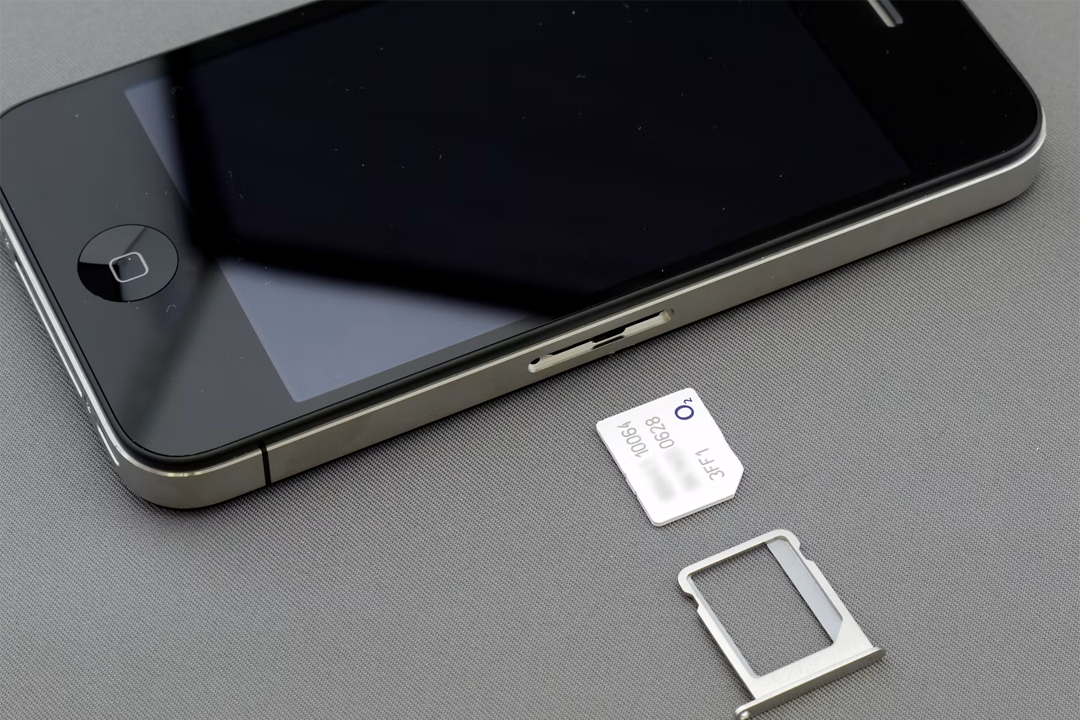
If your texts or calls aren’t working, it’s worth checking your SIM card.
For an eSIM, go to your device's settings and follow your manufacturer's troubleshooting guidance.
For a physical SIM card, follow these steps:
- Follow the guidance in your user manual to remove the SIM card from your device.
- Clean the SIM card with a dry cloth.
- Follow the guidance in your user manual to insert the SIM card back into your phone.
If the issue persists, there are additional steps to help you identify the problem.
If you have an unlocked spare phone, it can help you determine the issue:
- Follow the user manual guidance to insert the SIM. If you’re still unable to send texts or make calls, it indicates a faulty SIM card.
- If you can text and call with the SIM card in the spare phone, that indicates an issue with the original phone.
If you don’t have a spare phone lying around, you can also try to find the cause by testing a different SIM card in your actual phone to determine whether your original SIM card or the phone itself is at fault.
Repairs vs replacements
From a phone fault you can’t quite identify, to a smashed screen that’s impossible to ignore, it’s worth taking a moment to consider your next steps before rushing into anything. Taking a little time to consider your options can reduce unnecessary spending and stress, helping you feel more confident in whatever decision you make.
Repairs
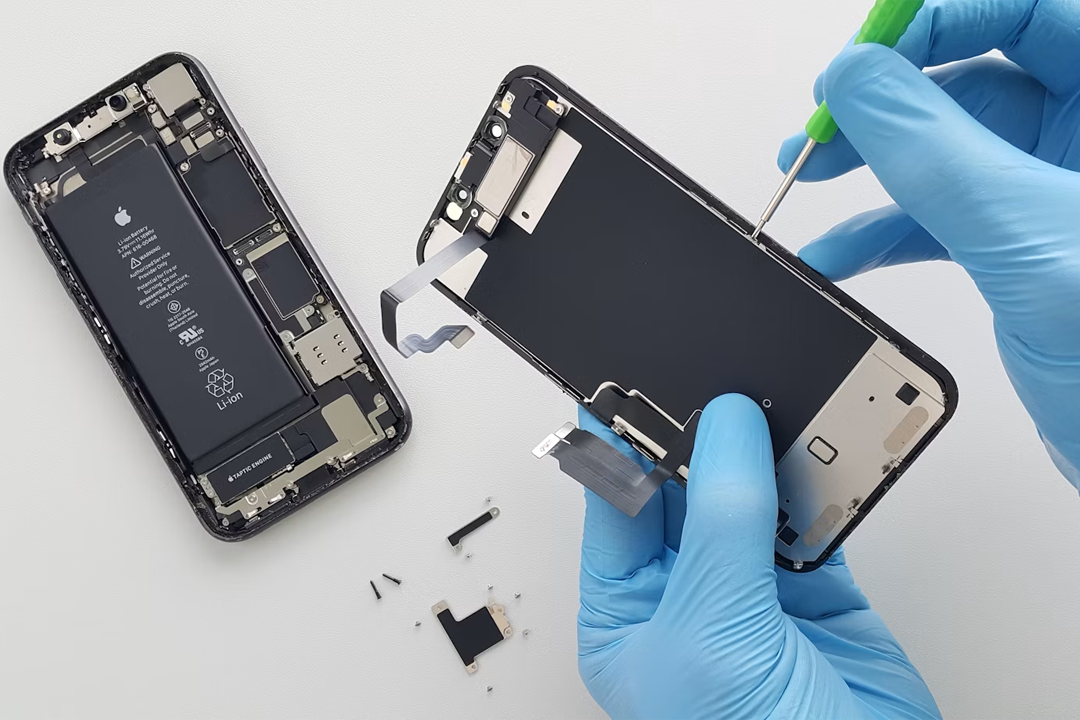
The world of tech repairs is ever evolving, and it’s now easier than ever to keep your phone working well for longer. Most common faults can be repaired by trusted professionals at an affordable rate, including cracked screens, worn-out batteries, and damaged charging ports.
If your phone is reasonably new, getting it repaired will be significantly cheaper than replacing it. Some repairs, like battery replacements, can even extend your phone’s lifespan—saving you money in the long run.
Replacements
If you’ve had your phone for a while, getting a replacement could end up costing you less than a repair, depending on the damage. For example, if your phone’s been struggling to perform for a while and then becomes water-damaged, the repair costs may be better spent on a replacement device.
If you’re unsure whether a repair or replacement would be best, it’s worth requesting a repair quote from a trusted professional and comparing this to the cost of a replacement device.
Repairs
Repairs are an investment, so you’ll want to feel confident that your money is going towards a repair that will help your phone perform well for years to come.
It’s worth checking if you’re already entitled to repair services within your warranty or insurance. Even if you aren’t covered, there are still plenty of reputable avenues for repair.
Your phone’s manufacturer can provide official, reliable repair routes. They often offer comprehensive online services to point you in the right direction, and some also have physical stores that offer walk-in repairs. For example, if your iPhone is damaged, you could head to your local Apple store for in-store repairs, with peace of mind that your device is in safe hands and will be repaired with officially sourced parts.
If you prefer to shop local, there are also numerous independent repair services available. For peace of mind, it’s recommended to check reviews, recommendations, and ensure that officially licensed parts are used for repairs.
Replacements
If you decide that a replacement is the best option for you, there are still ways to save money, reduce waste, and protect your tech for the future.
Refurbished phones are professionally restored, tested and resold; and are often indistinguishable from new models. They’re a great way to access high-end devices at a lower price, whilst reducing waste by keeping valuable parts in circulation and keeping devices out of landfill. You could even add to this sustainable cycle by trading in your old, faulty device!
Whatever replacement route you use, it’s also worth considering future protection; even refurbished phones come with warranty and insurance options. By taking the time to research available tech protection options, you’ll gain valuable peace of mind knowing that you’re covered to your preferred level.

Final thoughts
When your phone stops functioning properly, it can feel like a major disruption—but it doesn’t have to be. Whether you decide to repair or replace, there are practical, budget-friendly options to suit your needs. It’s also important to keep the bigger picture in mind. Choosing repairs or refurbished devices can help reduce electronic waste and give your technology a second life, making a small but meaningful difference to the environment.
Ultimately, the best choice is the one that works most effectively for you—considering your budget, your usage, and your priorities. With a little time and the right information, you can reconnect with confidence.