Back to School: Get Tech Ready for the Academic Year
Technology is an important part of education. Whether you're preparing a child for school, heading off to university, or returning to education yourself, taking a moment to review your technology can help prepare you for a successful academic year. Here are some practical tips to prepare your tech for back-to-school season.

Tech refresh
You don't need to do a complete tech overhaul before every academic year, but if an upgrade has been long overdue, the back-to-school season can be a good time to invest in a new device or repurpose an old one.
Take advantage of deals
Before the start of the academic year, many retailers or manufacturers, such as Apple, offer back-to-school deals. If you’re looking for a tech refresh, these deals can be a great opportunity to take advantage of.
For college or university students, it’s worth checking if any relevant student discounts are available. Student discounts are offered by a variety of retailers who acknowledge that students may have less to spend during their studies, but these offers are subject to availability and eligibility.
Shop smart
Whilst it can be easy to get caught up in the buzz of potential back-to-school offers or student discounts, it’s important to shop smart and steer clear of any potential scams. Fraudsters take advantage of events with widespread deals, as shoppers may lower their guard and become less sceptical of otherwise unrealistic offers. For instance, entering your card details on a fake website could not only compromise your personal information but also lead to your money being stolen.
To stay safe while shopping online, only browse reputable retailers or manufacturers. Always ensure the site is secure by checking the following:
• Ensure there is a ‘https://’ at the start of the URL—the ‘s’ indicates that it is ‘secure’
• Check for a padlock symbol near the URL, this also demonstrates a secure connection
Give a device a new life
There are many ways to give technology a new lease of life. For example, if you have an old laptop lying around, you could set it up for your child to use for schoolwork. If you’re a student, you could repurpose an old tablet as an e-reader for your required reading. There are all kinds of ways to adapt the technology you already own to support learning, so why not get creative with it?
If you want to purchase an affordable device for yourself or your child, it could be worth considering refurbished options from a reliable retailer or manufacturer. Refurbished devices are pre-owned devices that have been professionally restored to a high working condition, ready for purchase at a discounted price. You could even trade in your old, unused gadgets and put the money towards a refurbished device.
As well as being a more affordable way to access technology, repurposed and refurbished tech helps reduce e-waste, which benefits the planet.
Protect your tech
Our devices play a vital role in education, so it’s important to look after them: from keeping them physically protected, to maintaining digital security by following privacy best practices.
Device protection
School, college, and university environments can be busy and unpredictable—from moving devices between classes or lecture halls, to the school run or daily commute. To protect your technology across the hustle and bustle of daily life, it’s worth equipping your devices with the appropriate cases, sleeves, and screen protectors. When it’s time to pack the device away, ensure it’s transported in a secure bag.
For school children:
It’s worth encouraging your child to follow best practices to keep their device safe. Whilst specific guidance will vary by age, general tips include encouraging them to be gentle with their device, to avoid leaving it unattended, and to ensure it is placed safely in their bag when packing it away.
For students:
It can be easy to get lulled into a false sense of security whilst on campus or in your favourite cafe, but it’s never worth leaving your device unattended. As an extra precaution, it may be worth enabling tracking features on your device.
No matter how prepared you are, accidents can happen. For peace of mind, consider getting tech insurance for your devices before the academic year begins. Tech insurance means that if the worst were to happen, you’ll have reliable repair cover and be able to claim back costs for theft, loss, damage, or device breakdown.

Digital protection
Device protection goes well beyond physical protection—digital protection is just as important. It’s best to only keep school or university essentials on educational devices: this means that if someone accesses the device, less personal information will be at risk.
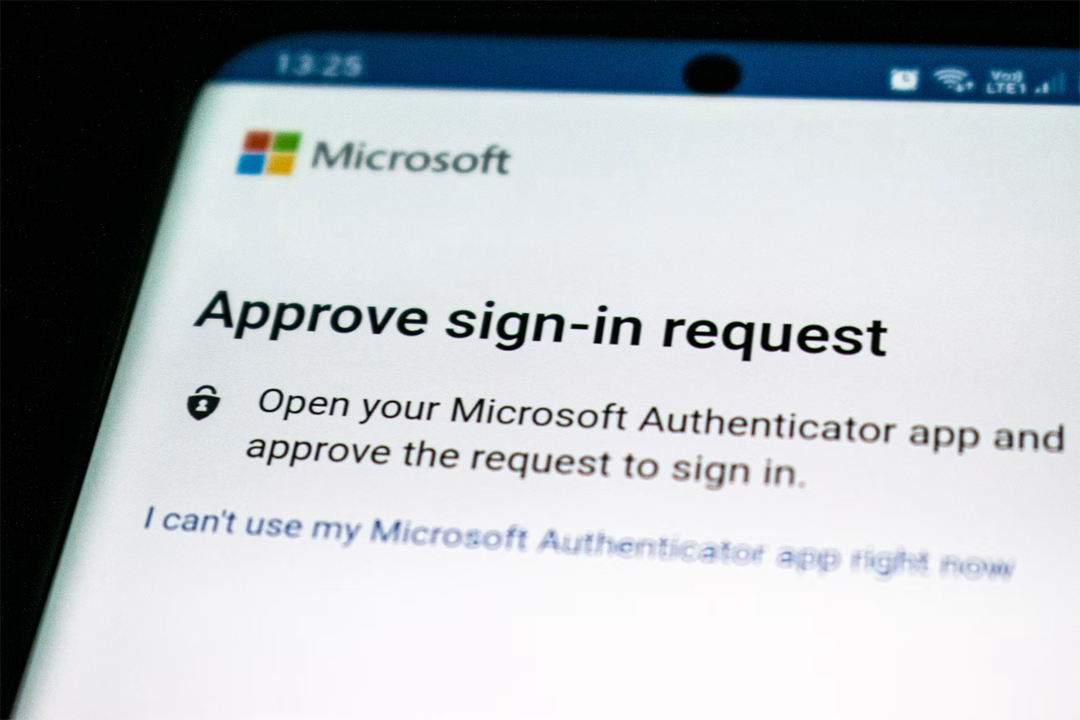
It’s vital to use strong, unique passwords and enable multi-factor authentication where possible. When it comes to schoolchildren, guardian input is crucial to managing passwords. Depending on your child’s age, you may want access to the password, the ability to change it, and other relevant parental controls. This offers a valuable opportunity to teach your child the importance of passwords, discourage them from sharing personal information, and educate them more broadly about healthy digital boundaries to support safe, secure tech use that supports their education.
It’s common for students to work at various locations throughout the academic year, including different campuses, libraries, or cafes. When doing so, it’s important to avoid unsecured Wi-Fi networks, which can allow attackers to easily access personal data. Instead, connect only to secure networks, such as those provided by the university or official eduroam networks. If you have enough mobile data, you could also connect to your own mobile hotspot when out and about to fully avoid the risks of public Wi-Fi networks.
How tech can support learning
Technology can be a valuable tool for supporting education, helping learners of all ages throughout the academic year.
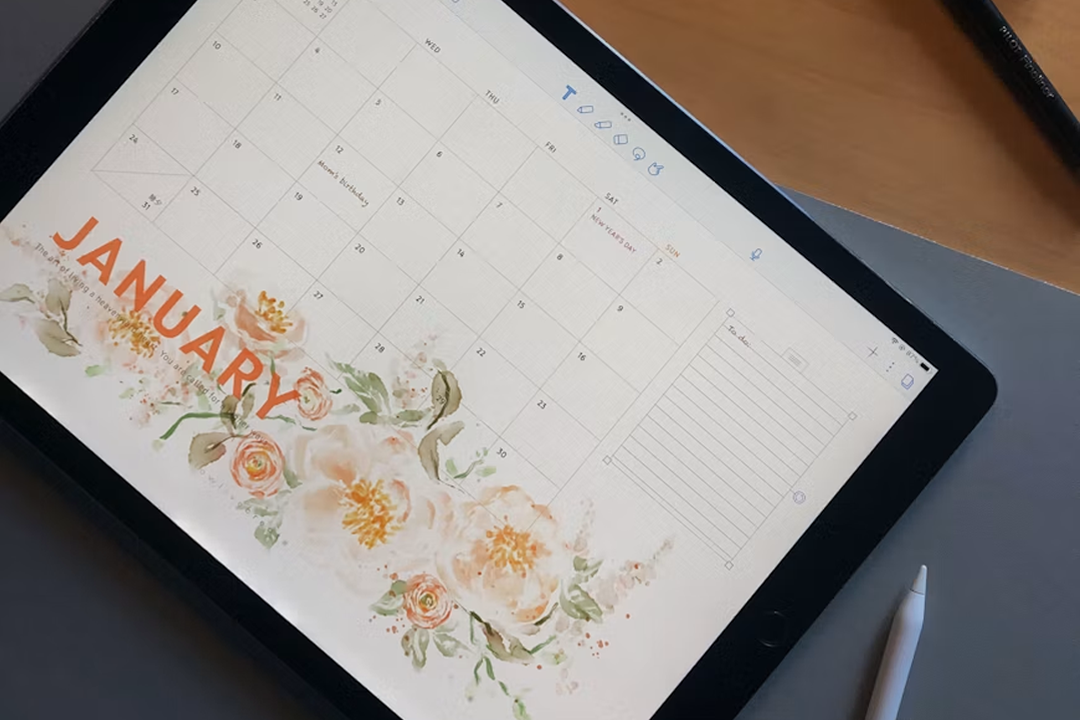
Technology can also support organisation and time management. Digital calendars, scheduling apps, and task management tools can help keep track of timetables, deadlines, and extracurricular activities. By setting reminders for assignments, exams, and important dates, students can stay on top of their workload and avoid last-minute stress.
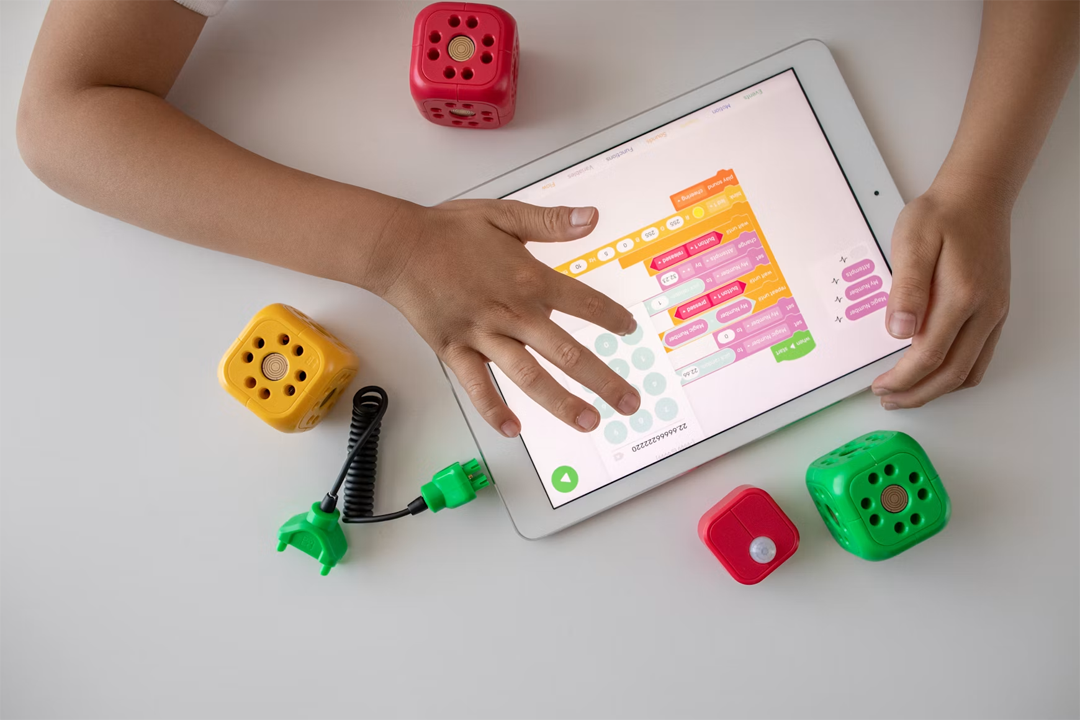
Students in further and higher education can also benefit from a wide range of digital resources. Online courses, academic journals, and digital libraries can support research year-round. Cloud storage services can also make it easier to access coursework across multiple devices and provide an extra layer of protection for important files.
Ultimately, technology is a valuable tool for learning: during the back-to-school period and beyond. When used effectively with proper protections in place, tech can enhance education by providing software that supports skill development, offers greater flexibility, and allows access to a wealth of learning resources.