The Ultimate Video Call Guide: From Conferences to Catchups
Navigating the ever-expanding world of video calling can feel overwhelming at times. Whether you're coordinating a work project or catching up with friends and family from afar, choosing the proper setup for the right situation is important.
This guide will help you prepare for every type of video call, with top tips to make the most of the experience.Top tips for video calling
 Lights, camera, action
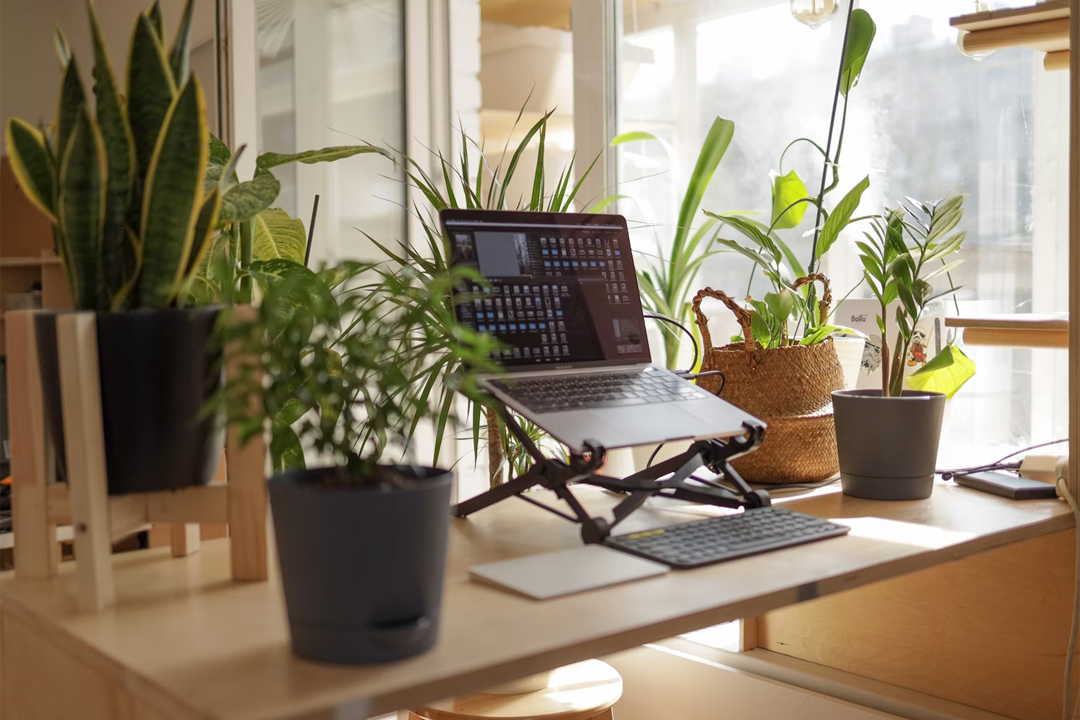
It’s essential that whoever you're calling can see you clearly—and good lighting makes all the difference. If you have natural sunlight available, try sitting facing the light and positioning your camera so your face is clearly visible. There’s no need to worry if the sun’s gone down; you can achieve the same effect with a lamp instead.
 Sound check
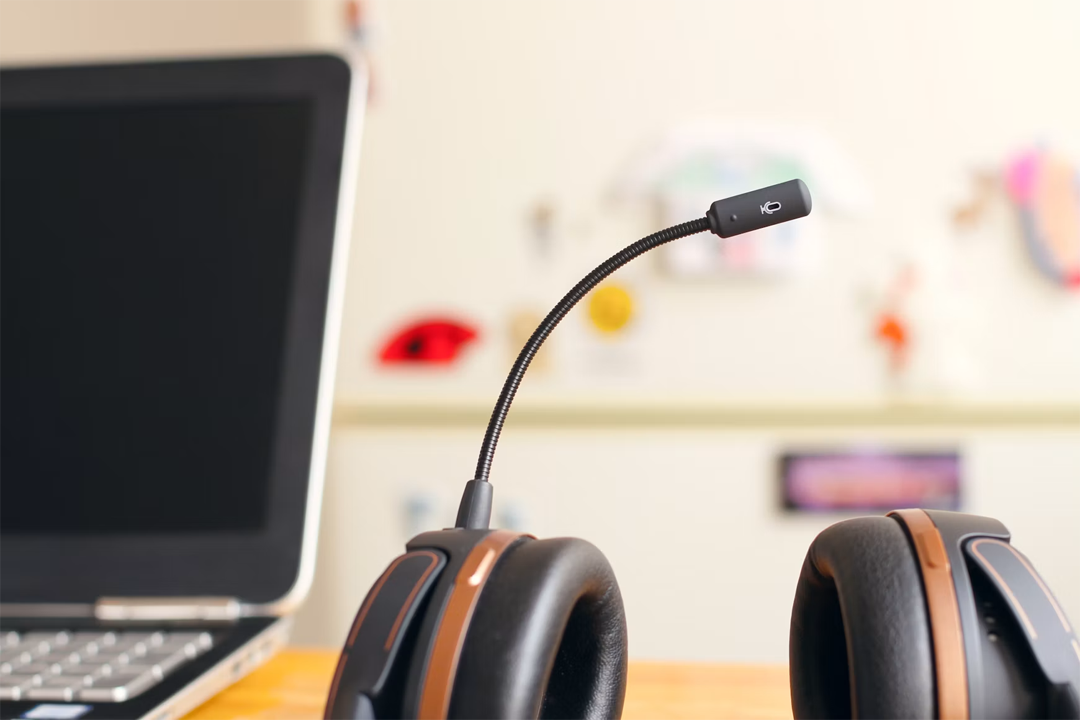
Make sure everyone on the call can hear you and that you can hear them. The specifics will depend on where you’re calling from, but in many cases, a trusty headset with a microphone can help ensure reliable audio during video calls. If in doubt, you could do a quick sound test before the call to check everything’s in order.
Connection is key
You won’t be able to have a reliable video call without a stable connection—even if you’re using a mobile phone. Before a call, you should ensure you're connected to the internet. If you don’t have access to Wi-Fi, a solid mobile network like 5G or 4G should work.

Video conferencing from home
 Device
You don’t need to invest in a fancy new device for video conferencing; your current work setup will likely be fine. If possible, aim for a laptop or PC instead of a smartphone or tablet. If your device doesn’t have a built-in webcam, there are plenty of affordable external webcam options.
 Conferencing software
There are many free professional video conferencing platforms available, with convenient features like screen sharing and virtual whiteboards. When choosing one, consider which services your company, clients, or contacts already use. It's also worth considering whether the platform works across different devices. Zoom and Google Meet are both widely used options, whilst Microsoft Teams is commonly used within a company for work calls.

Professional environment
When video conferencing from home, aim to create a comfortable, practical setup that promotes professionalism. Keep your laptop or desktop at eye level on your desk and be mindful of your background—you can always use your software’s blur function if needed. If you want to boost your confidence, you could always do a trial run before the actual call.
Virtual catchups
 Device
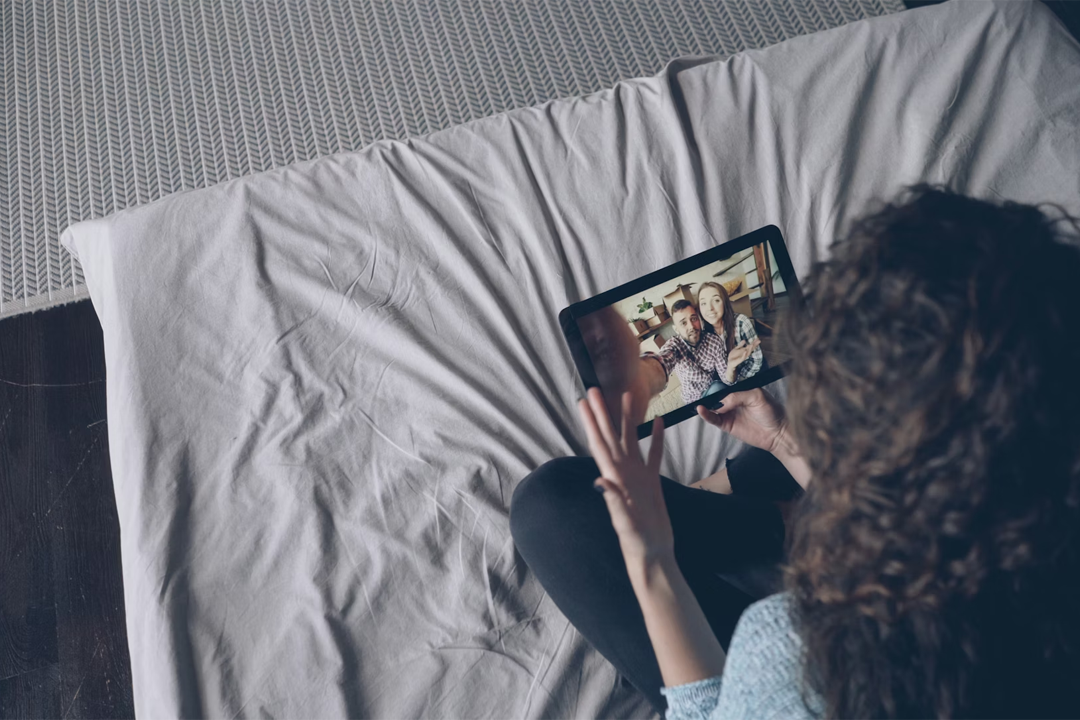
There are many devices you can use to video call loved ones, so choose whatever feels most comfortable for you. If you have a built-in camera or an external webcam that works with your setup, you’re all set. If there will be others joining on your end, consider using a device with a larger screen so that they can easily see what's happening during the call.
 Calling software
There’s plenty of free, easily accessible video calling software, no matter what device you’re using. Zoom offers simple, cross-platform group video calls.
For Apple users, FaceTime is pre-installed and automatically syncs contacts, supports group calls and includes fun filters and animated effects.
For Android users, Google Meet integrates with Gmail and Google Calendar for easy scheduling.
Get comfortable
There’s no ‘right’ way to call your loved ones—you’re here to connect. If you’re using a portable device, consider settling into a cosy spot on the sofa to make the moment feel more intimate.

Video calling on the go
 Portable devices
If you’re on the go, you’ll need a portable device to make calls. You’ll also need to stay powered up and connected: it’s worth reviewing your mobile data plan and always having a power bank on hand. A noise-cancellation headset is also worth considering, as ANC and transparency modes might be useful for different environments.
 Apps
AppsMost major video conferencing platforms offer mobile apps, making it easier than ever to stay connected on the go. Zoom and Google Meet offer streamlined mobile apps that allow you to join meetings and use interactive features.
Microsoft Teams also has a mobile app, making it easier to stay connected to workplace calls and conversations whilst away from your desk.
Final thoughts
Video calls have become an essential part of how we work, connect, and communicate in today’s world. Whether you’re hosting a professional meeting, catching up with loved ones, or staying productive on the go, the proper preparation can make every call smooth and enjoyable. It’s not about having the fanciest setup—it’s about making meaningful connections, wherever you are.